11. TROUBLESHOOTING
11.1. Problem-Cause-Solution Table
(1) To reset the safety thermostat, remove the black plastic button and press the button on the back of the
machine, and cover again. If the problem occurs again, contact our After Sales service.
(2) To reset the gas alarm, the warning is displayed on the TOUCH control screen. If the problem occurs again,
contact our After Sales service.
In any other case, please contact our After Sales service.
12. INDICATIONS FOR REMOVING AND GETTING RID OF THE
MACHINE
Only European Union.
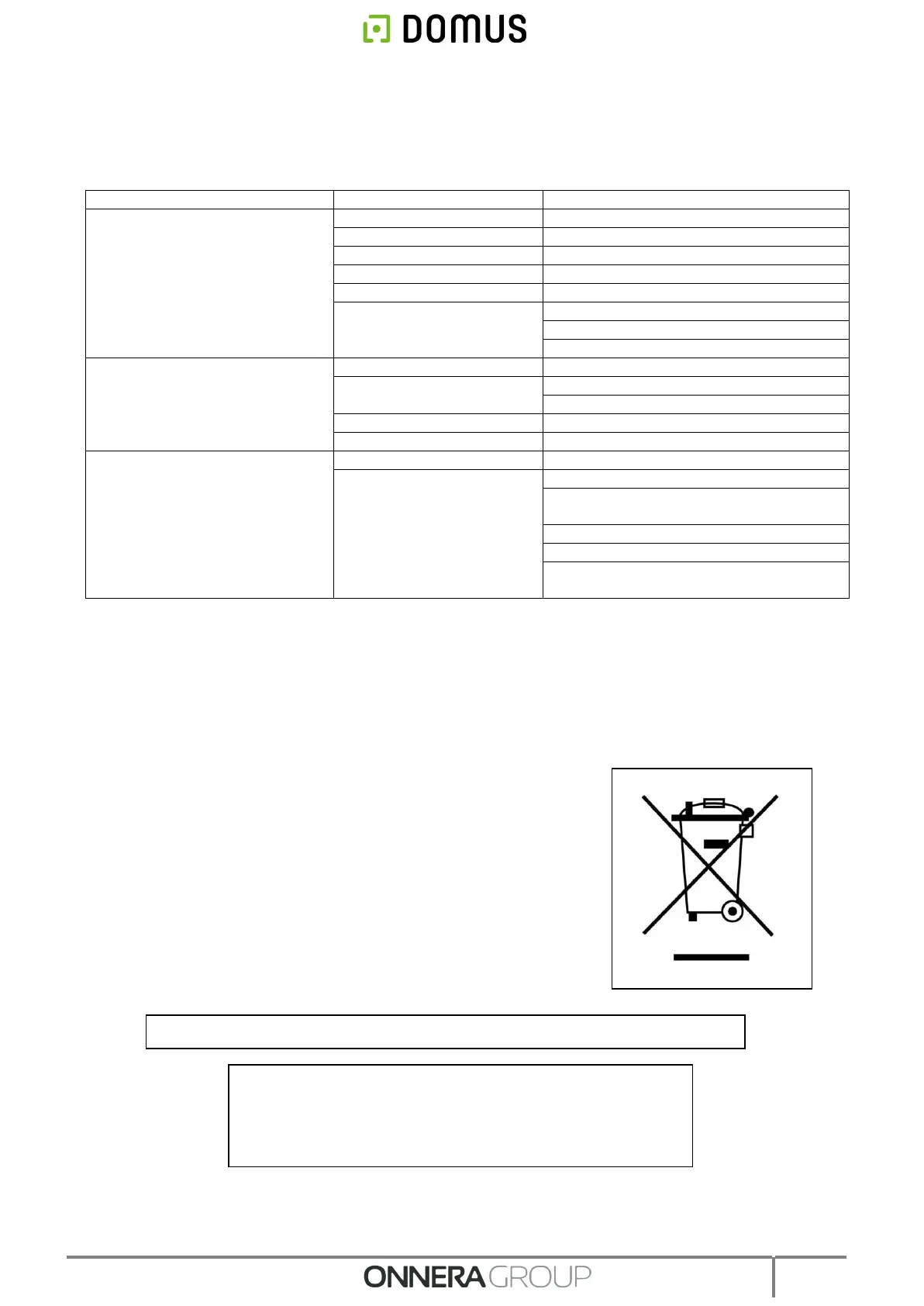
This machine is marked with the symbol that appears below.
This symbol means that in accordance with current European
guidelines, the machine (or any of its parts) must be taken to
a specific collection point for electrical and electronic
equipment, and not to normal domestic waste containers.
The dryer does not start up
Cover / door micro faulty
Change the cover or door micro
Turn ¼ of a turn to disconnect it
Check the condition of fuses
Check mains voltage is correct
The dryer does not heat up
Timer is in Cool-down mode
Increase the selected time
The heating does not
receive ON signal
Check thermostat / Control electronic plate
Check safety thermostat (1)
Insufficient steam pressure
The dryer does not dry enough
Check that the output pipe is clean and not
blocked
Clean fan-extractor blades
Check that the room has sufficient fresh air
inlets.
For service and replacement parts, contact below for your nearest dealer:
ONNERA GROUP
C. Comerç, 6-12 - Pol. Ind. La Quintana
08504 Sant Julià de Vilatorta – BCN – SPAIN
Tel. +34 93 812 27 90 - Fax. +34 93 812 27 95



 To Next Page