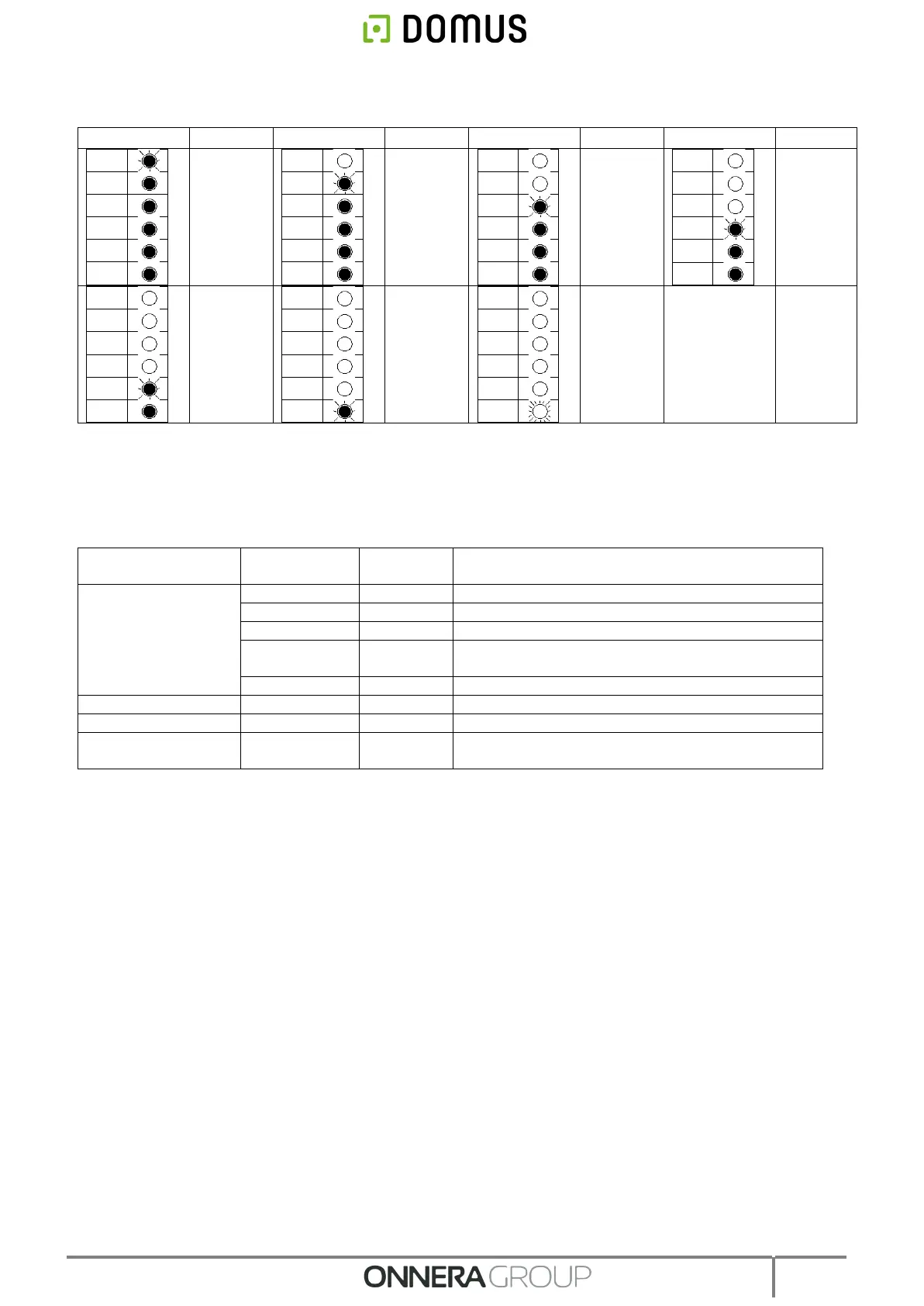
• Remaining time display with machine running:
• * In OPL mode this is 0’. In self-service mode this is the defined cool-down time.
4.2.2. Functions associated to the buttons.
Details are given below of the functions of the keys in the different machine modes.
In OPL mode, the time is increased by 5 minutes.
In self-service mode, this does not have any effect.
In OPL mode, the time is decreased by 5 minutes.
In self-service mode, this does not have any effect.
The High drying temperature is selected.
The Medium drying temperature is selected.
The Low drying temperature is selected.
The drying cycle starts with the selected times and
temperatures. Indicator light 2 is lit in green.
4.2.3. Self-recognition mode
Turning the DIP SWITCH (S07) to 111111 activates the self-recognition mode. This mode is only used
by trained technical operators and serves to configure the board according to the model of dryer. (For
further information please consult the technical service).
4.2.4. Other functions
• Reset to factory parameters: The factory parameters can be reset with the following sequence:
o The electrical power supply should be disconnected from the machine.
o With the machine stopped, press the Start button. While the Start button is pressed, reconnect the
electricity. Next release the Start button.
o All the dryer parameters will be restored to the factory parameters and according to whether it is
configured in OPL mode or in self-service mode.
• Reset balance to 0: In self-service mode, if necessary, the balance can be set to 0 using the following
combination of keys:
o The electrical power supply should be disconnected from the machine.
o The electricity should be reconnected.



 To Next Page