4.3 Quick Input Format Setting
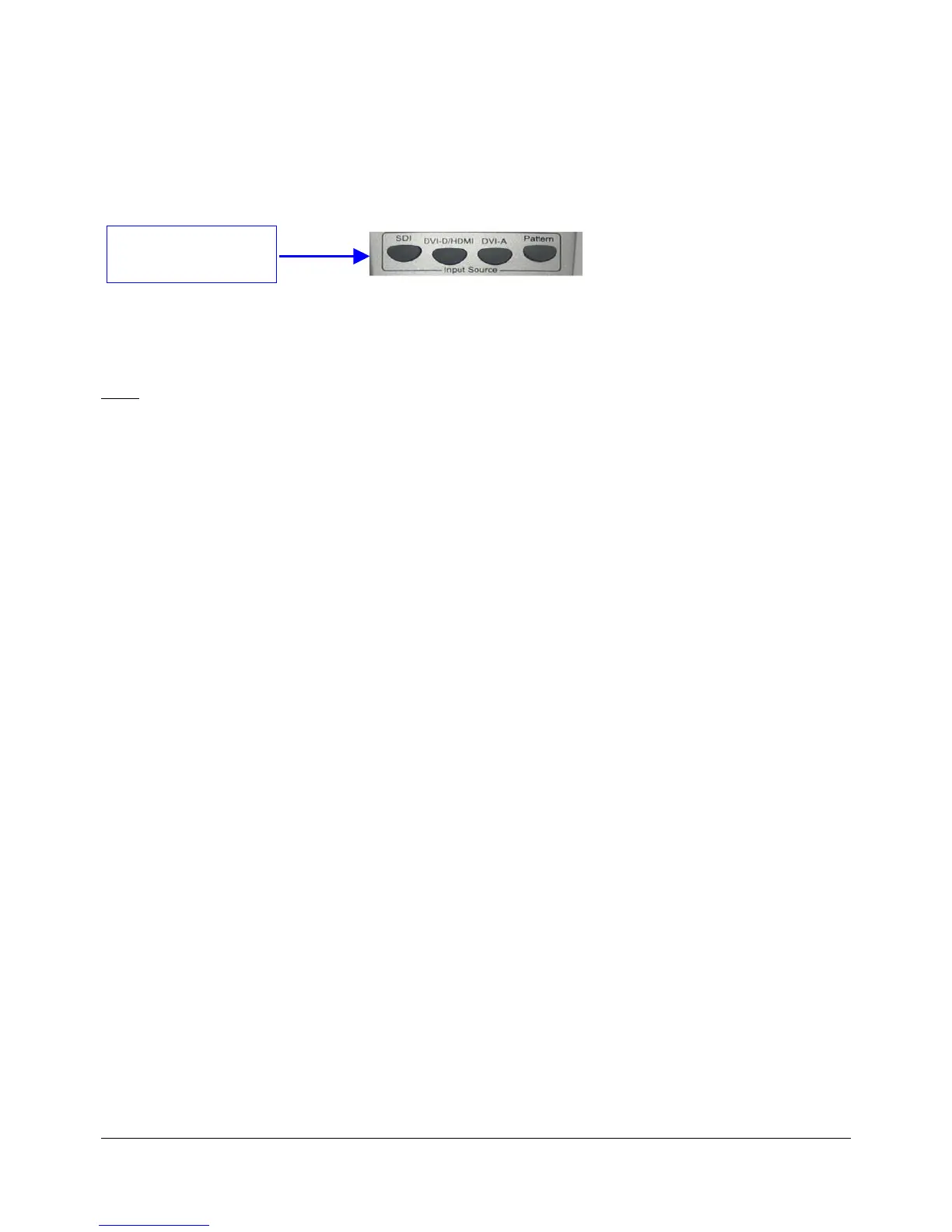
• To select the input format press one of the buttons available at the top of the remote
controller.
Figure 5: Quick Input Format Setting
• The user has the choice between SDI, HDMI (using the DVI-D/HDMI button) and "Pattern".
The “Pattern” button will generate color bars with 16 channels of audio at different
frequencies.
Note: The "DVI-A" button is unused.
DM3.OM.001026.DRM Page 29 Version 1.4
Doremi Labs Inc.
Press one of the
available input formats



 To Next Page