5.4 Tabs Description
5.4.1 Input Tab
The "Input" tab is presented in Figure 10. All parameters are explained in this manual in the
Section 3 “Dimension-3D Front Panel Controller.”
5.4.2 Output Tab
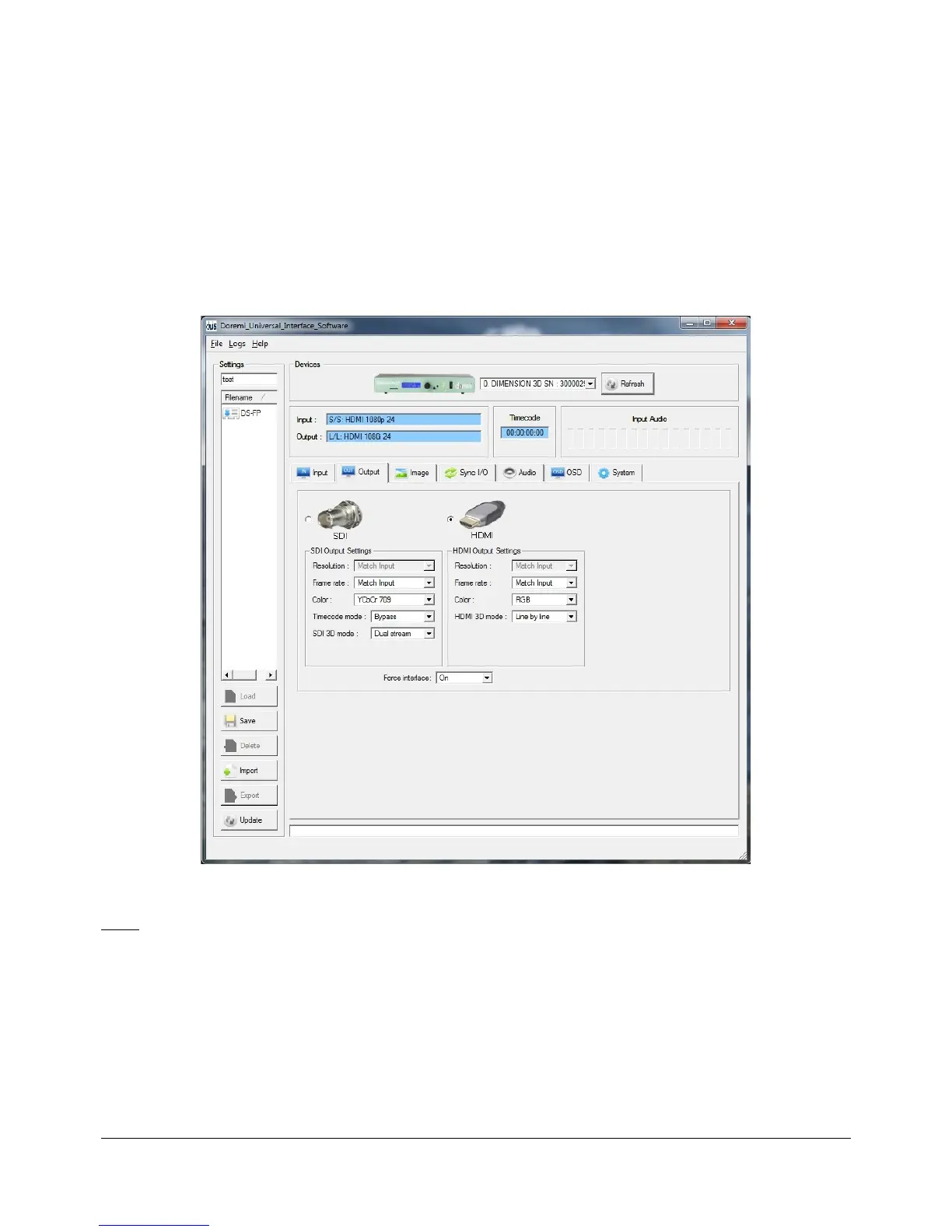
• The “Output” tab is illustrated below:
Figure 12: Doremi Universal Interface GUI – Output Tab
Note: All parameters are explained in this manual in Section 3 “Dimension-3D Front Panel
Controller.”
• Allows the user to select the output interface and modify the preferences.
DM3.OM.001026.DRM Page 36 Version 1.4
Doremi Labs Inc.



 To Next Page