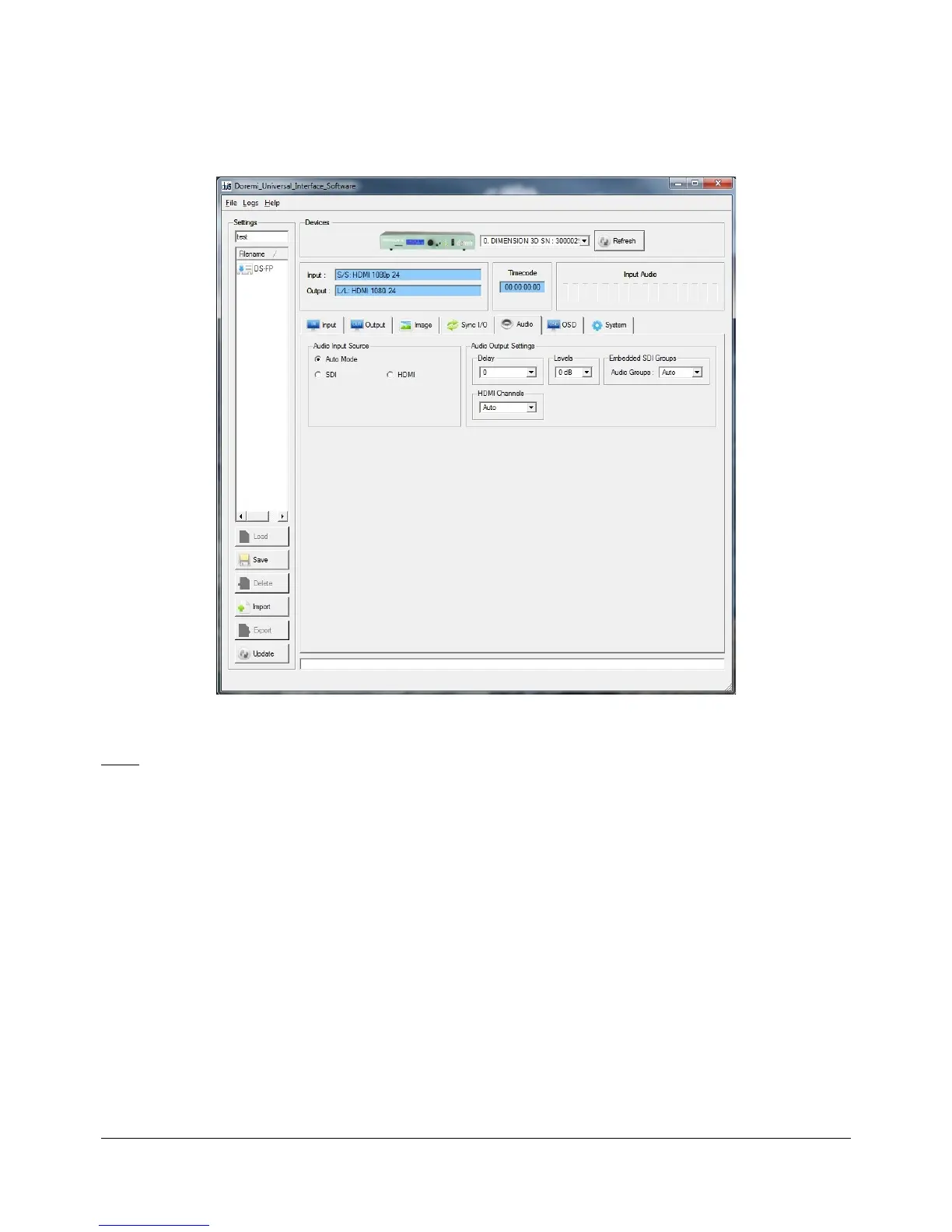
5.4.5 Audio Tab
• The "Audio" tab is illustrated below:
Figure 17: Doremi Universal Interface GUI – Audio Tab
Note: All parameters are explained in this manual in Section 3 “Dimension-3D Front Panel
Controller.”
• Allows the user to adjust the audio settings.
• The AES option is not available.
• "Audio Mode" Check-box: When selected the input will be derived from the input interface.
• "Audio Groups" drop-down menu: Is the audio output selection for groups.
DM3.OM.001026.DRM Page 41 Version 1.4
Doremi Labs Inc.



 To Next Page