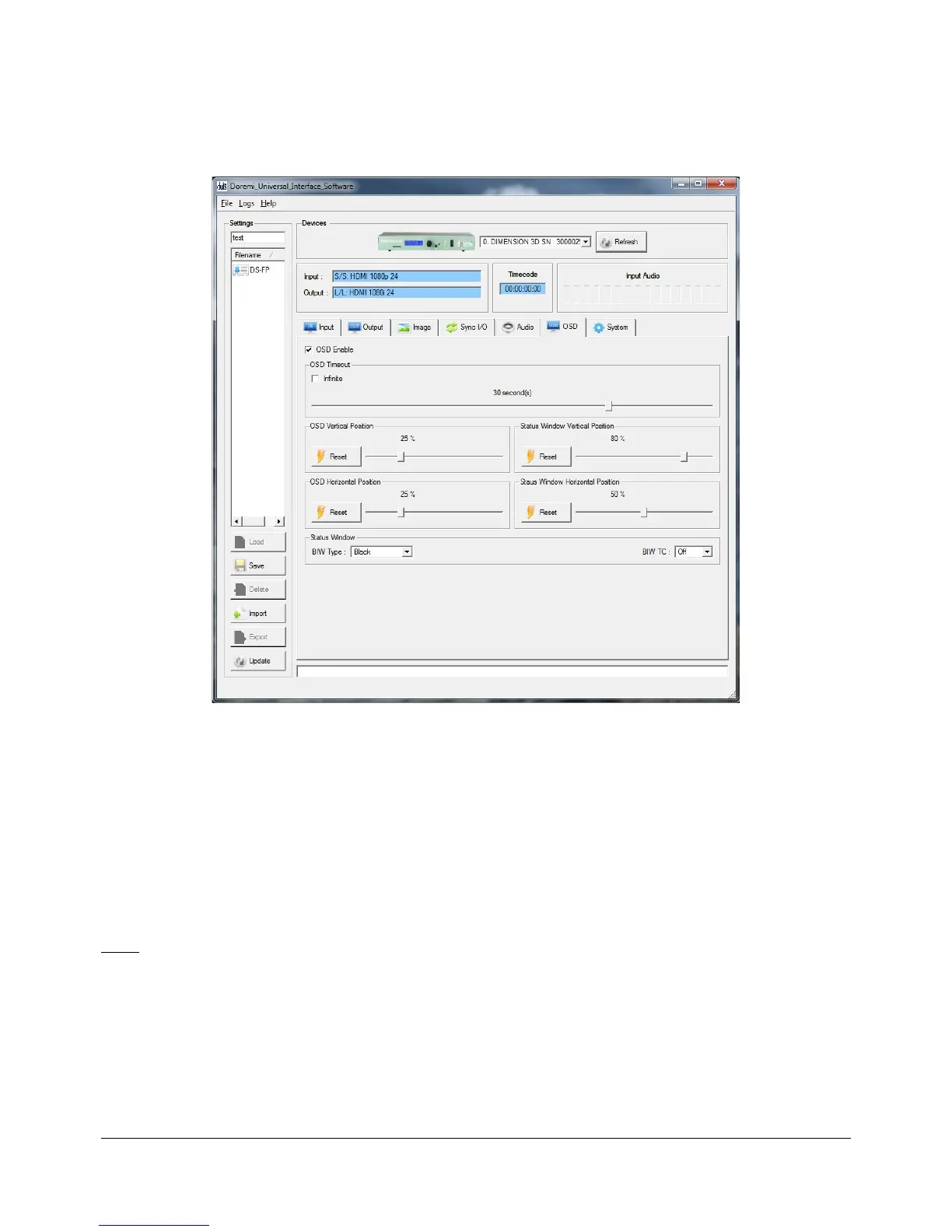
5.4.6 OSD Tab
• The "OSD" tab is illustrated below:
Figure 18: Doremi Universal Interface GUI – OSD Tab
• Allows for interacting with the display on the screen.
• Allows the user to adjust settings on the display.
• Allows the user to adjust the vertical and horizontal positions.
• Allows the user to adjust the "timecode."
• Provides information on the "framerate."
• The user can set the resolution and timing on the display.
Note: All parameters are explained in this manual in Section 3 “Dimension-3D Front Panel
Controller.”
DM3.OM.001026.DRM Page 42 Version 1.4
Doremi Labs Inc.



 To Next Page