Assembly Instruction Mounting ED UPS
060675 45532/17224 - 07/2023 ED UPS 9
10. Mount the ED UPS mounting plate on the ED100/250 mounting plate.
11. Attach the mounting plate to the wall.
ð The ED UPS mounting plate is firmly connected to the ED100/250
mounting plate.
12. Re-mount the ED100/250. Do not mount the casing cover.
13. Mount the inner Vario bracket (5) with two hexagon socket screws M6x12.
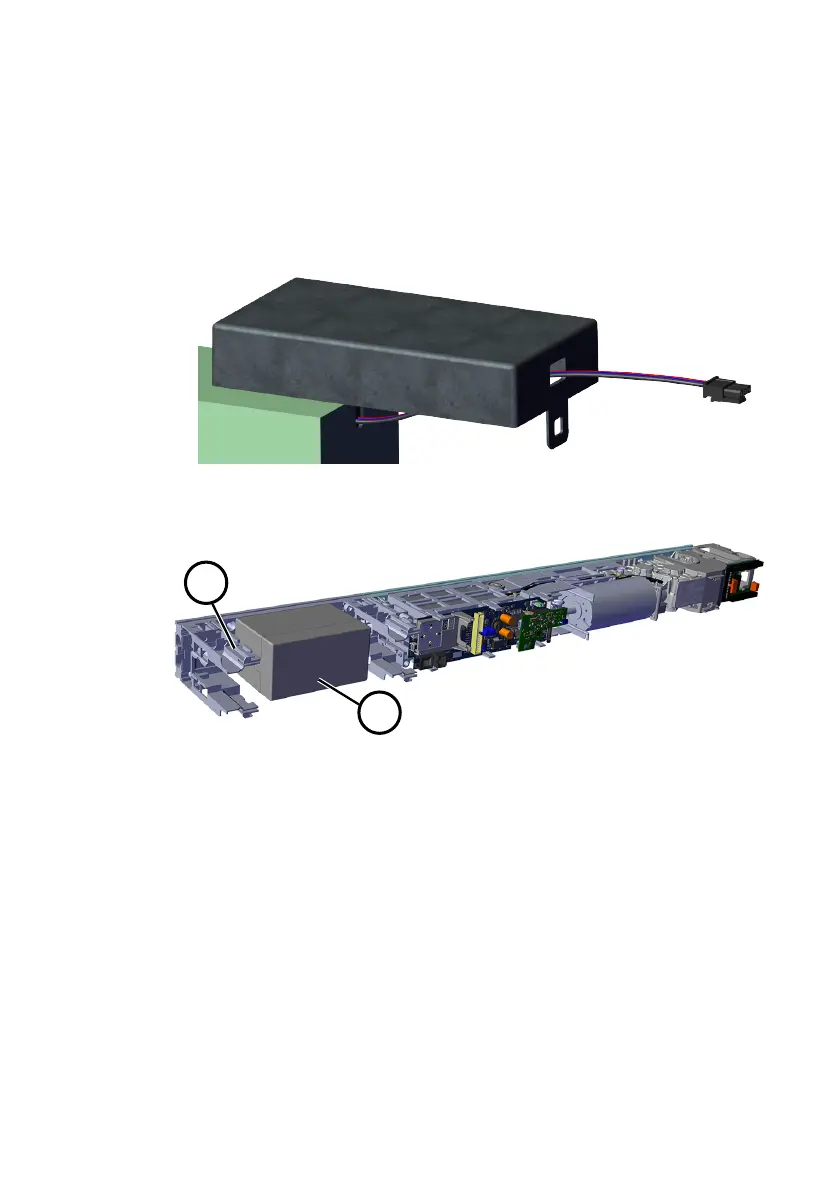
14. Remove the cover (8) of the battery casing.
15. Guide the cables of the A01 battery (item sold separately) through the cover
of the battery casing.
16. Insert the battery into the casing and close the cover.
17. Push the battery casing onto the mounting plate. The cables must point in the
direction of the ED100/250.
18. Mount the outer Vario bracket (9) with two hexagon socket screws M6x12.











 To Next Page