ES 200
2727
DEEN
• The parameters registered during the learning cycle are now
stored and an 8 flashes twice on the 7-segment display.
ES 200
Easy
:
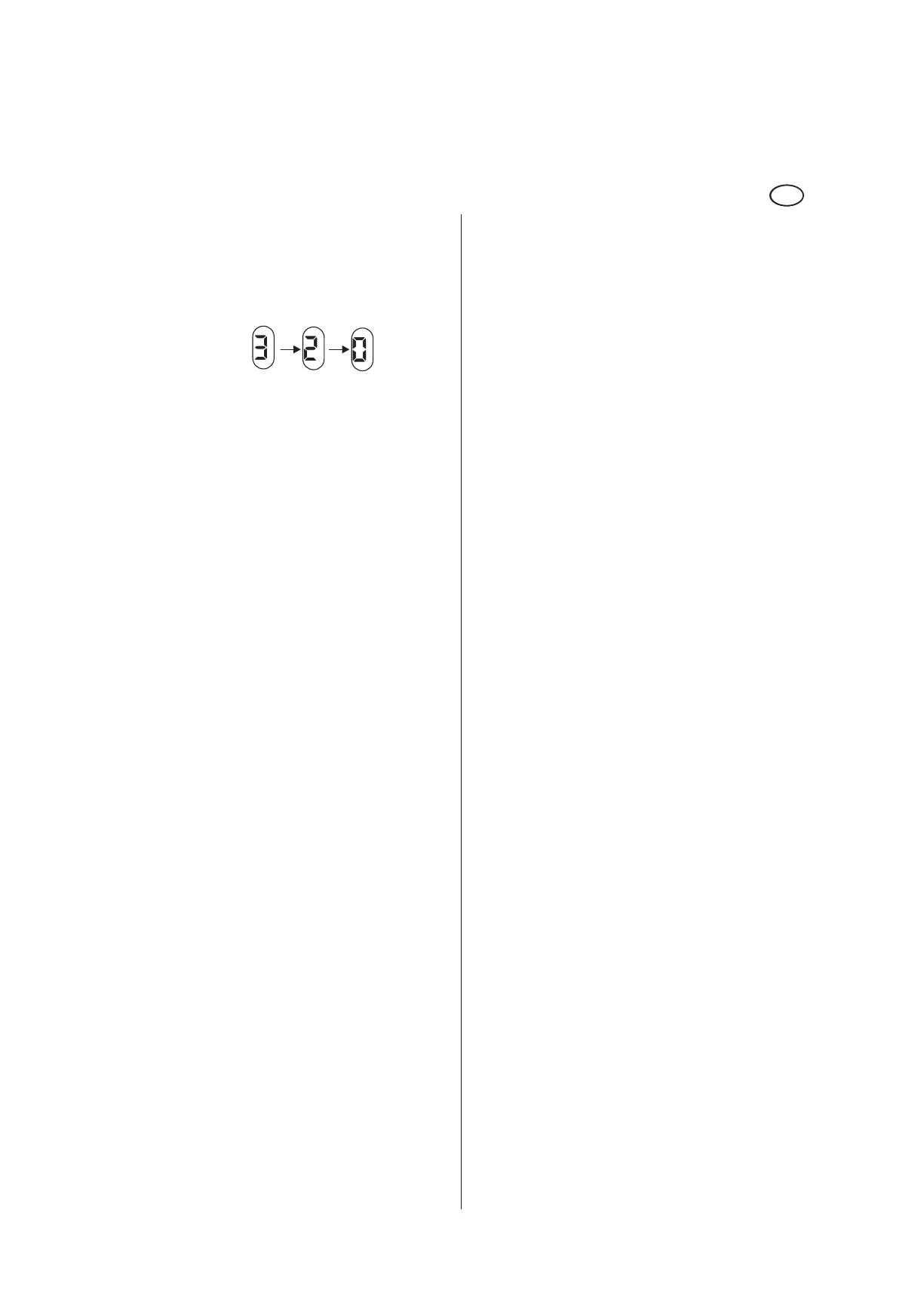
During the learning cycle the software version is indicated in
three digits.
example: version 3.20 =
The learning cycle is now complete.
• The 7-segment display indicates a dot.
1.3.6 Set program switch to AUTOMATIC.
ES 200-2D
starts a test cycle.
1.3.7 Activate the SERVICE button for a short time
• so that the door performs an opening cycle and closes on
expiry of the hold-open time.
The following system parameters must be checked and
amended if required.
Settings: operating instructions of parameterisation.
Perform amendments with the aid of the parameterisation
instructions and the buttons located on the control unit.
Menu P.:
Program mode - original settings = 0
Menu A.:
Operation via rechargeable battery pack – original settings = 0
Menu r.:
Locking action depending on position of program switch –
original settings = 0
Menu L.:
Locking type – original settings = 1
Menu b.:
Motor type – original settings = 1
ES 200 / ES 200-2D
also via PDA
The motor- and locking type are not learned automatically
during the learning cycle.
1.4 Country-specific settings for first commissioning.
1.4.1. ES 200 CO48
During this operation the belt is tensioned during every closing
cycle. The door opens with the aid of the tensioned rubber
belt following a power failure.
The control unit must be adjusted as follows:
• Set program switch to “OFF” and activate the EMERGENCY
OFF pushbutton. Then switch on power supply.
• Set P=3 via the buttons on the basic module or set the PDA
to ”Mode CO48”.
• Unatch the EMERGENCY OFF pushbutton.
• Perform a learning cycle: Press and hold SERVICE button.
The door starts an opening cycle, then it closes.
• When the 8 on the 7-segment display blinks twice: Release
SERVICE button. The learning cycle is completed.
• Check and change settings if required
R = ”0” or ”1”
L = ”0” to ”5”
Perform the changings with the aid of the parameterisation
instructions via the buttons on the control unit or the PDA.
1.4.2 DAC 300
In this mode, the rubber belt is tensioned during the first
closing cycle and held by a solenoid. In the event of a power
failure, the solenoid will release the tensioned rubber belt,
which opens the door.
• Set program switch to “OFF” and operate the EMERGENCY
OFF pushbutton. Then switch on the power supply.
• Set P = 2 via the buttons on the basic module or set the
PDA to ”DAC300”.
• Unatch the EMERGENCY OFF pushbutton.
• Perform a learning cycle: Press and hold the SERVICE
button. The door performs an opening cycle, then it closes.
• When the 8 on the 7-segment display blinks twice: Release
SERVICE button. The learning cycle is completed.
• Check and change settings if required
R = ”0” or ”1”
L = ”0” to ”5”
Perform the changings with the aid of the parameterisation
instructions via the buttons on the control unit or the PDA.
EN













 To Next Page