English / US English
28
Instructions for Use Air Compressor
End of operation
1 Switch off the connected ventilator.
Switching off the compressor
2 Press the On/Off switch on the rear (position
(off)).
The green LED goes out.
Venting the compressor
The compressor is not vented automatically.
3 For devices with standby mode, remove the
connector from the wall terminal unit of the
central gas supply system (Air).
4 Carefully remove the Air compressed gas hose
from the ventilator to vent the device.
The remaining compressed air escapes audibly.
Troubleshooting
CAUTION
Only unscrew the compressed gas hose after
removing the connector from the wall terminal unit
of the central gas supply system. The
compressed gas hose is otherwise still
pressurized, which can injure the user.
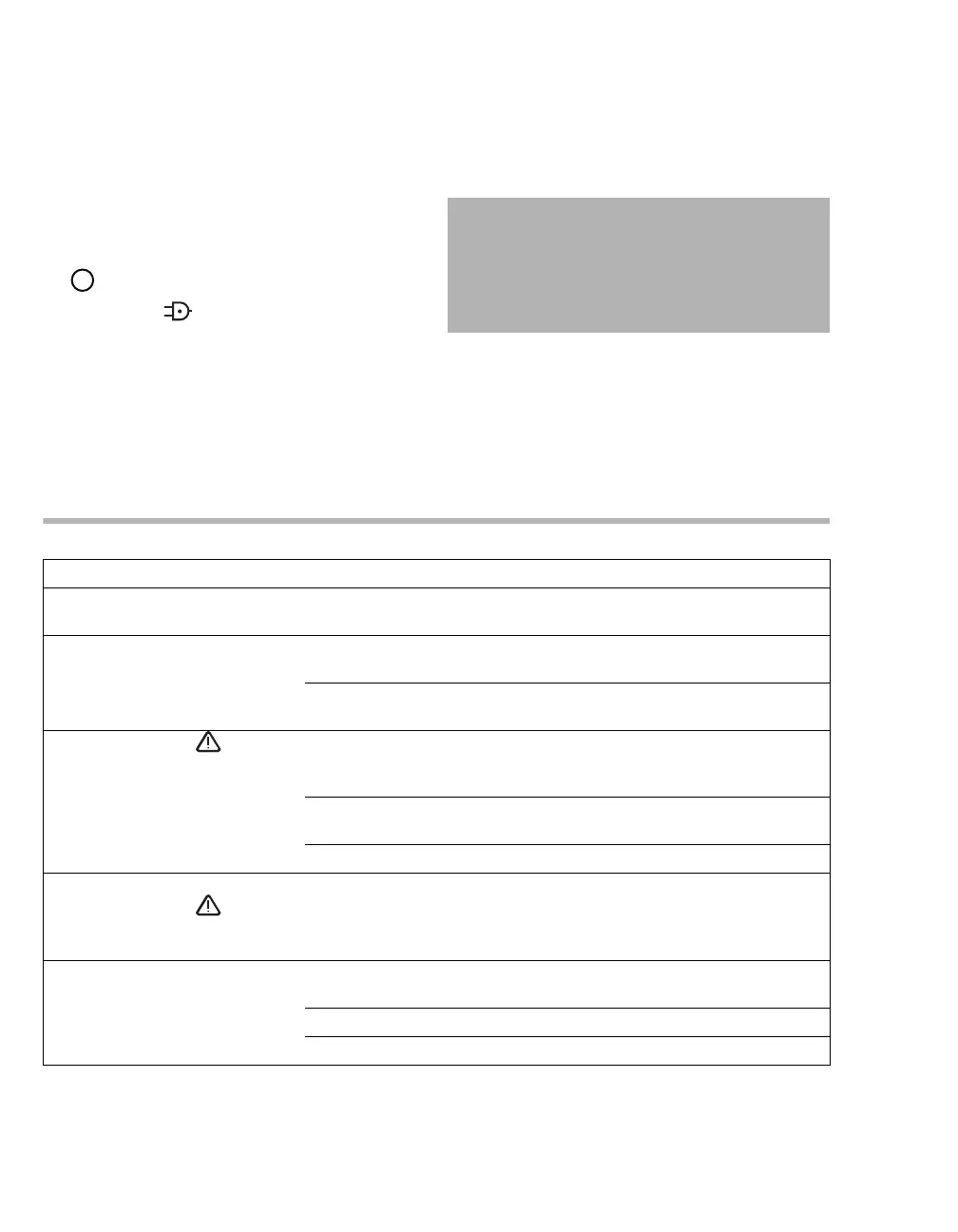
Fault Cause Remedy
Compressor vibrates strongly Rubber feet on compressor unit
defective
Call DrägerService
Compressor runs but builds up
too little or no pressure
Intake filter soiled Perform maintenance. Call
DrägerService
Leakages in the medical air
compressor
Call DrägerService
Orange LED Temp lights up
and a continuous buzzing
sounds
High ambient temperature Place the compressor in a cool
location and ensure free air
circulation
Filter mat soiled Knock dirt out of filter mat or
replace with a new filter mat
Fan defective Call DrägerService
Compressor does not run
Orange LED Temp lights up
and a continuous buzzing
sounds.
Device defective Call DrägerService
Compressor refuses to start Mains voltage too low or not
available
Check mains voltage
Fuses defective Call DrägerService
Device defective Call DrägerService


 To Next Page
 Loading...










