Instruction Manual Dräger MSI EM200-E
19
10.2 Select or Modify Engine Number
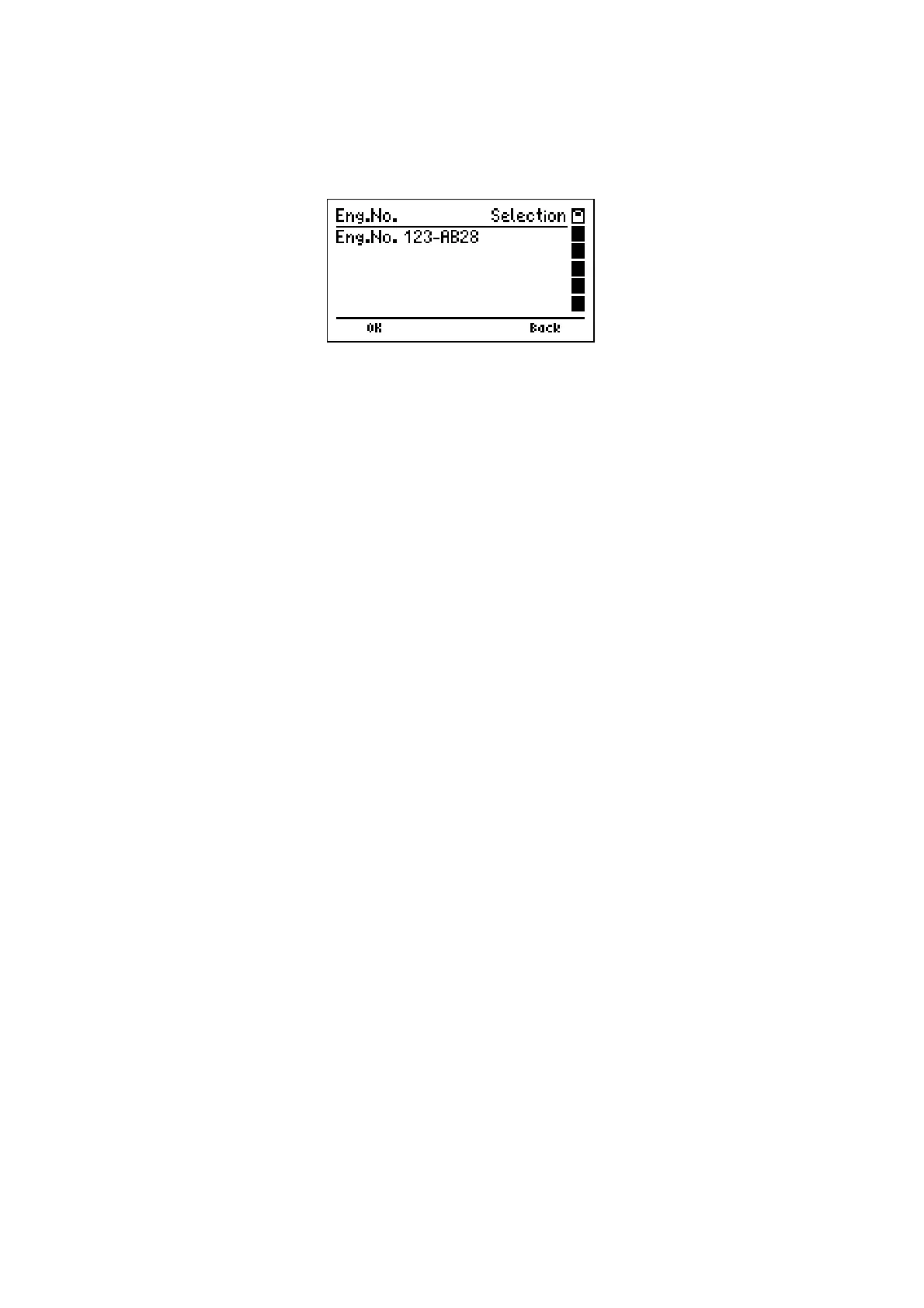
If "Select or Modify Engine No." is selected, the display reads e.g.:
The display informs about engine number.
With pushing "H" (
Back
) "Selection or Input of Engine No." (see 10.) is called again.
With "F" (
OK
) the engine no. is selected and you skip back to the function from where "Se-
lection or Input of Engine No." has been called.
The selected engine number is used for all measurements, until the instrument is switched
off or a new engine number is selected.













 To Next Page