Instruction Manual Dräger MSI EM200-E
22
11.3 Key Beep Switch on / off
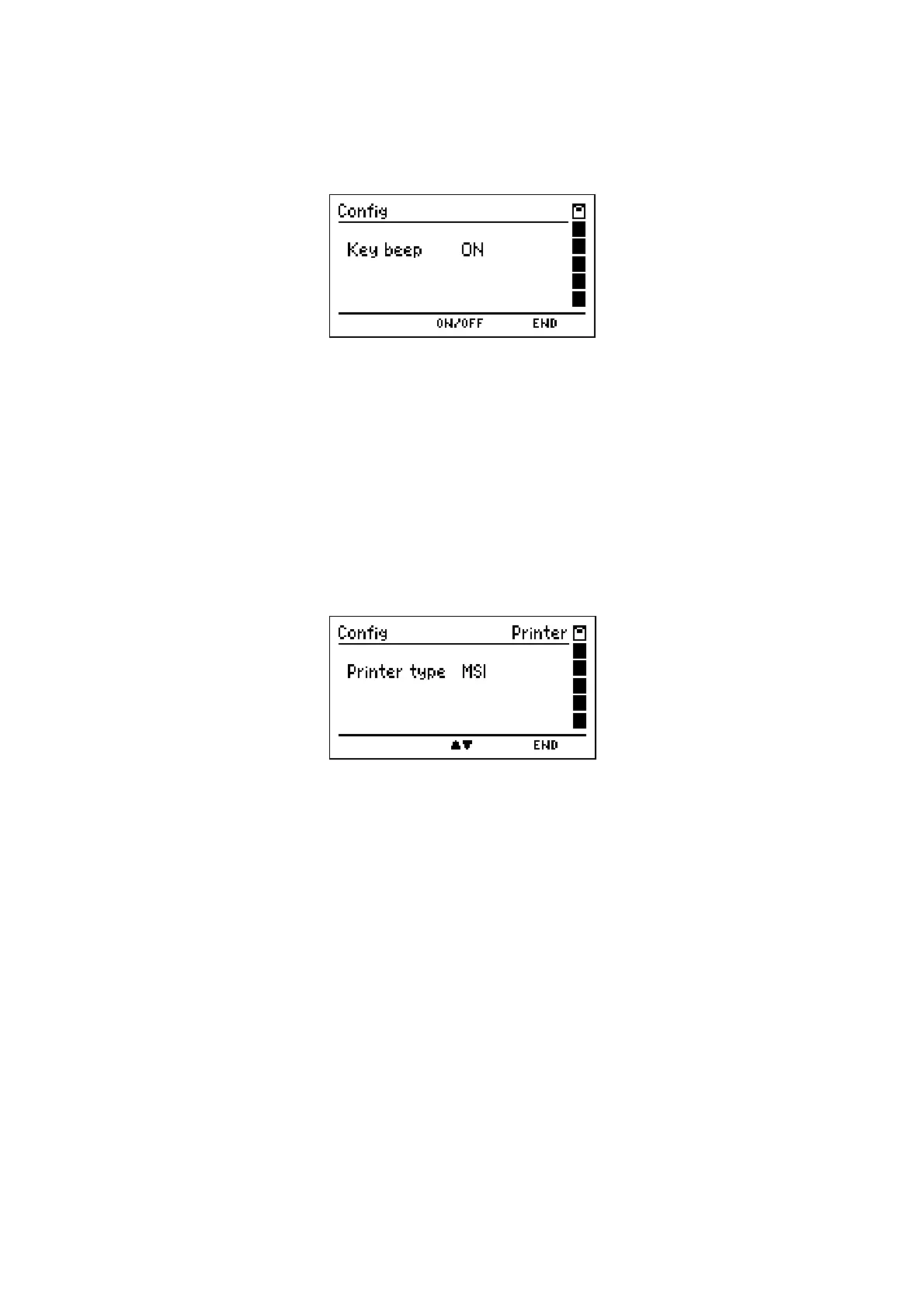
After selecting "Key Beep" the display reads:
With pushing "
▲
or
▼
" (
ON / OFF
)
you may select "Key beep ON" or "Key Beep OFF".
With pushing "H" (
END
) the shown function is accepted and the menu "Settings" (see 11.) is
shown again.
The selected function remains held even after switch off.
11.4 Printer Protocol Selection
After selecting "Printer" the display reads:
With pushing "
▲
" (
▲▼
)
you may select the printer MSI IR3. Data transfer and printing is
much quicker than with HP compatible printers.
With pushing "
▼
" (
▲▼
) you may select the printer HP. The Data transfer conforms to the
HP protocol and fits to all HP compatible printers, of course for MSI IR3 too.
With "H" (
END
) the shown function is accepted and the menu "settings" (see 11.) is shown
again.
The selected function remains held, even after switch off.














 To Next Page