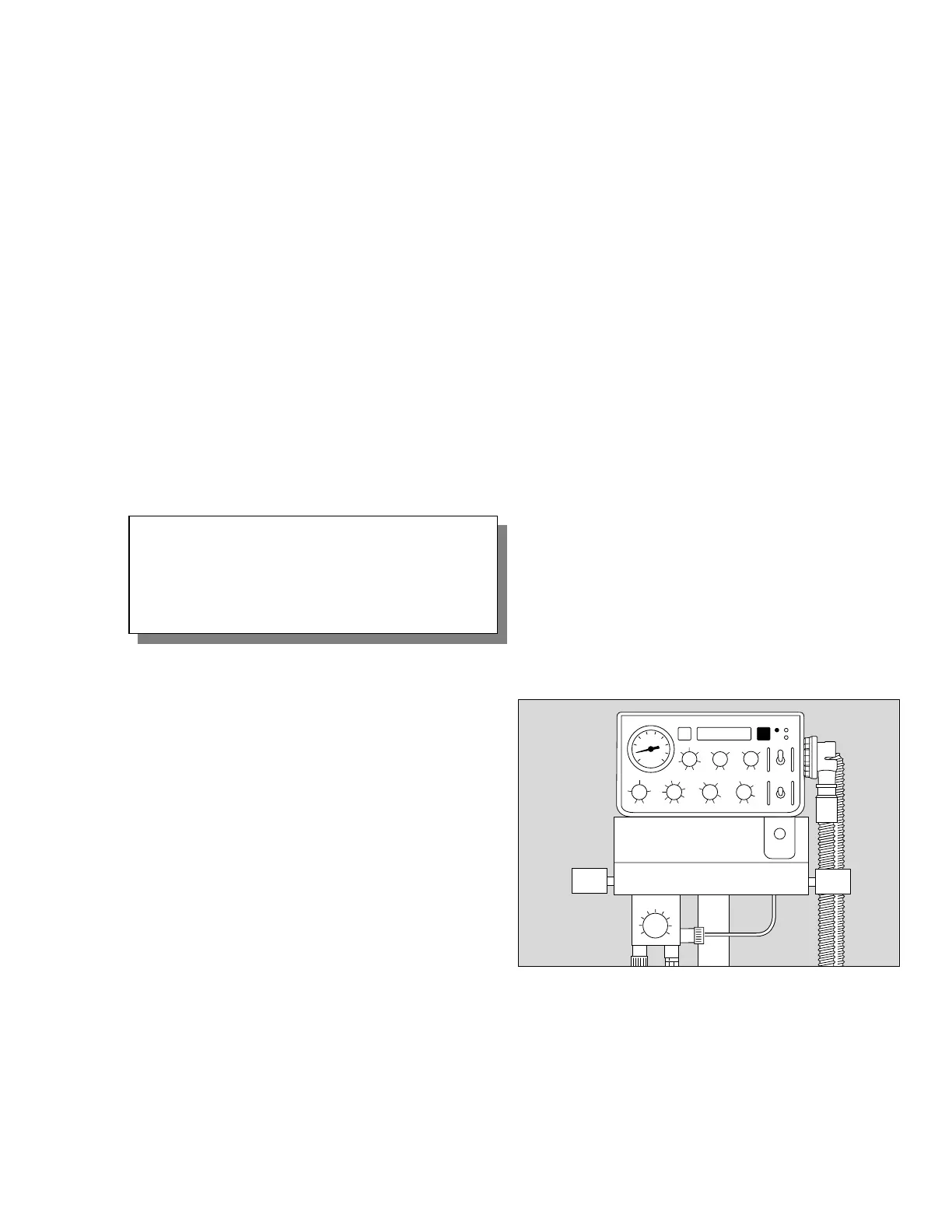
Alarms
In case of an alarm:
- The red alarm status light will be lit / blinking, and
- an audible alarm will be generated:
- as a continuous or intermittent audible alarm
(WARNINGS)
or
- as a 30 second chirp (Advisory), and
- an alarm message will be displayed on the 2nd line
of the display.
● Evaluate audible alarm:
either: continuous or intermittent audible alarm
= urgent, immediate action required!
or: every 30-seconds = advisory reminder
● Read alarm message in display, correct condition
using the guidelines from chapter "Troubleshooting"
on pages 50-52.
NOTE: The audible alarm may be silenced for 2 minutes
during alarm conditions:
● Press g key.
The audible alarm will sound again after 2 minutes if
the same alarm condition persists and in case of a
new alarm condition of higher priority.
When an alarm condition has been corrected:
- the alarm status light will no longer be on,
- the audible alarm will be off.
Clearing an alarm message from the display:
● Press g key.
NOTE: An alarm message can only be reset when the
condition causing it has been corrected. A message that
has not been reset yet will, however, be overwritten by a
new message of higher priority.
WARNING !
Continuous or intermittent audible alarms re-
quire immediate operator attention to avert or
to prevent development of situations with the
possibility of patient injury.
OperationAlarms
41
Operating Instructions MicroVent
D











 To Next Page