Maintenance
Dräger Polytron 8000 29
10 Maintenance
10.1 Maintenance intervals
10.1.1 During commissioning
z Check calibration.
z Check signal transmission to controller and triggering of
alarms.
10.1.2 Every 6 months
z Inspection by trained service personnel.
The inspection intervals must be established in each individual
case and shortened if necessary, depending on technical
safety considerations, engineering conditions, and the
technical requirements of the equipment.
Contact DrägerService if you wish to take out a service
contract and have any repairs carried out.
10.1.3 As required
z Change the sensor, see chapter 10.2 on page 29.
10.2 Changing the sensor
The sensor can be replaced in the hazardous, classified area,
without interrupting the power supply.
The sensor is changed as follows:
1. Select Settings > Sensor > Sensor change and confirm
(see chapter 8.4.1 on page 24).
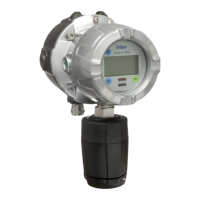
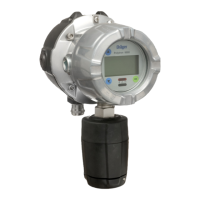
2. Unscrew bayonet ring (3)
from EC sensing head.
3. Remove sensor from
packaging.
4. Insert sensor or MEC
sensor adapter (4) into the
opening. The Dräger label
on the sensor must point
to the mark on the sensing
head housing (5).
5. Lock sensor with bayonet
ring.
6. For operation in zone 22
screw in the set screw
(2; 2 mm Allen screw) of
the sensor bayonet ring
until the bayonet ring is
locked to prevent acciden-
tal loosening.
7. If necessary, mark the
transmitter with the label
included with the sensor.
This allows the gas type to
be identified immediately
even if the power has failed.
8. Check function of sensor.
If an identical sensor (with the same part number) was installed
immediately before, the transmitter configuration is retained
(gas type, measurement range, test gas, calibration interval).
Otherwise the preset values of the sensor (see Instructions
for Use for the sensor) are uploaded from the transmitter if
the sensor lock function (see chapter 8.4.4 on page 24)
is deactivated.
WARNING
As a matter of principle, always check a newly installed
sensor with target gas to insure correct operation.
CAUTION
When the sensor is changed, all settings and parameters
must be checked for correctness.
!
!




 To Next Page
