Vigor2912 Series User’s Guide
3
1
1
.
.
2
2
L
L
E
E
D
D
I
I
n
n
d
d
i
i
c
c
a
a
t
t
o
o
r
r
s
s
a
a
n
n
d
d
C
C
o
o
n
n
n
n
e
e
c
c
t
t
o
o
r
r
s
s
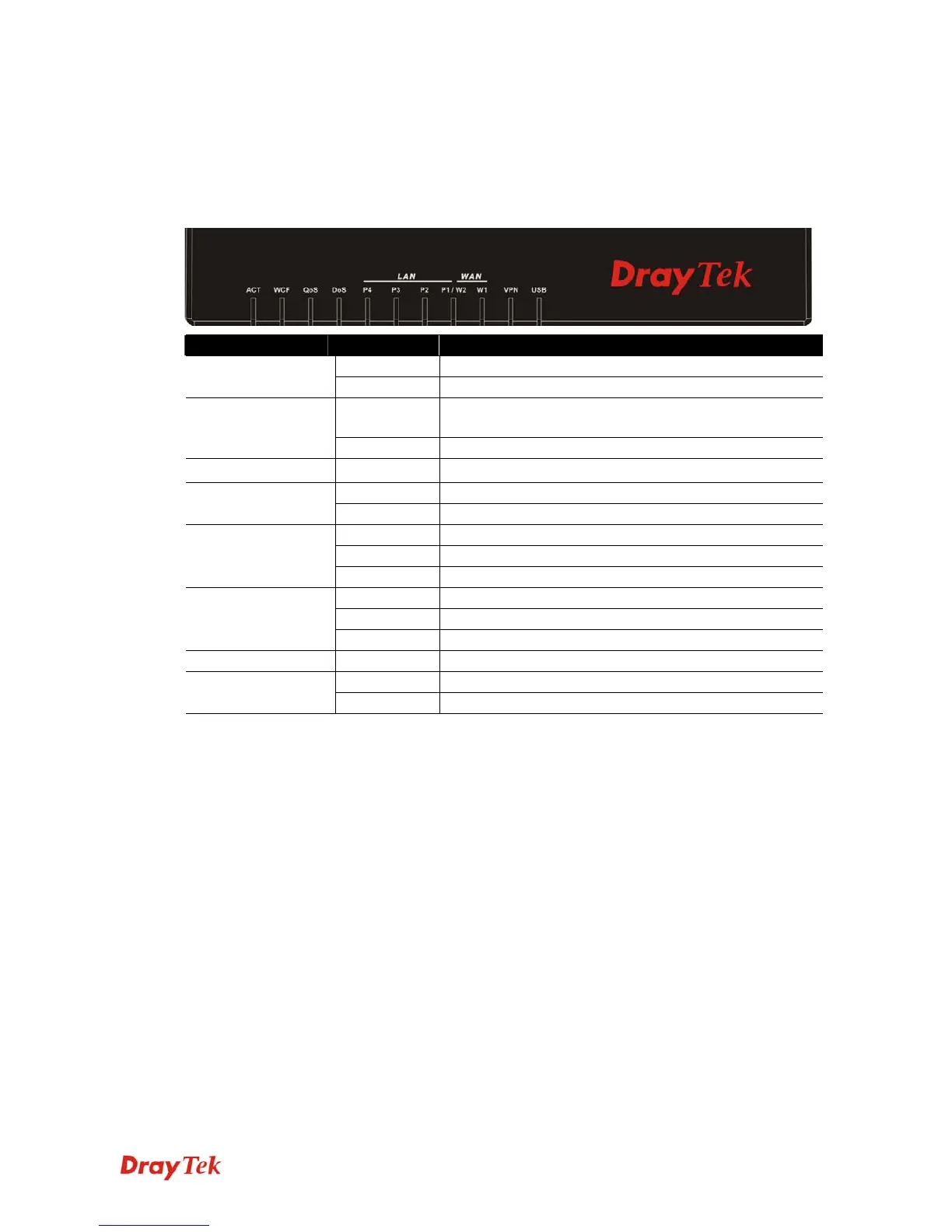
Before you use the Vigor router, please get acquainted with the LED indicators and connectors
first.
1
1
.
.
2
2
.
.
1
1
F
F
o
o
r
r
V
V
i
i
g
g
o
o
r
r
2
2
9
9
1
1
2
2
LED Status Explanation
Blinking The router is powered on and running normally. ACT (Activity)
Off The router is powered off.
On The Web Content Filter is active. (It is enabled from
Firewall >> General Setup).
WCF
Off The Web Content Filter is inactive.
QoS
On The QoS function is active.
On The DoS/DDoS function is active. DoS
Blinking It will blink while detecting an attack.
On The port is connected.
Off The port is disconnected.
LAN (P4~P1)
Blinking The data is transmitting.
On Internet connection is ready.
Off Internet connection is not ready.
WAN(W2~W1)
Blinking The data is transmitting.
VPN On The VPN tunnel is active.
On USB device is connected and ready for use. USB1~USB2
Blinking The data is transmitting.













 To Next Page