Vigor2920 Series User’s Guide
122
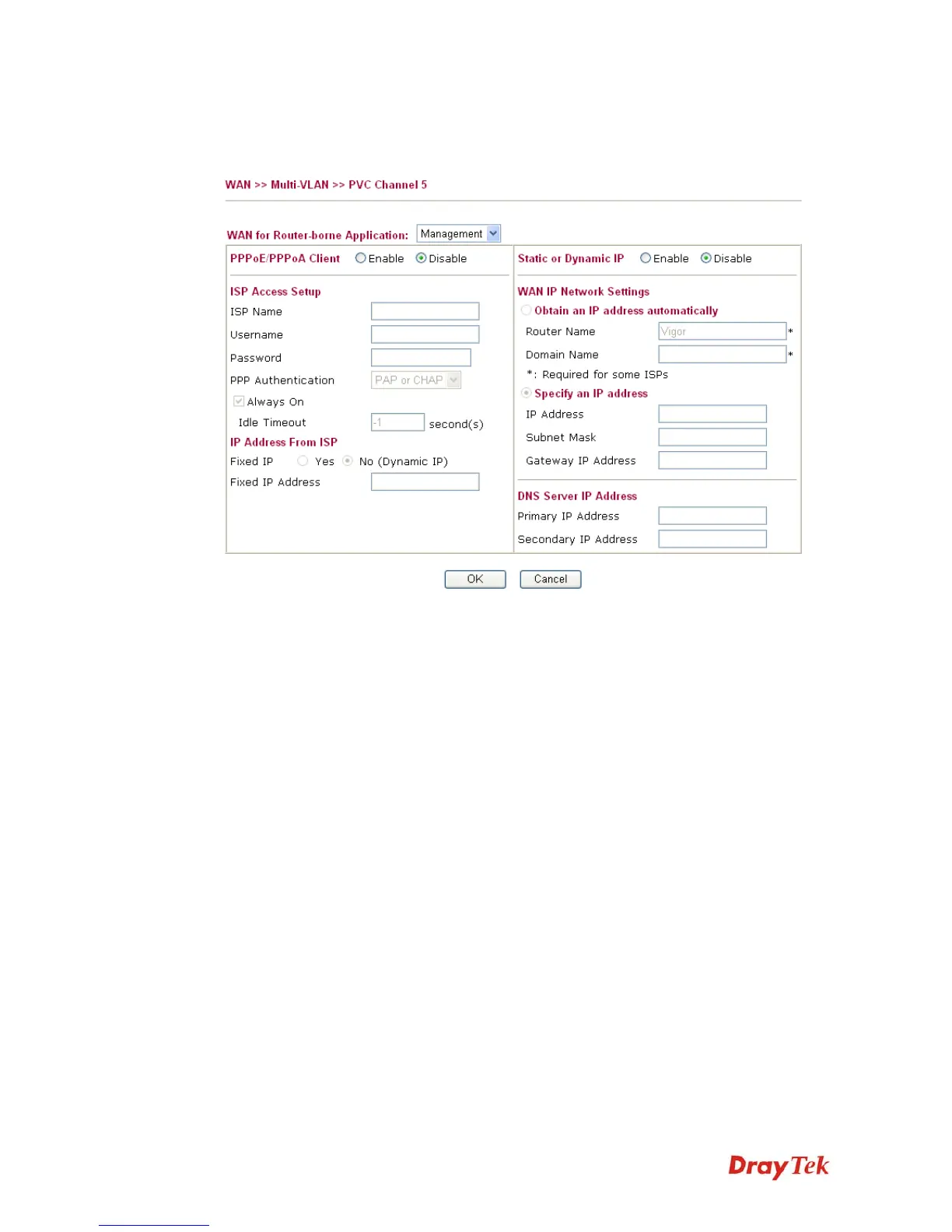
WAN link for Channel 5, 6 and 7 are provided for router-borne application such as TR-069.
The settings must be applied and obtained from your ISP. For your special request, please
contact with your ISP and then click WAN link of Channel 5, 6 or 7 to configure your router.
WAN for Router-borne
Application
Choose the router service for channel 5, 6 or 7.
Management - It can be specified for general management
(Web configuration/telnet/TR069). If you choose Management,
the configuration for this VLAN will be effective for Web
configuration/telnet/TR069.
VoIP - It can be specified for VoIP only. If you choose VoIP,
the configuration for this VLAN will be effective for VoIP data
transmitting and receiving.
For other settings, refer to Details Page for PPPoE in WAN1.














 To Next Page