Vigor2920 Series User’s Guide
123
B
B
r
r
i
i
d
d
g
g
e
e
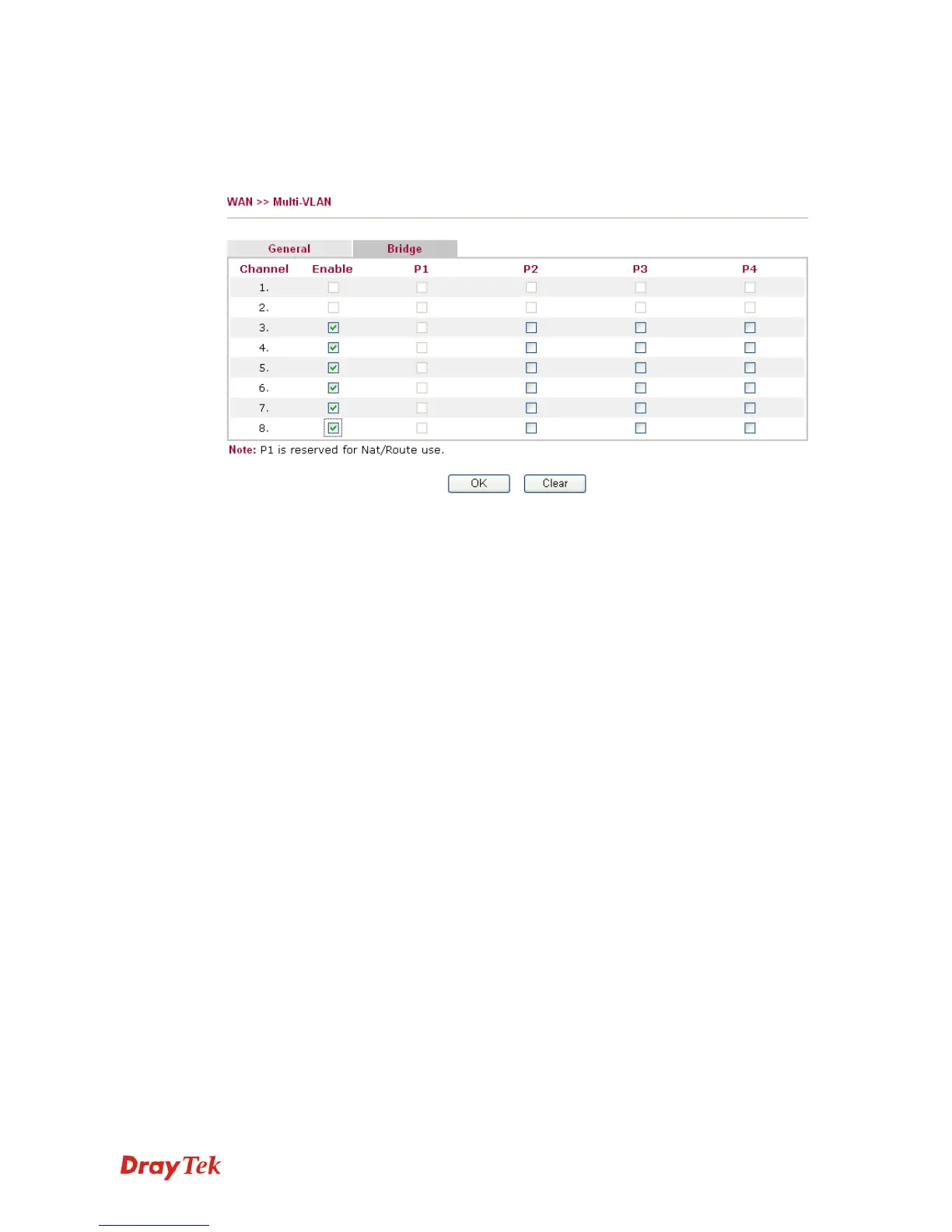
General page lets you set the first channel. As to set the third channel, please click the Bridge
tab to open Bridge configuration page.
Enable
Check this box to enable that channel. Only channel 3 to 8 can
be set in this page, for channel 1 to 2 are reserved for NAT
using.
P1 to P4
It means the LAN port 1 to 4. Check the box to designate the
LAN port for channel 3 to 8.
Click Clear to remove all the configurations in this page if you do not satisfy it. When you
finish the configuration, please click OK to save and exit this page. Or click Cancel to abort
the configuration and exit this page.














 To Next Page