VigorAP 810 User’s Guide
17
independent AP/subnet functions in one VigorAP 810.
If you disable this function, LAN-A and LAN-B ports are in the
same domain. You could only connect one router (no matter
connecting to LAN-A or LAN-B) in this environment.
Multiple SSID - When Enable 2 Subnet is enabled, you can
specify subnet interface (LAN-A or LAN-B) for each SSID by
using the drop down menu.
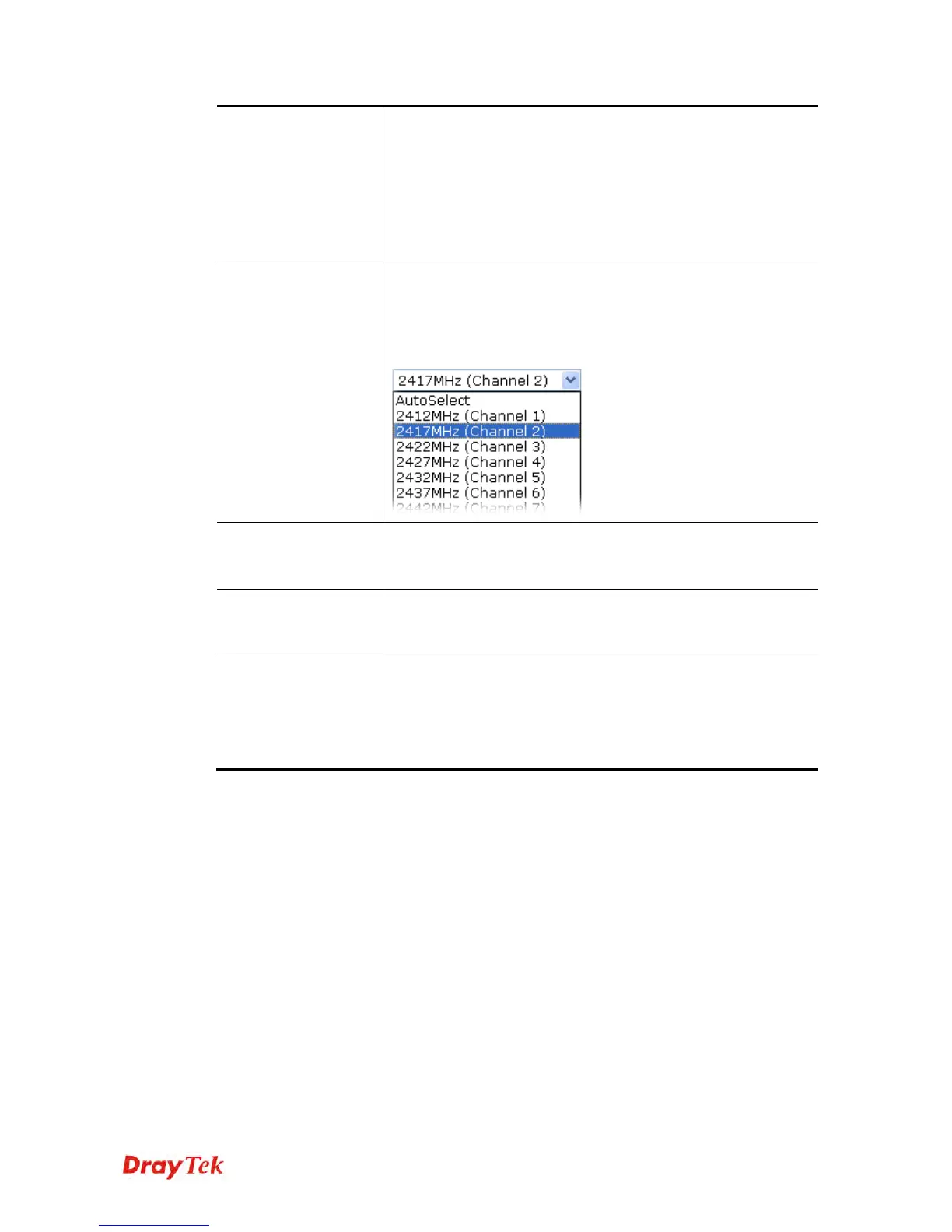
Channel
Means the channel frequency of the wireless LAN. The default
channel is 6. You may switch channel if the selected channel is
under serious interference. If you have no idea of choosing the
frequency, please select AutoSelect to let system determine for
you.
Extension Channel
With 802.11n, there is one option to double the bandwidth per
channel. The available extension channel options will be varied
according to the Channel selected above.
Station List
Click the Display button to open the Station List dialog. It
provides the knowledge of connecting wireless clients now
along with its status code.
AP Discovery
Click this button to open the AP Discovery dialog. VigorAP 810
can scan all regulatory channels and find working APs in the
neighborhood.
This option is not available when AP is selected as the
Operation Mode.
After finishing this web page configuration, please click Next to continue.












 To Next Page