12EN
2.4 Link Module with GPS and 4G Connectivity
The robot is equipped with a Link Module that provides the Link Service, oering 4G cellular network
connectivity.
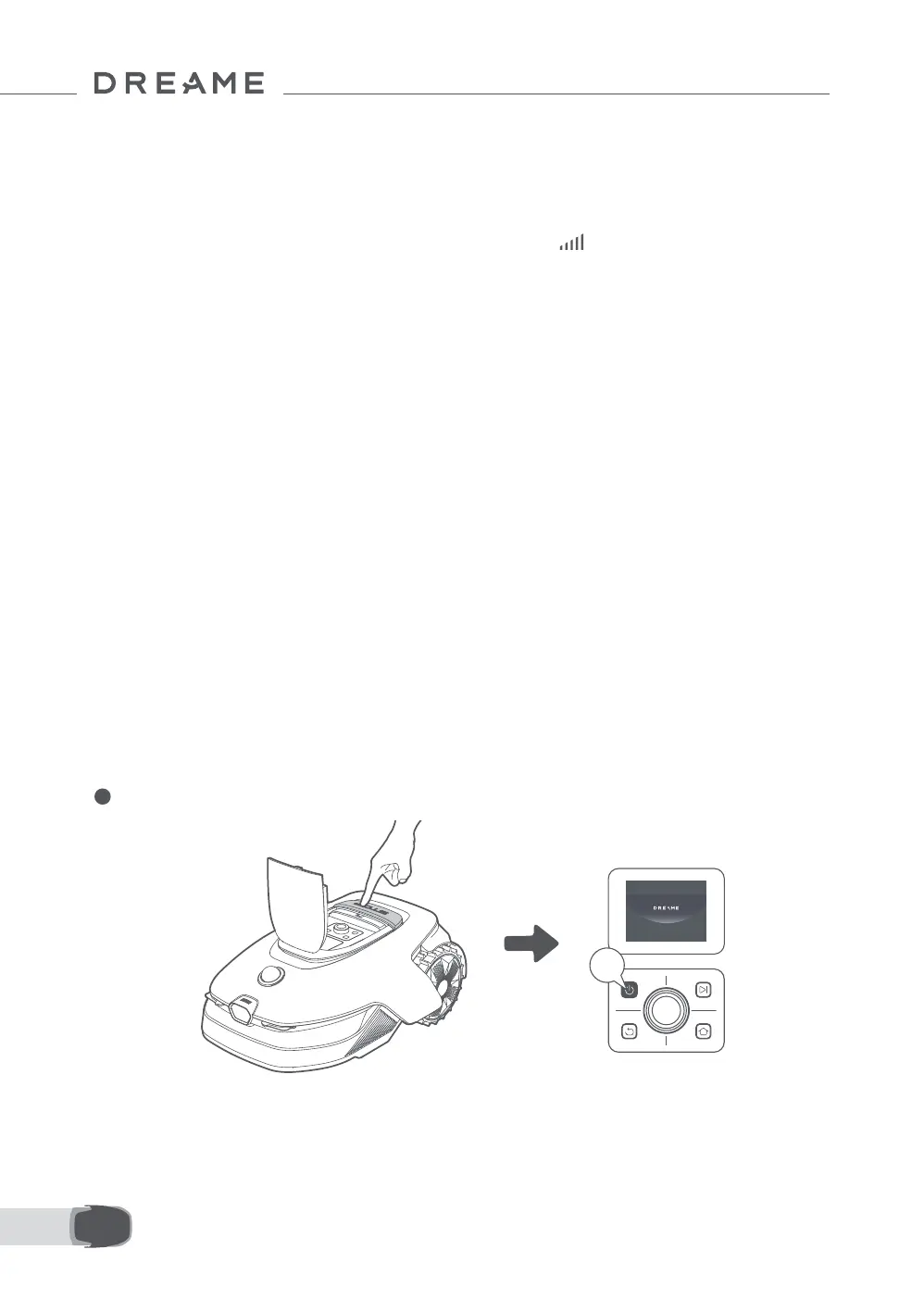
Power on your robot and the Link Service will activate automatically. will light up on the robot's display
and in the app, indicating that activation is successful. You can view the usage status of the Link Module and
Link Service under Connections in the app.
With the Link Service activated, you can remotely monitor your robot's status and initiate mowing tasks
without a Wi-Fi connection. Additionally, the module includes a built-in GPS for real-time location tracking,
enhancing the robot's anti-theft capabilities. You can track its location at any time, from anywhere, and
receive notications if it moves outside the designated map area.
Link Service is oered free of charge for the rst three years starting from the time of activation. To extend
the service upon expiration, please contact the Dreame after-sales service team via aftersales@dreame.
tech.
Important: The Link Module is designed exclusively to be used with Dreame Roboticmowers. Any abnormal
status detected in the Link Service may result in the suspension of your service. If this occurs, please contact
the Dreame after-sales service team via aftersales@dreame.tech to help you restore the service.
Important: If you do not contact Dreame after-sales service to renew the Link Service within one year after
its expiration, your Link Module will be locked. To reactivate the service, you must bring the Link Module
to a Dreame after-sales service center. Additional charges for repair and maintenance may apply for
reactivation. Please pay attention to notications in the app concerning this issue. To check the expiration
date of your Link Service, go to Settings > Connections > Link Module in the app.
Caution: Please wear protective gloves to prevent injuries.
Caution: Make sure the protective cover is on the LiDAR before turning the robot over.
Activate the Link Service
How to remove the Link Module?
1 Turn o the robot.
2s


 To Next Page