DRC 242-A 2007-08-03 Page 10 DC3 with SEM Installation Instructions
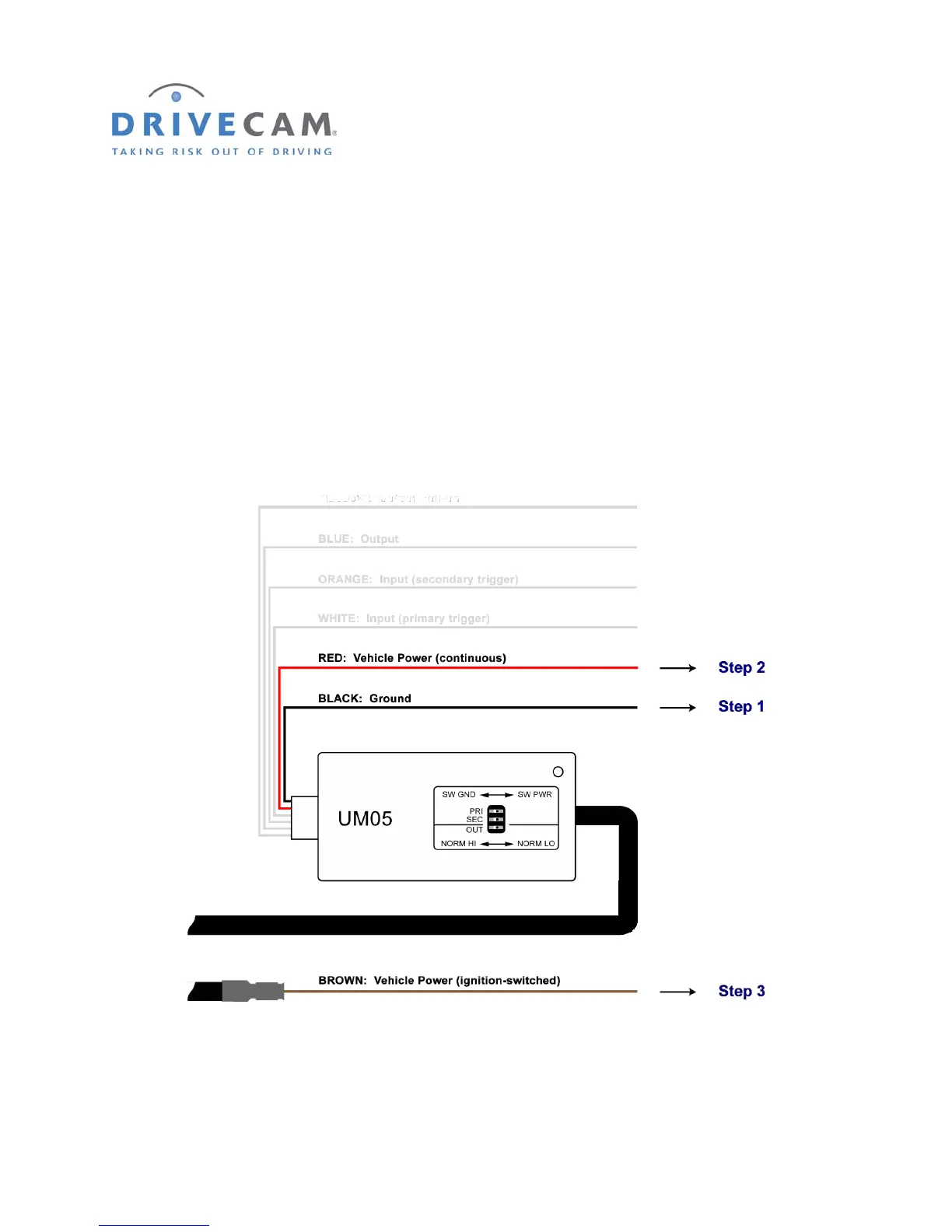
10. Connect the red, brown & black wires
These are the 3 required connections for the event recorder to function. The red wire provides primary
power and must be connected to a continuous power source. The brown wire is an ignition sense. It is
used by the event recorder to perform functions such as activating the IR Illuminator (see page 13) when
the vehicle ignition is switched on. The black wire is ground.
Step 1 Connect the BLACK WIRE to negative or to a clean GROUND.
Step 2 Connect the RED WIRE to a 12V or 24V fused power source that is ALWAYS ON.
Step 3 Connect the BROWN WIRE to a 12V or 24V fused power source that is IGNITION–SWITCHED.



 To Next Page