DRC 242-A 2007-08-03 Page 14 DC3 with SEM Installation Instructions
13. Test the red connection (continuous power)
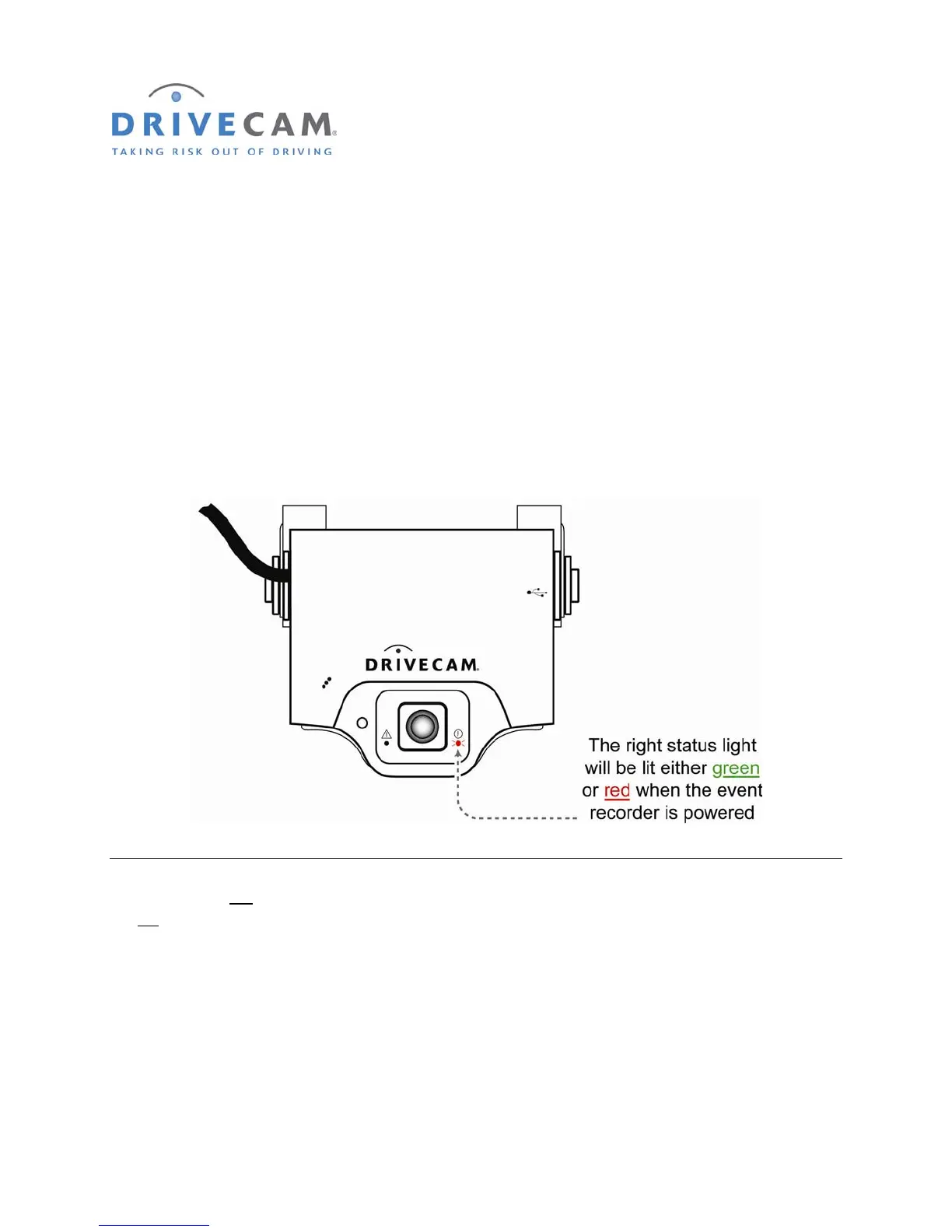
Once power and ground connections are made, the LED status light to the right of the interior-facing lens
should be on (either a green or red light) when the vehicle’s engine is off and the key is removed from the
ignition.
Step 1 If the right LED is on, the event recorder is connected properly.
Step 2 If the right LED is not on, recheck the wiring connections and/or fuses.
* * * The right LED should remain on when the key is in any position * * *
The LED on the left of the lens will light (solid green) for about 30 seconds after power is first applied. If
the left
LED does not turn off or if it begins flashing (either red or green), please call DriveCam Technical
Support for instructions.
NOTE: See pages 26 & 27 for detailed descriptions of the LED behavior (light patterns).



 To Next Page