Connectivity
● Wi-Fi - Set the SSID and password. (Please note: this is only available to customers with a “Streaming Plan”)
Preferences
● Audio Recording - Enable/disable the dash cam’s microphone when recording video
● Download Over Wi-Fi Only - Enable/disable media downloads over Wi-Fi only to conserve cellular data
● Camera Sounds - Enable/disable camera sounds and adjust the volume
● Parking Mode - Enable/disable video recording and select how your dash cam records while your vehicle is parked
● Power Saving Mode - Enable/disable conserving your battery by temporarily turning o
ff
GPS and Wi-Fi while your
vehicle is parked. You can also set the battery level at which this mode will turn on.
● Data Overlay - Select which information to display on top of video recordings
Sensors
● Driving Sensor - Adjust the sensitivity of Drone XC to events while driving from 1-5.
● Parking Sensor - Adjust the sensitivity of Drone XC to events while parked from 1-5.
● Shock Sensor - Enable/disable Drone XC’s ability to detect medium to severe impacts. Adjust the sensitivity from 1-7.
● Tilt Sensor - Enable/disable Drone XC’s ability to detect unauthorized tilting/towing. Adjust the sensitivity from 1-2.
● Window Break Sensor - Enable/disable Drone XC’s ability to detect the sound of breaking glass. Adjust the
sensitivity from 1-9.
4.6 | Firmware Update
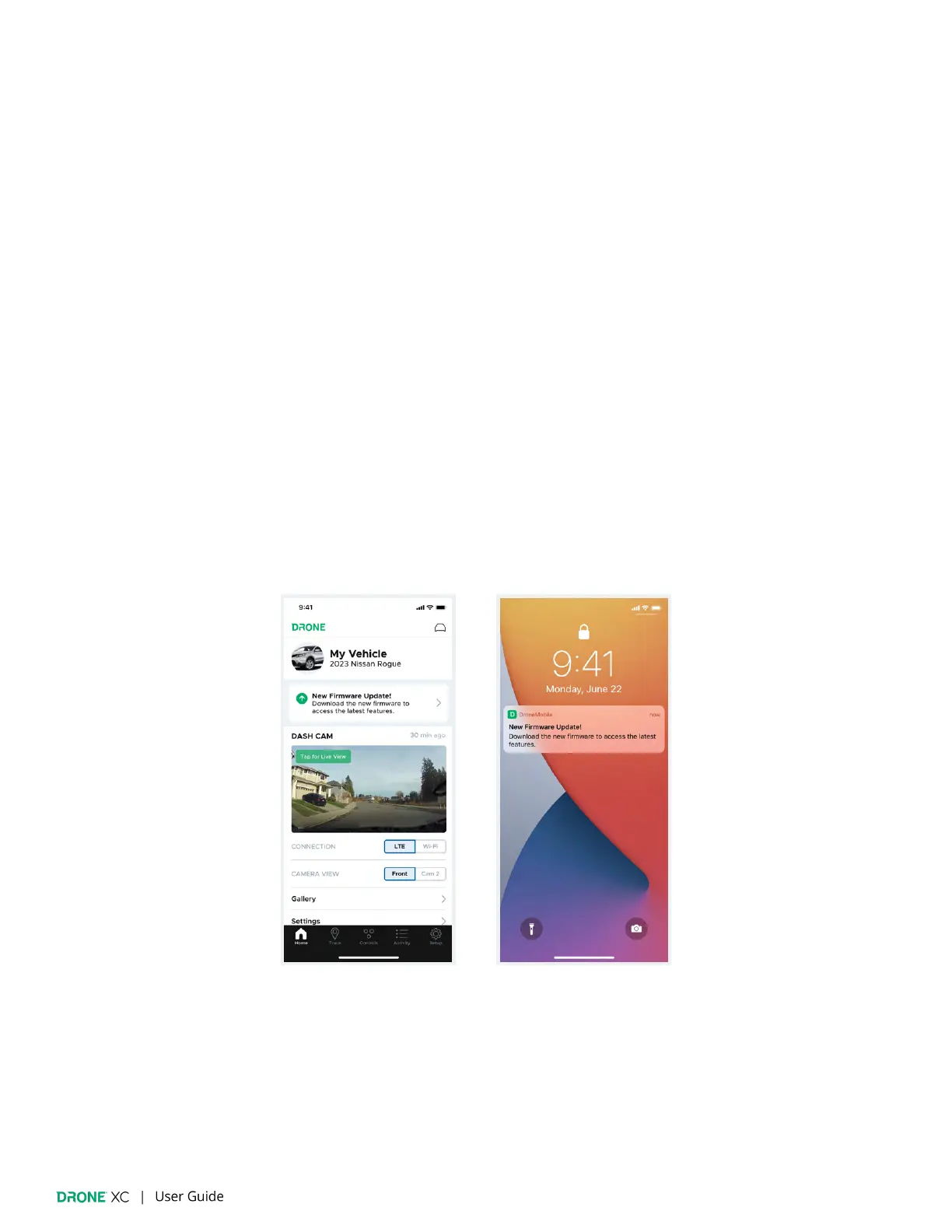
Firmware updates ensure your hardware will work with the latest software and security features. Firmware updates appear as
pinned messages on the “Home” page, push noti
fications, and email messages.


 To Next Page