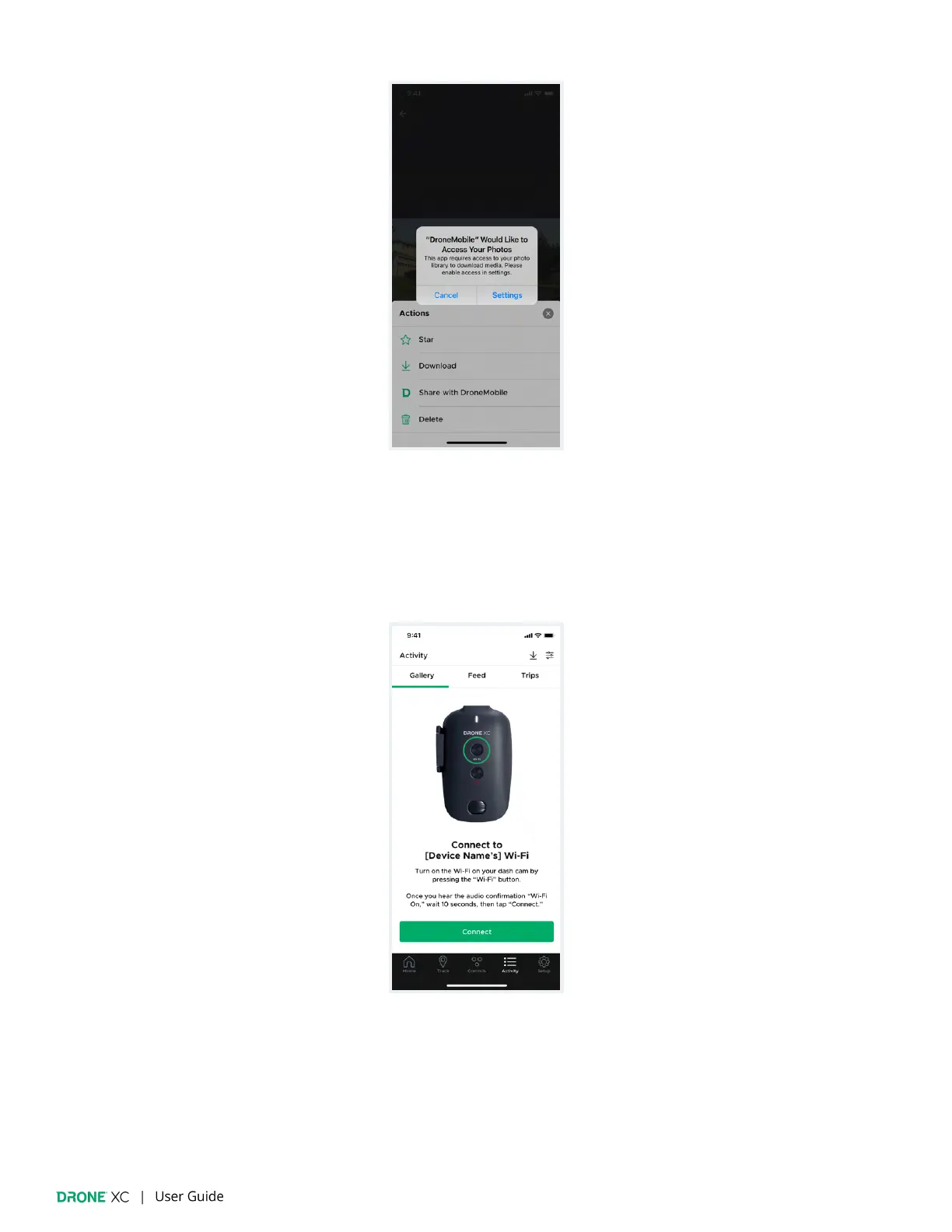
8.2 | SD Card Gallery
(Please note: You must be in your vehicle and connected to your dash cam’s Wi-Fi in order to view the “SD Card” gallery.
Other Wi-Fi based products like “Wireless CarPlay” or “Wireless Android Auto” can signi
ficantly impact Wi-Fi
performance of the dash cam. If you are having issues connecting, or staying connected to the dash cam’s Wi-Fi, please
connect while the ignition is off.)
The “SD Card” gallery displays a log of media from your Drone XC dash cam that is stored on the SD Card. All drives, parking
mode timelapses (if enabled), snapshots, and driving/parking events are stored on the SD Card.


 To Next Page