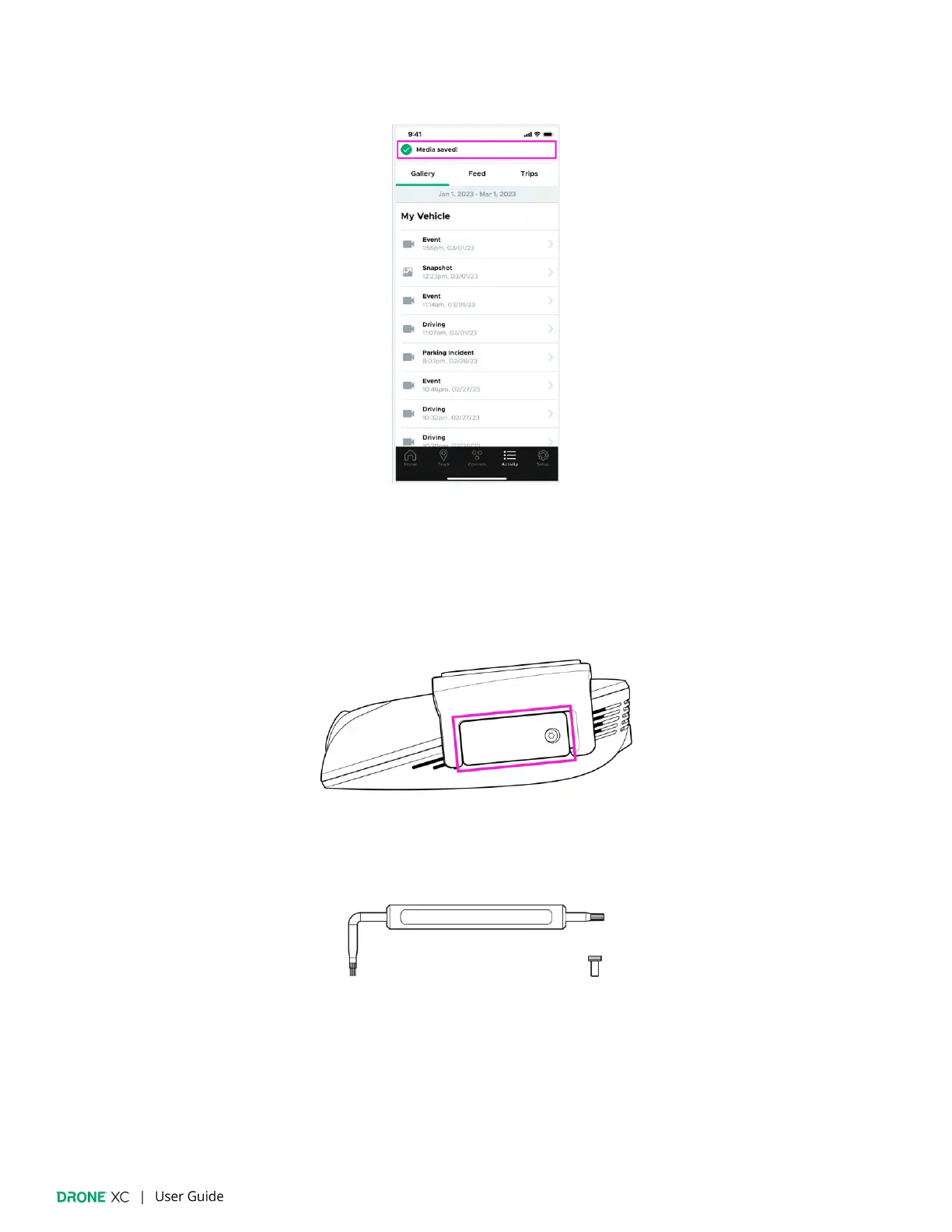
4. You will be noti
fied when the item has been saved to your device’s photo library.
(Please note: If you are downloading from the SD card via Wi-Fi, you must remain in the vehicle until the download is
complete, otherwise, it will fail.)
9.4 | Downloading Media via Micro-SD Card
1. The Micro-SD card is located on the side of the Drone XC dash cam, underneath the security cover.
2. Remove the security screw and the cover using the provided screwdriver.


 To Next Page