● Gallery - On the “Gallery” tab you can view, favorite, and download media from your dash cam.
● Feed - The “Feed” tab lists all events and alerts regarding your vehicle(s). You can tap on each event to see more details.
Events that include video recording(s) are marked with a “Video” icon
● Trips - The “Trips” tab records every drive you take in your vehicle(s). “Premium Plus” plans or higher have access to
detailed trip reporting via breadcrumbing, turn-by-turn updates and location-based alerts. (Please note: This feature
only works when the Drone XC detects ignition on and o
ff.)
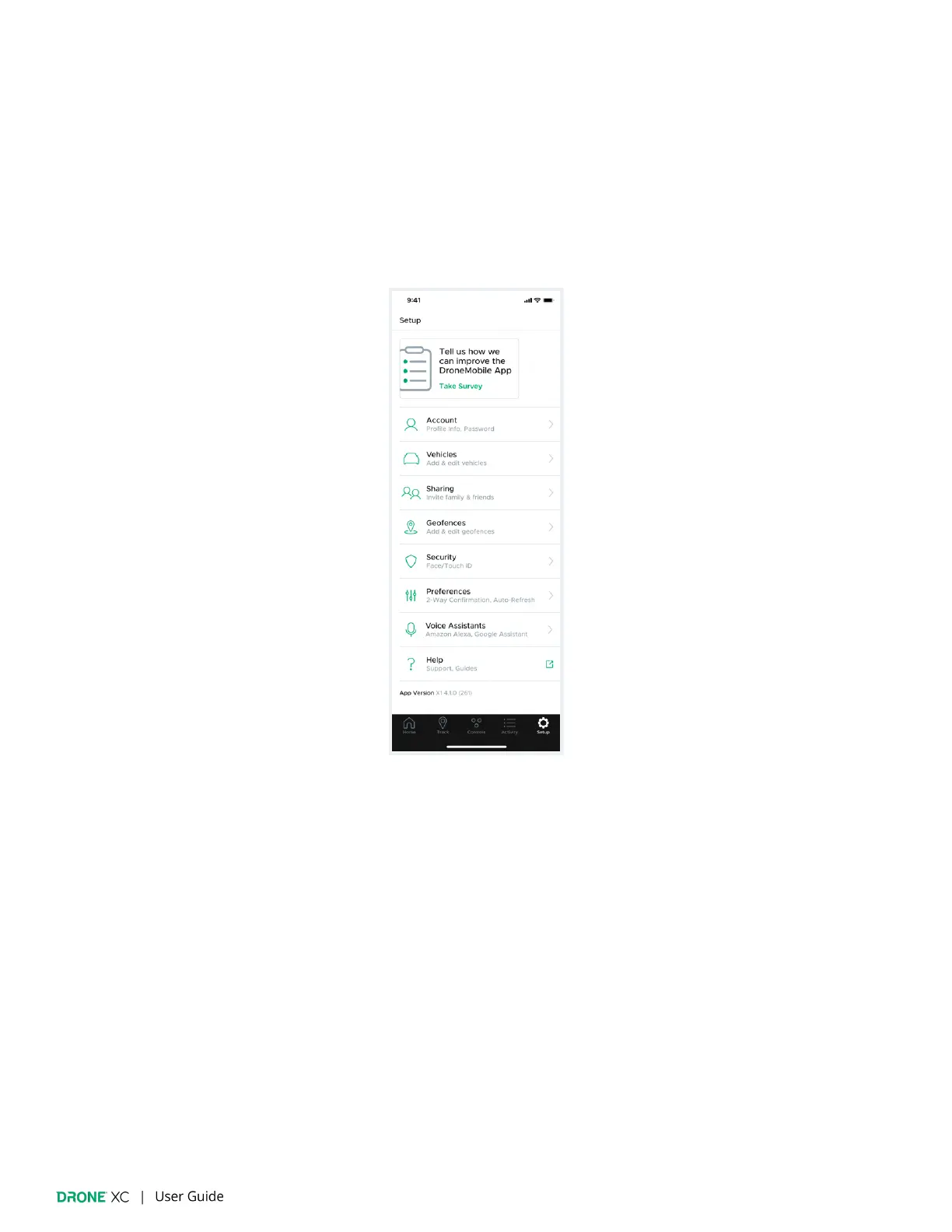
5.5 | Setup
The “Setup” page allows you to con
figure all settings associated with your DroneMobile account, hardware and app.


 To Next Page