6 | Recording Modes
6.1 | Driving Mode
● Records video while your vehicle is in motion and the ignition is on.
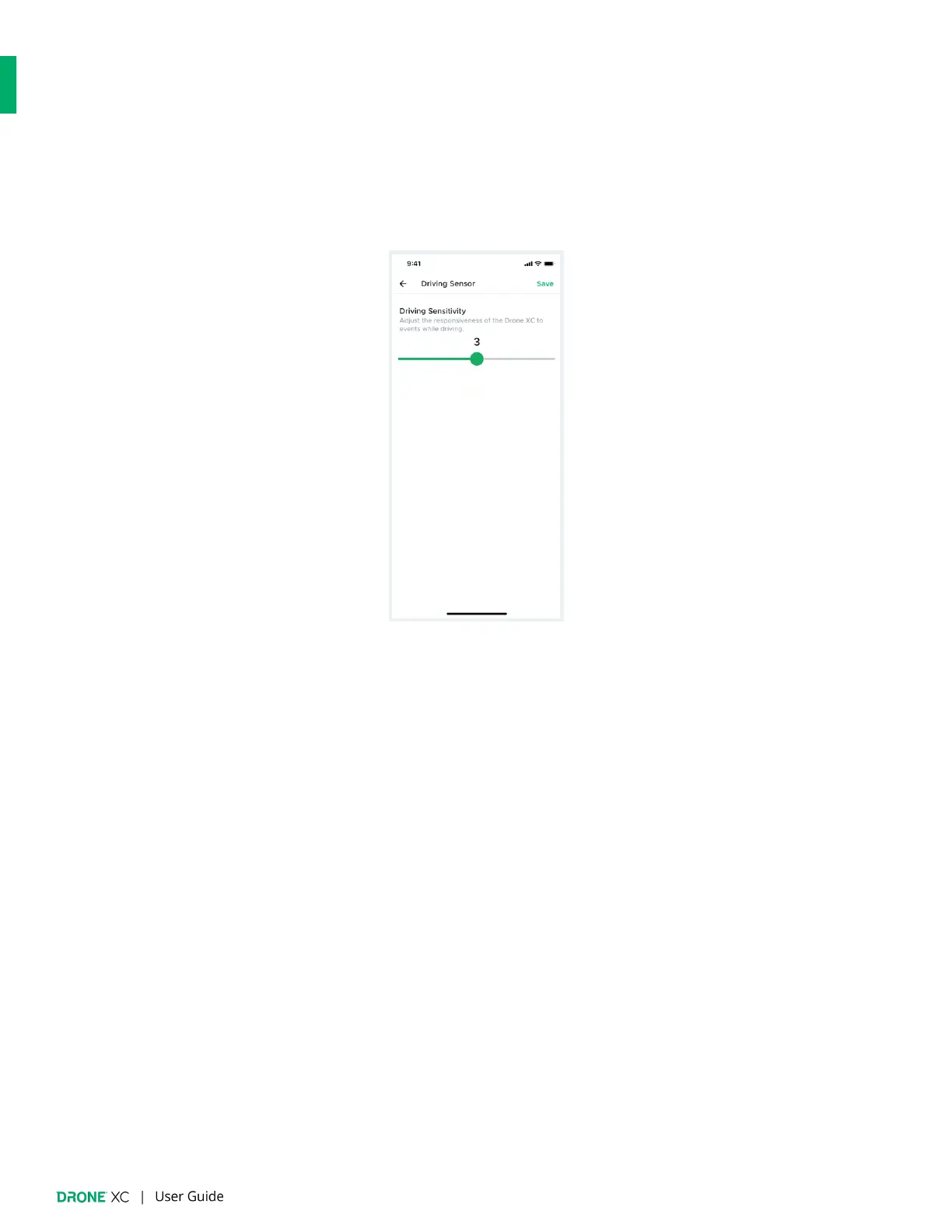
● Records a separate 1-minute video clip anytime shock/impact is detected.
● You can adjust the sensitivity of Drone XC to events while driving from 1-5.
6.2 | Parking Mode
● Records 1-minute video clips while your vehicle is parked and the ignition is o
ff.
● You can set what triggers video recordings during Parking Mode:
○ Event - Captures anything that would trigger the alarm (ex. shock/impact, glassbreak tilting/towing, etc.)
○ Motion* - Captures any movement within your camera’s
fi
eld of view.
○ Event & Motion* - Captures alarm triggers and movement.
○ Timelapse & Event* - Continuously records video clips as well as when the alarm is triggered.
*This option requires more power and can deplete your battery in 1-2 days if your vehicle is not driven. We only
recommend this option if you drive your vehicle daily.


 To Next Page