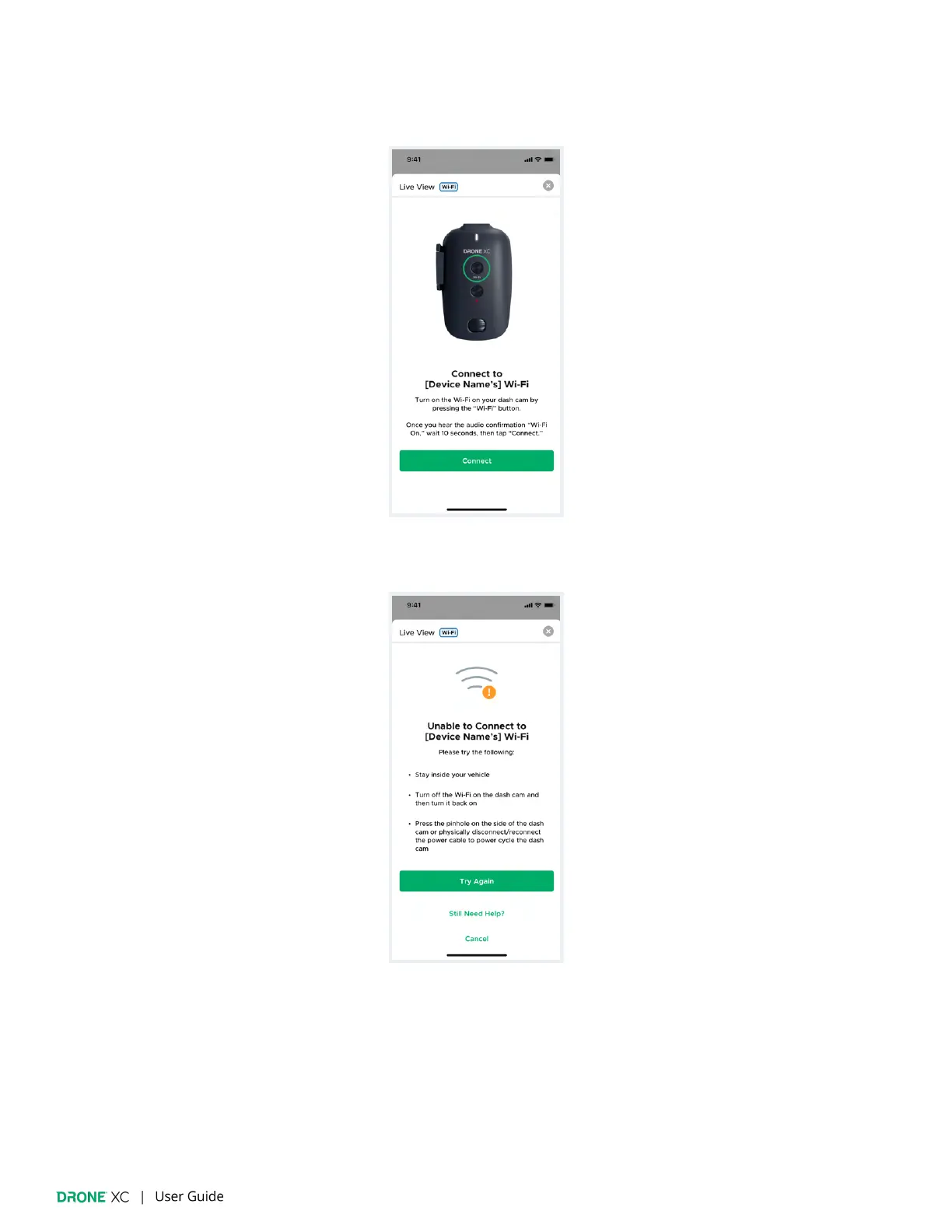
5. Follow the onscreen prompts to turn on your camera’s Wi-Fi and connect.
(Please note: If you have a streaming plan, you will not need to physically press the dash cam’s Wi-Fi button.)
6. If “Live View” fails please try the following:
● Please make sure you stay inside your vehicle.
● Turn the Wi-Fi on your dash cam OFF and then ON
● Power cycle your dash cam by pressing the button inside the pinhole on the side of your dash cam OR by disconnecting
& reconnecting the power cable.
● If the problem persists, tap on the “Still Need Help?” link for further assistance.


 To Next Page