(Please note: At the time of installation, your authorized DroneMobile installer should have provided you with a few
materials where you can locate your DroneMobile system’s serial number)
● Keychain Tag - DroneMobile systems come with a keychain tag that your DroneMobile installer should have attached to
your keychain or remote fob. This keychain tag has your system's serial number and barcode, which you can easily scan
from the DroneMobile app.
● Door Jamb Sticker - As a backup, your DroneMobile installer may also place a sticker with your system's serial number
to the driver's side door jamb, which is the area that connects your door to the vehicle body.
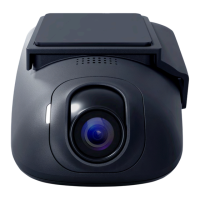
● On the Drone XC Dash Cam itself - All Drone XC Dash Cams have a label with your system’s serial number. Remove the
dash cam from the mounting bracket to access the label.
● Bill of Sale - As a last resort, check your bill of sale from your DroneMobile retailer, as your serial number may have
been included on that document as well.
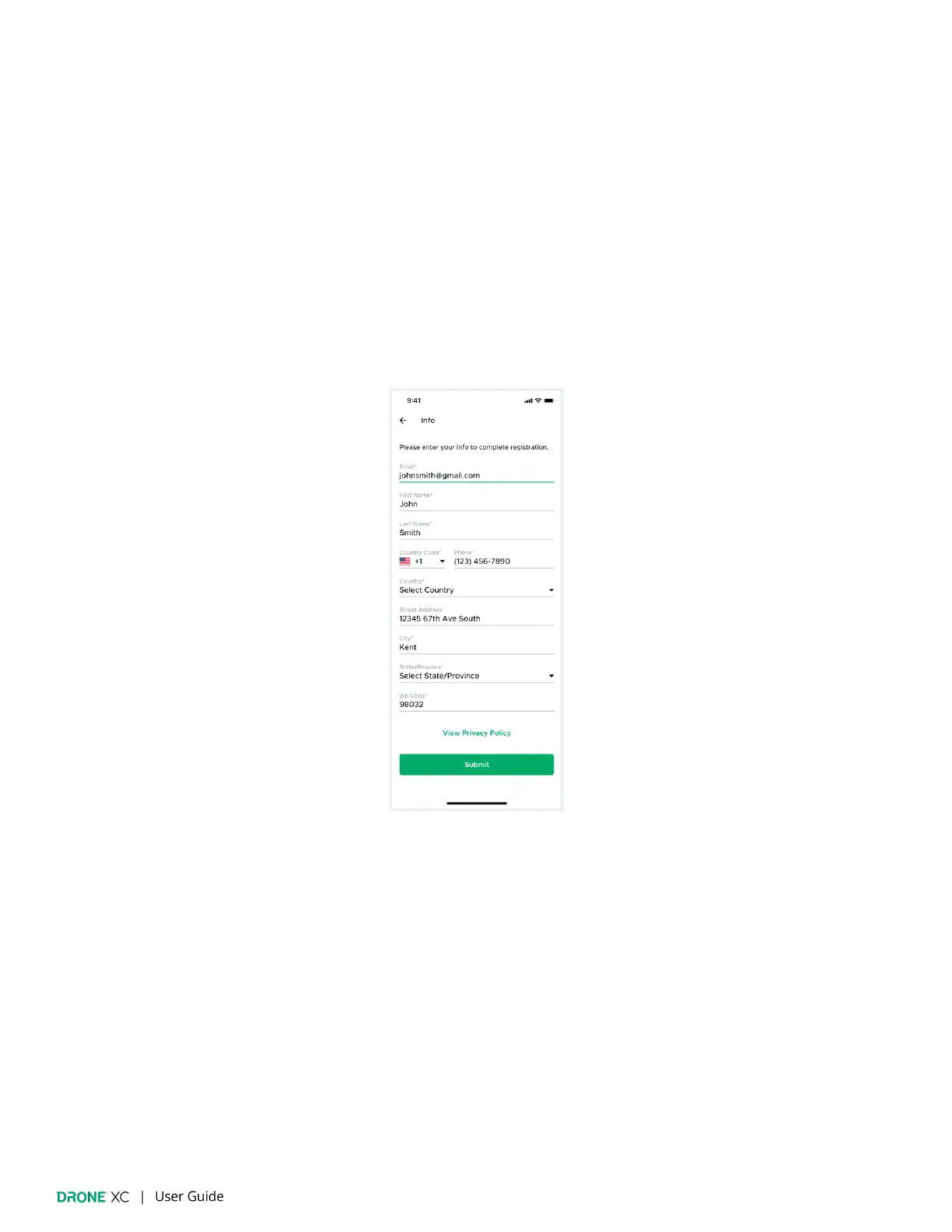
3. Next, you will be prompted to enter your personal information.


 To Next Page