Tamarisk
®
Camera Control Software User Guide
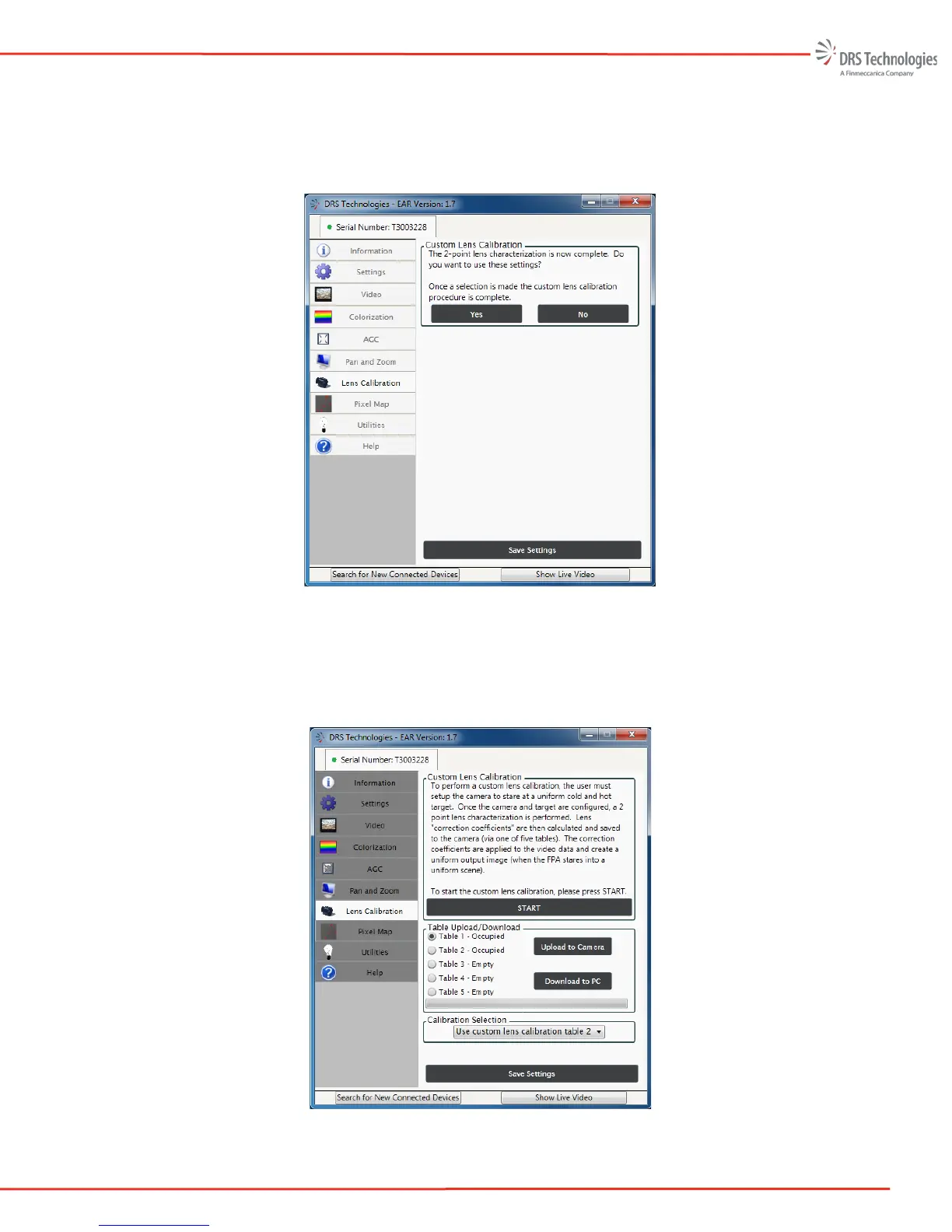
10. Once the calculations are complete, the lens calibration settings are immediately applied to
the camera video output. The user is prompted to use or discard the settings by answering
“Yes” or “No,” see Figure 43. If the user selects yes, the lens settings are saved in non-
volatile memory; power cycling the camera is not required.
Figure 43: Save Settings
The Lens Calibration procedure is now complete and the application returns to the Lens
Calibration tab, see Figure 44. Notice, Table 2 is now occupied and in use as indicated by
the pull-down menu in the Calibration Selection task pane.
Figure 44: Lens Calibration



 To Next Page