Tamarisk
®
Camera Control Software User Guide
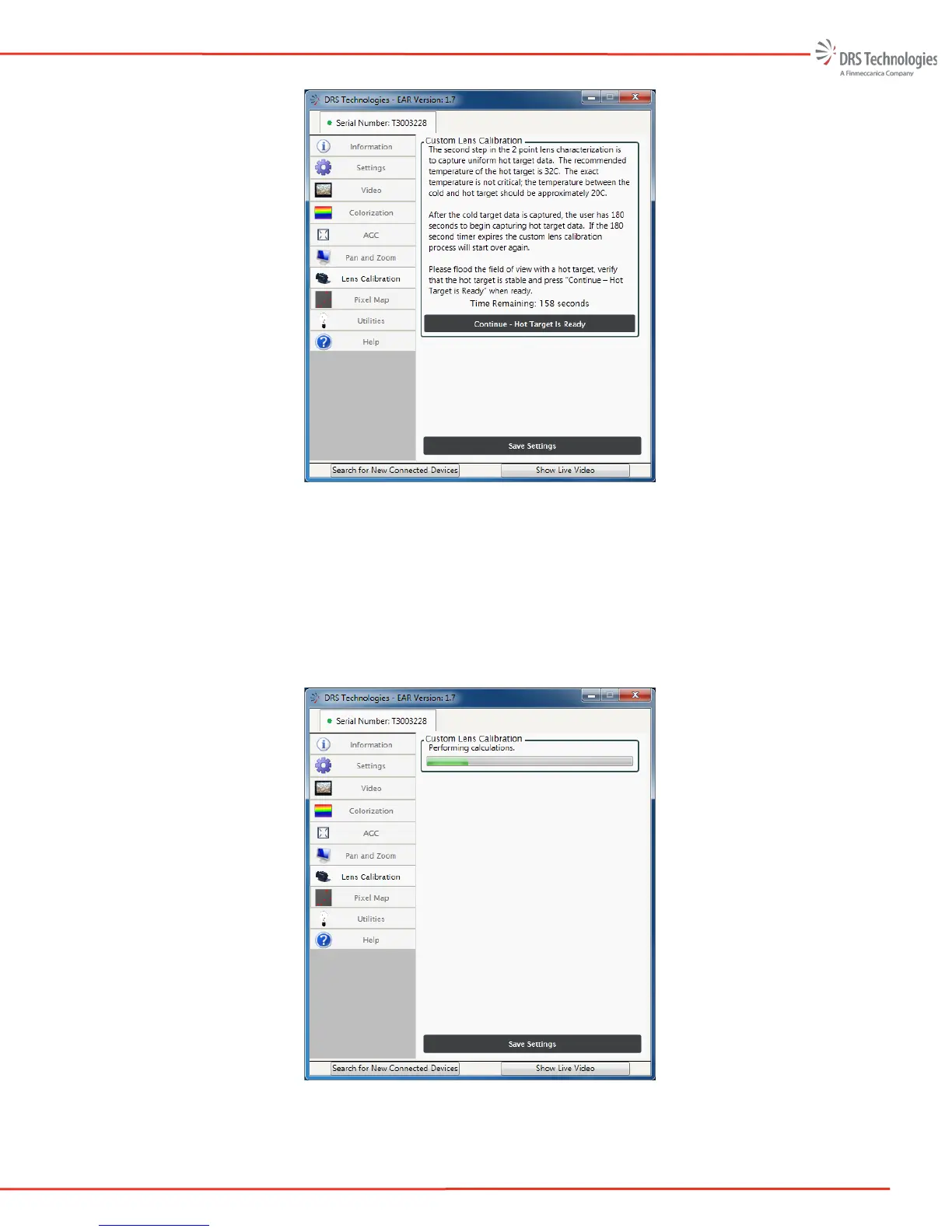
Figure 41: Hot Target
The application will send setup information to the camera and command it to start collecting
hot target data. Several frames are integrated together to reduce noise and provide an
average pixel response for each pixel in the focal plane array for the second point of the
two-point calibration. The hot data collection takes a few seconds. Following the hot target
data collection, the application will calculate the gain correction factors for each pixel as
shown in Figure 42.
Figure 42: Performing Calculations



 To Next Page