Tamarisk
®
Camera Control Software User Guide
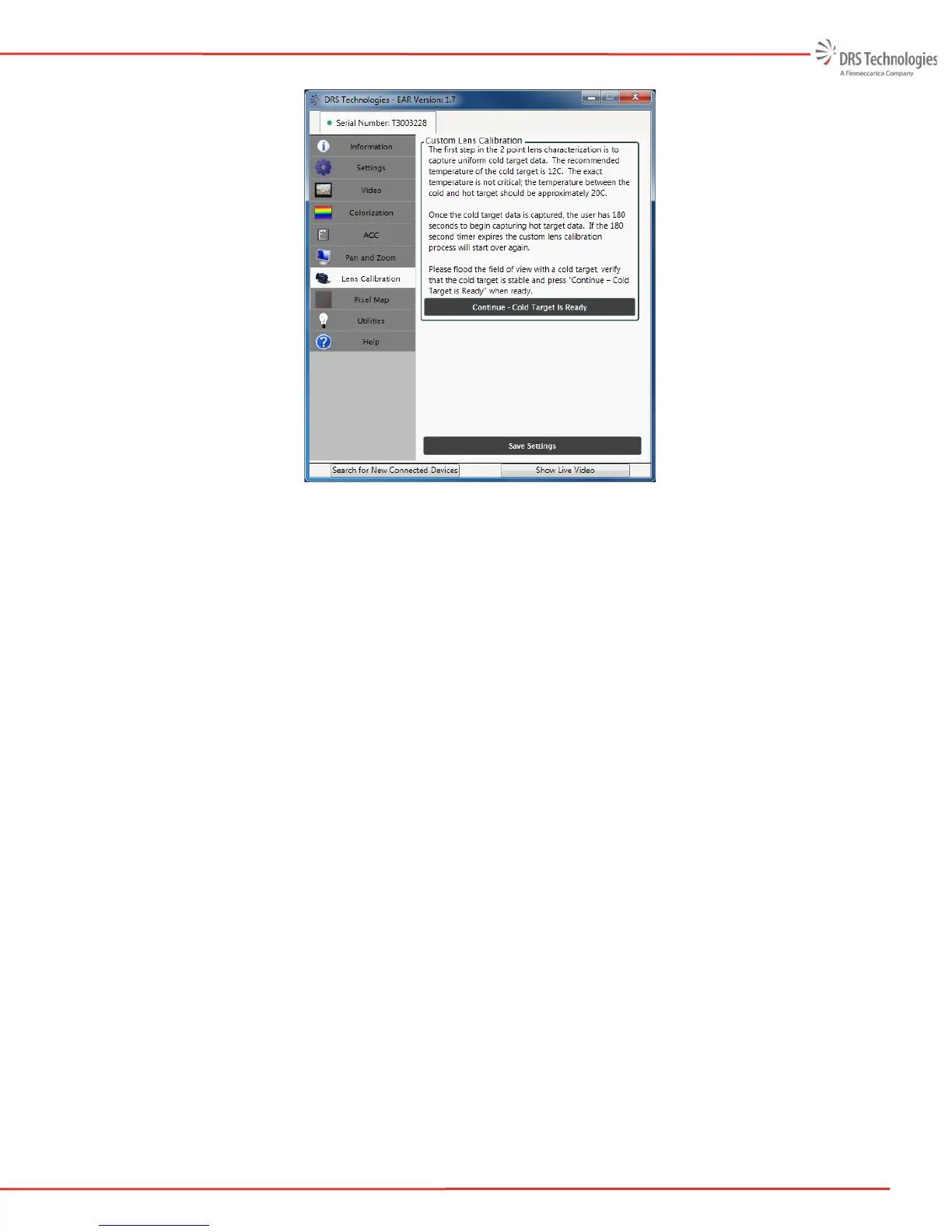
Figure 40: Cold Target
The Camera Control Software application will send setup information to the camera and
command it to start collecting cold target data. Several frames are integrated together to
reduce noise and provide an average pixel response for each pixel in the FPA. The cold data
collection takes a few seconds; once complete, the user is prompted to capture the hot data.
9. The next step is to capture data from a uniform “hot” thermal scene. The recommended
temperature for the hot target is approximately +10C above ambient temperature. The exact
temperature is not critical; the temperature difference between the cold and hot target should
be approximately 20C.
When the screen changes to Continue – Hot Target is Ready, flood the camera field of view
with the “hot” scene. Once the FOV is flooded, click Continue – Hot Target is Ready
button as shown in Figure 41.



 To Next Page