Tamarisk
®
Camera Control Software User Guide
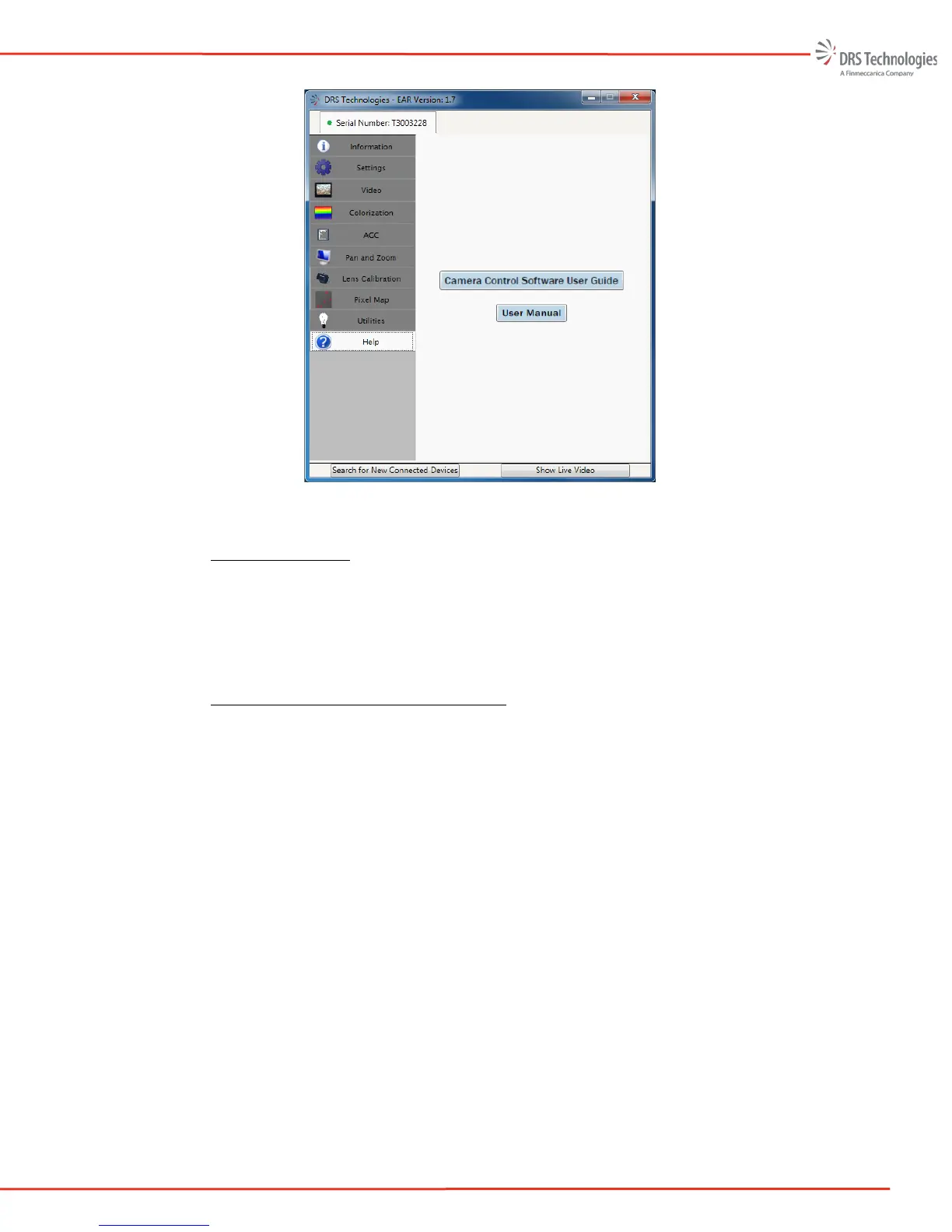
Figure 53: Help Tab
5.9.6 Show Live Video
If a frame capture device which supports Microsoft’s DirectShow AP is plugged into the PC
(prior to launching the Camera Control Software Icon and starting the application), the user may
select Show Live Video located in the bottom right corner of the Camera Control Software
window to display live video.
5.9.7 Search for New Connected Devices
At any time, the user may select the Search for New Connected Devices button located in the
bottom left corner of the Camera Control Software window. This will close the current window,
search for connected devices, and display the information tab for the first device and a separate
Serial Number tab across the top of the Camera Control Software window for all devices found.



 To Next Page