Tamarisk
®
Camera Control Software User Guide
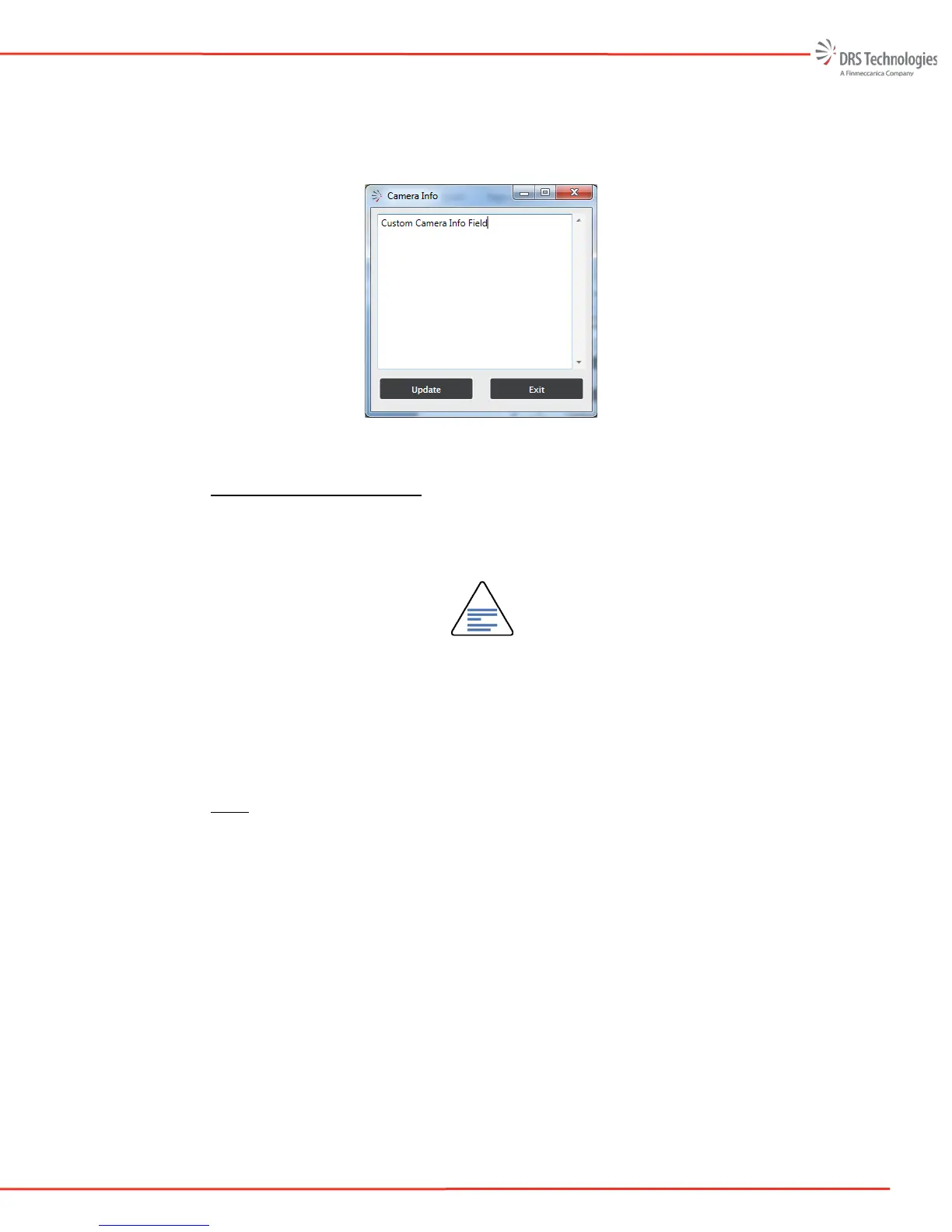
The Camera Info feature allows users to add their own unique camera identification or serial
number. Figure 52 illustrates the Camera Info screen. To change the characters, simply edit the
text and select update to save the characters to non-volatile memory. In this example Custom
Camera Info Field is saved in non-volatile memory.
Figure 52: Camera Info
5.9.4 Reset to Factory Defaults
Restore Factory Settings returns all camera settings back to their factory defaults. This feature is
sometimes useful if the user would like to return the camera to a known state. To restore reset to
factory defaults, select Restore Factory Settings at the bottom of the Utilities window.
NOTE
Restoring factory settings will return all camera settings, including non-volatile
parameters and custom lens calibration settings, if applicable, to their factory
default values. Any marked pixels, rows, columns saved to the camera (i.e.
overlaid on top of the factory pixel map) will remain, i.e. will not be affected by the
Restore to Factory Settings command.
5.9.5 Help
To view the help file, select the Help tab. This will open up a pdf version of the Camera Control
Software User Manual in a separate window. See Figure 53 below:



 To Next Page