Installation
14
4.1.4 S1 SENSING
PIN No DESCRIPTION
CABLE
SIZE
NOTES
19 S1 L1 (R) voltage monitoring
1.0mm²
AWG 18
Connect to S1 L1 (R) output (AC)
(Recommend 2A fuse)
20 S1 L2 (S) voltage monitoring
1.0mm²
AWG 18
Connect to S1 L2 (S) output (AC)
(Recommend 2A fuse)
21 S1 31 (T) voltage monitoring
1.0mm²
AWG 18
Connect to S1 L3 (T) output (AC)
(Recommend 2A fuse)
22 S1 Neutral (N) input
1.0mm²
AWG 18
Connect to S1 Neutral terminal (AC)
4.1.5 S2 SENSING
PIN No DESCRIPTION
CABLE
SIZE
NOTES
15 S2 L1 (R) voltage monitoring
1.0mm²
AWG 18
Connect to S2 L1 (R) output (AC)
(Recommend 2A fuse)
16 S2 L2 (S) voltage monitoring
1.0mm²
AWG 18
Connect to S2 L2 (S) output (AC)
(Recommend 2A fuse)
17 S2 31 (T) voltage monitoring
1.0mm²
AWG 18
Connect to S2 L3 (T) output (AC)
(Recommend 2A fuse)
18 S2 Neutral (N) input
1.0mm²
AWG 18
Connect to S2 Neutral terminal (AC)
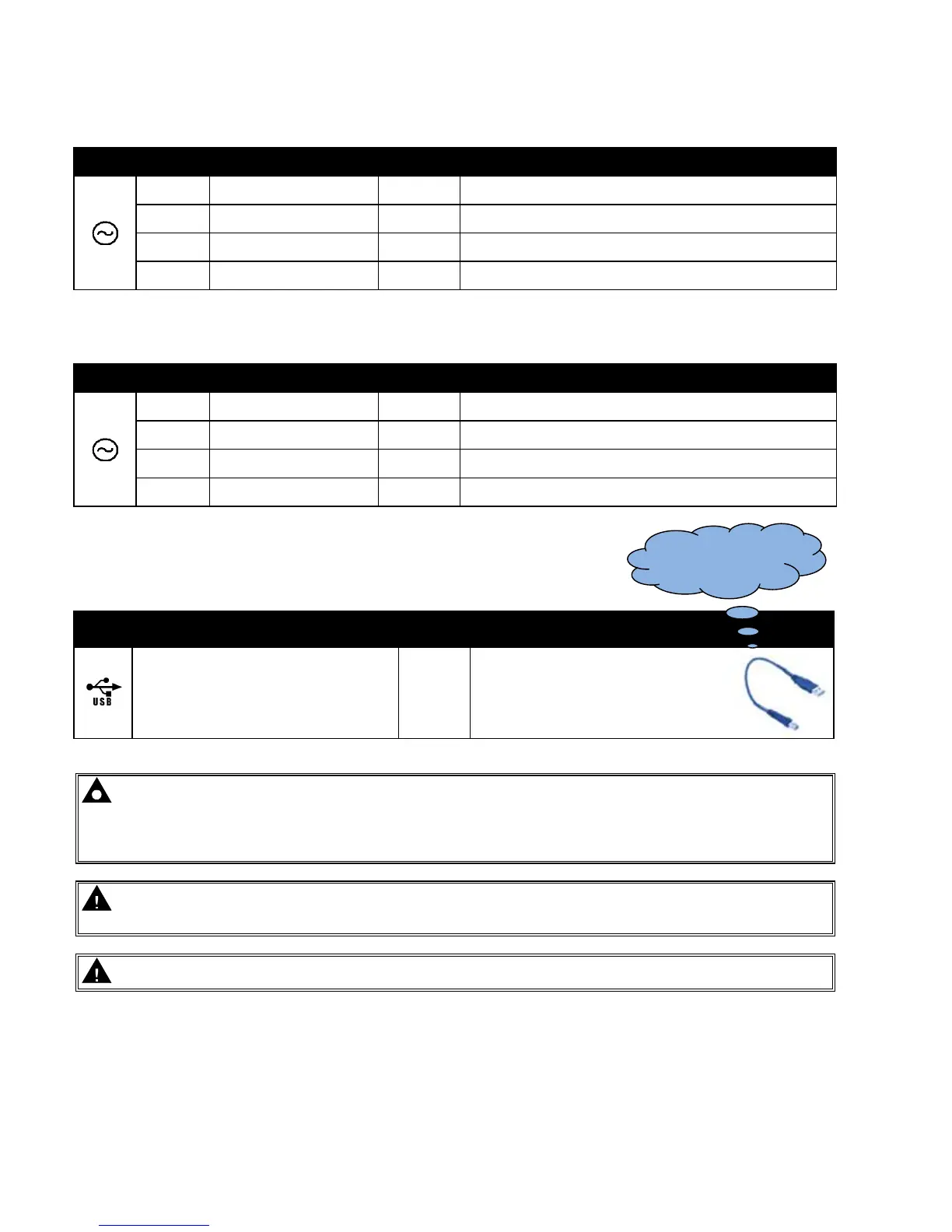
4.1.6 PC CONFIGURATION INTERFACE CONNECTOR
DESCRIPTION CABLE
SIZE
NOTES
Socket for connection to PC with DSE
Configuration Suite PC software.
0.5mm²
AWG 20
This is a standard USB type A to
type B cable.
NOTE:- The USB connection cable between the PC and the DSE331 module must not be extended
beyond 5m (5yds). For distances over 5m, it is possible to use a third party USB extender. Typically, they
extend USB up to 50m (yds). The supply and support of this type of equipment is outside the scope of
Deep Sea Electronics PLC.
CAUTION!: Care must be taken not to overload the PCs USB system by connecting more than the
recommended number of USB devices to the PC. For further information, consult your PC supplier.
CAUTION!: This socket must not be used for any other purpose.
This configuration cable is
the same as normally used
between a PC and a USB
printer.



 To Next Page