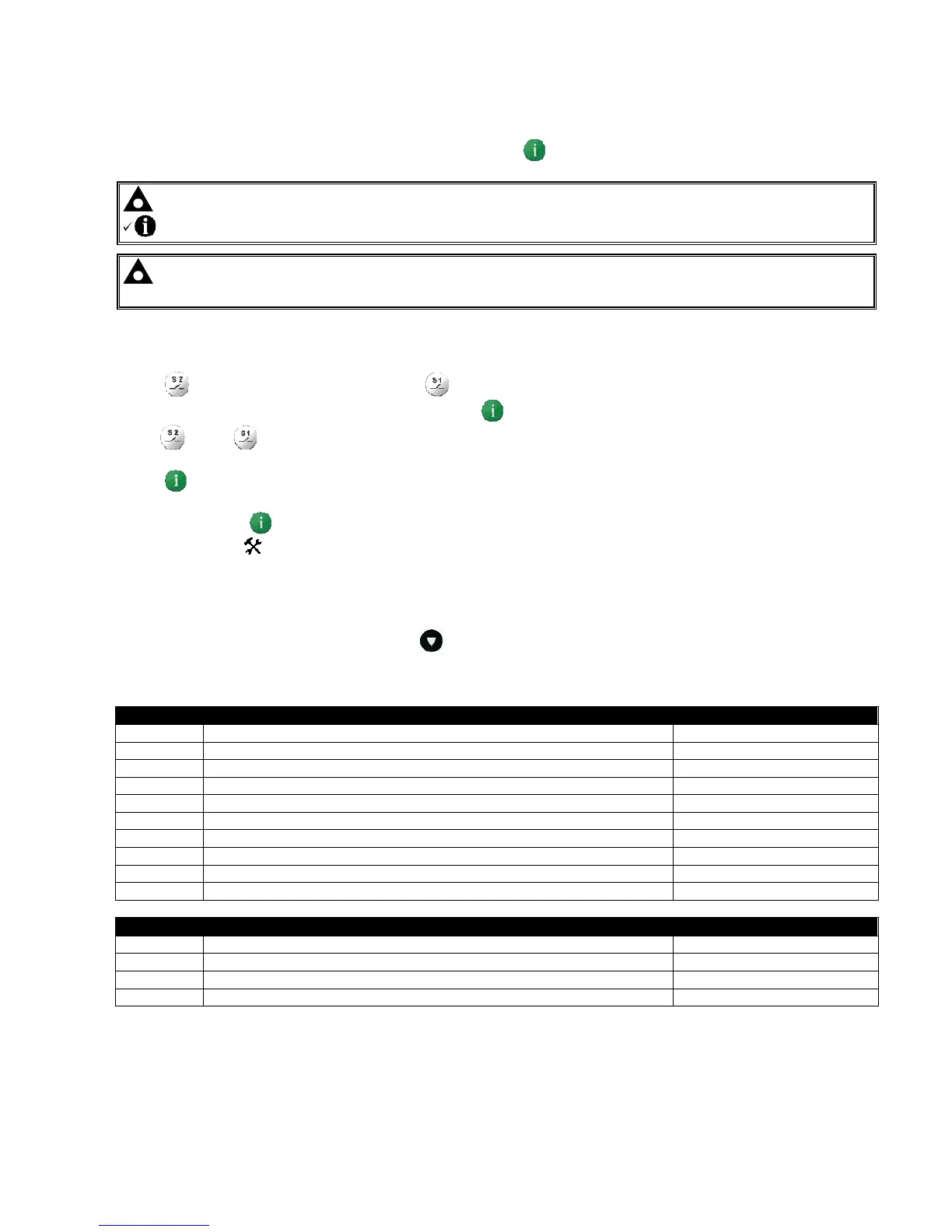
Front Panel Configuration
29
8.1 ACCESSING THE FRONT PANEL EDITOR (FPE)
To enter the ‘configuration mode’ press Press and hold the button
NOTE:- To exit the front panel configuration editor and activate your changes, press and hold the
button. Ensure you have saved any changes you have made by pressing the
button first.
NOTE:- When the editor is visible, it is automatically exited after 5 minutes of inactivity to ensure
security.
8.1.1 EDITING A PARAMETER
Press (+) to select the next parameter or (-) to select the previous parameter
When viewing the parameter to be changed, press the button. The value begins to flash.
Press (+) or (-) to adjust the value to the required setting.
Press the save the current value, the value ceases
flashing.
Press and hold the button to exit the editor, the
configuration icon will be removed from the display.
:
8.2 ADJUSTABLE PARAMETERS (CONFIGURATION EDITOR)
When viewing the configuration editor, Press to select the required ‘page’ as listed below.
Front Panel Configuration Editor (Factory default settings are shown in bold italicised text)
CONFIGURATION PARAMETERS – MODULE (Page 1)
101 Contrast 000 (%)
102 Display mode Icon only (1), English (0)n
103 S1 Option Generator (1), Mains (0)
104 S1 Summary screen phase display 1-3
105 S2 Option Generator (1), Mains (0)
106 S2 Summary screen phase display 1-3
107 Lamp test at power up On (1), Off (0)
108 Power up in auto On (1), Off (0)
109 Enable transfer by buttons On (1), Off (0)
110 Test mode On Load (1), Off Load (0)
CONFIGURATION PARAMETERS – APPLICATION (Page 2)
201 Breaker Type Scheme B (1), Scheme A(0)
202 Check Sync On (1), Off (0)
203 Return to Programmed Transition On (1), Off (0)
204 Display mode Icon only (1), English (0)



 To Next Page