Description of Controls
20
5.3 CONTROLS
5.3.1 MODE SELECTION
NOTE:- Icons only apply when display mode in the software programme is set to `icons`
5.3.2 DISPLAY
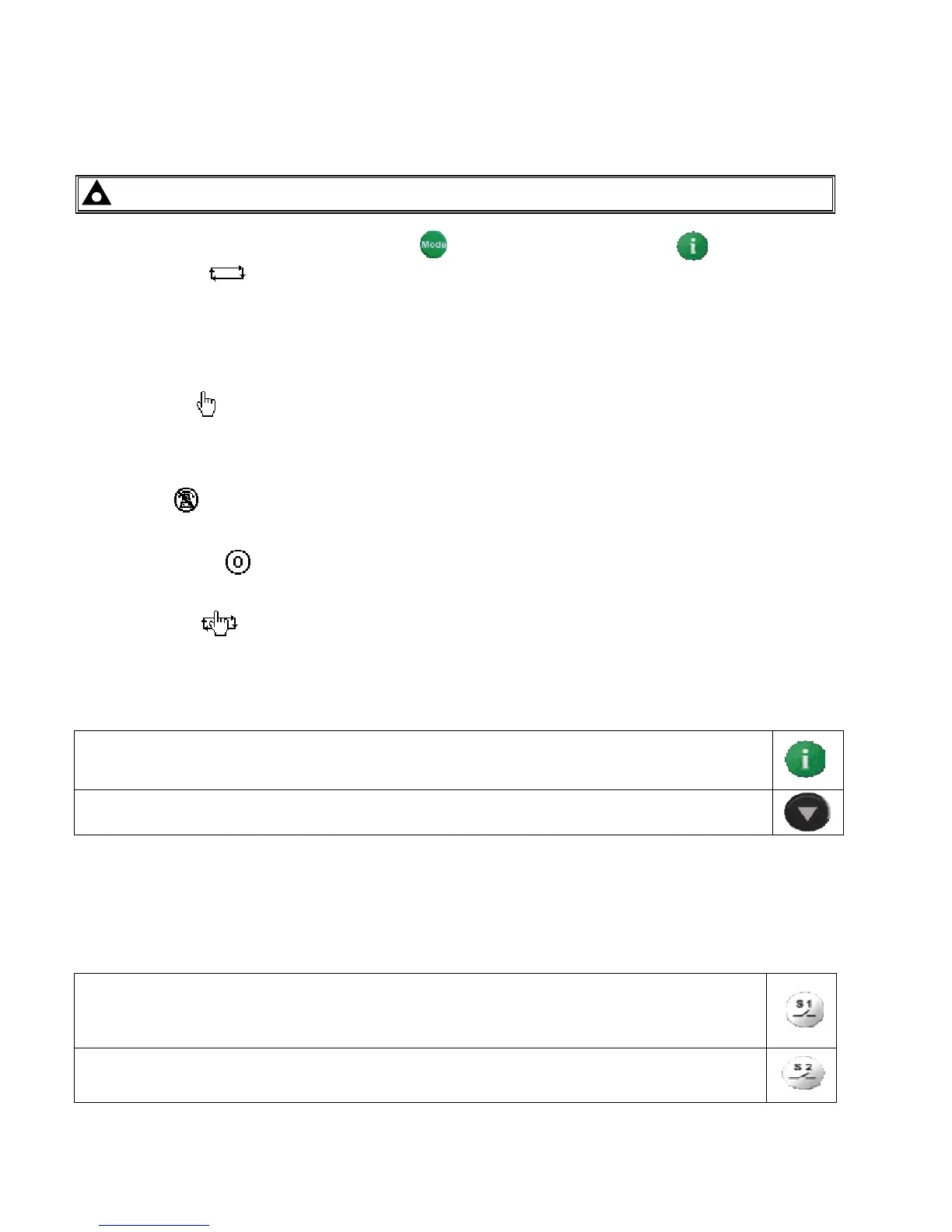
This button changes between the various pages About, Status, Instrumentation, Alarms, Event Log, LCD
Indicators
This buttons scrolls through the items in the currently displayed page.
5.3.3 LOAD SWITCHING CONTROL
Two fascia mounted buttons are provided for load switching operation when in manual mode. These buttons are
enabled/disabled in the modules PC configuration Suite so refer to your configuration file to ensure the
configuration has enabled the buttons.
Pressing this button when the S1 is on load will open the S1 load switch.
Pressing this button when S2 is on load and S1 is healthy, will open S2 load switch, wait for the duration
of the transfer delay, then close the S1 load switch.
Pressing this button when S2 is on load will open the S2 load switch.
Pressing this button when the S1 is on load and S2 is available, will open the S1 load switch, wait for
the duration of the transfer delay, then close S2 load switch.
This button selects the preferred mode of operation. to complete the selection press the button.
Automatic mode. This mode allows the module to control the function of the load switching completely
automatically. The module will monitor the remote start input and mains supply status and once a start request is
made, the set will be placed on load.
Upon removal of the starting signal (or S1supply returns), the module will automatically transfer the load from the
generator to the mains and remove the genset starting instruction.
Manual mode. This mode allows manual control of the ATS functions. Once in this mode the module will
send a start request to the generator.
Breakers can be opened and close using the transfer buttons detailed below.
Test mode. Once in Test mode the module will send a start request to the generator and place the set on
load or off load depending what is set in the software. The set will remain on load or off load when in this mode.
Start inhibit mode.
This mode is used to provide an over-ride function to prevent the controller from starting the
generator in the event of a remote start/S1 out of limits condition occurring.
Prohibit return.
This mode is used to prevent the module from loading S1 even though S1 has returned.



 To Next Page