Description of Controls
19
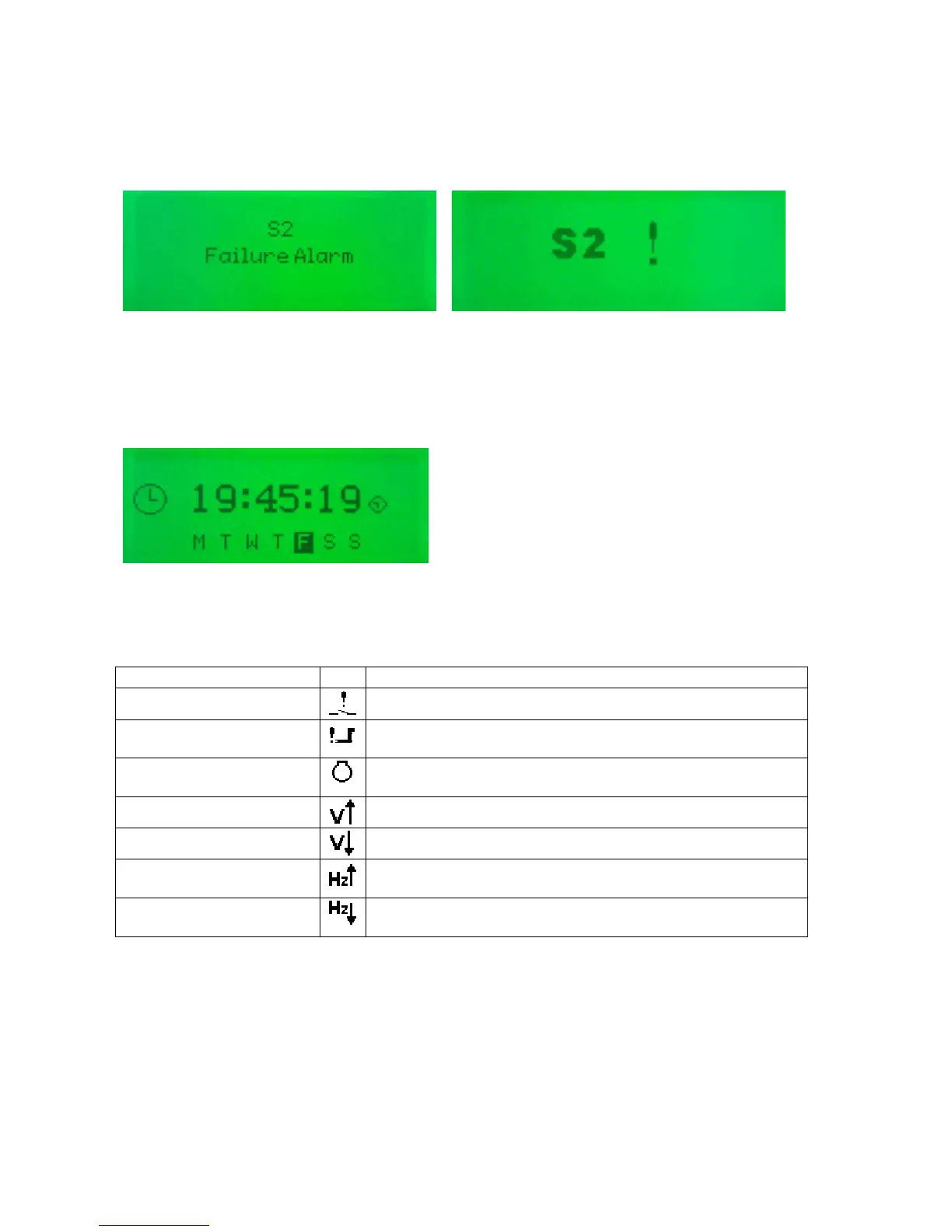
5.2.1.3 ALARMS
Lists any current alarms
Example (English) (Icon)
5.2.1.4 SCHEDULER.
Shows the settings of the exercise scheduler
Example:
5.2.2 ALARM ICONS
In instances where more than one alarm is present the icon area will transition between icons to display all active
alarm conditions. For information alarm conditions see section
Alarm Icon Reason
Switch fail alarm
The Switching device has failed to operate.
Failed to start
The engine has not fired after the preset number of start
attempts.
Failed to stop
The module has detected a condition that indicates that the
engine is running when it has been instructed to stop.
Over Voltage
S1 or S2 voltage has risen above the pre-set pre-alarm setting.
Under voltage
S1 or S2 voltage has fallen below the pre-set pre-alarm setting.
Over frequency
S1 or S2 frequency has risen above the pre-set pre-alarm
setting.
Under frequency
S1 or S2 frequency has fallen below the pre-set pre-alarm
setting.



 To Next Page