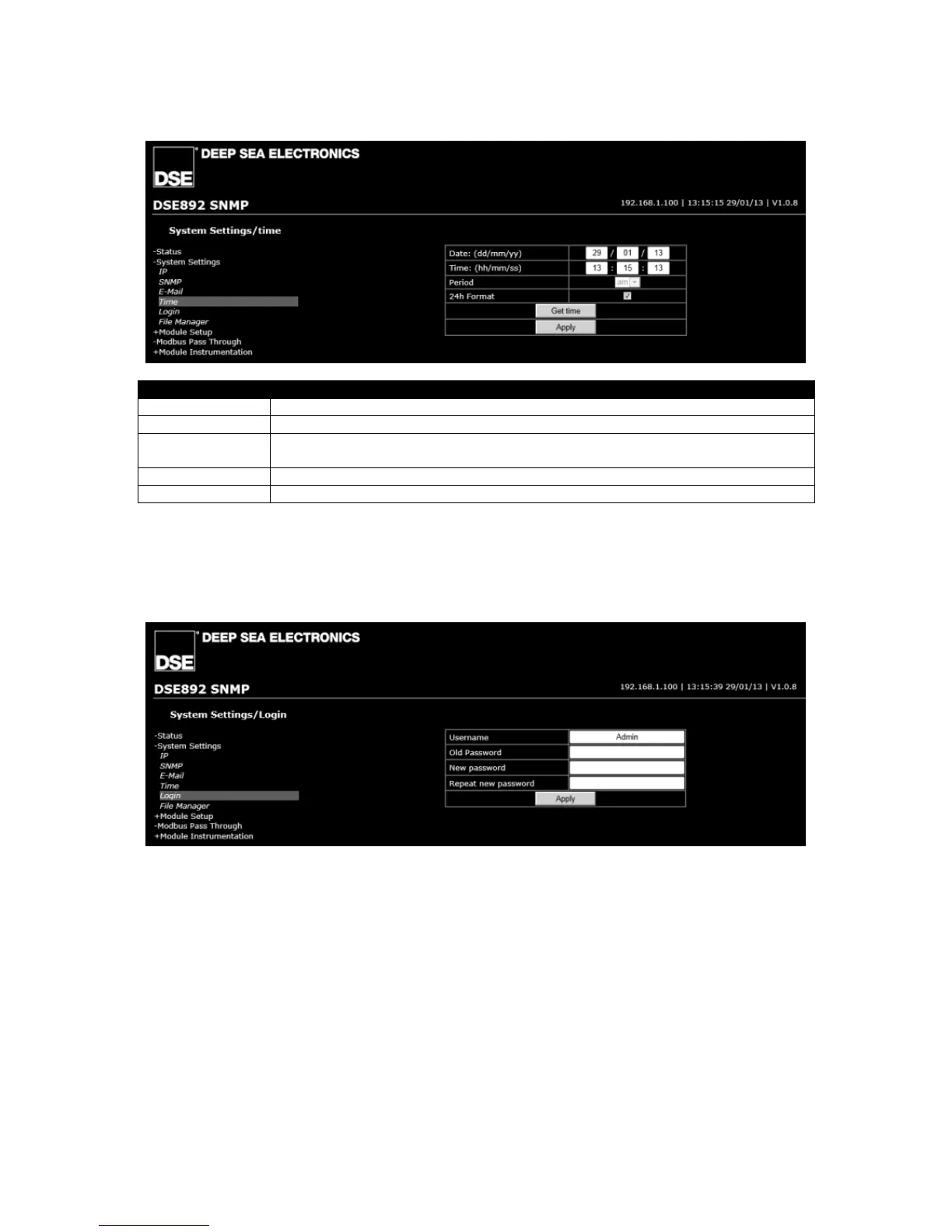
Date / Time Set the date and time local to the site.
Period am or pm (when 24h Format is not selected)
24h Format = Clock is displayed in 24 hr format
= Clock is displayed in 12 hr format
Get Time Gets the time from the PC and enters this into the Date and Time boxes above
Apply Sends the values entered to the DSE892 Gateway.
6.2.5 LOGIN
This page allows the Username and Password of the DSE892 Gateway to be changed to suit user
requirements.



 To Next Page