Setup
29
6.2.6.1 FIRMWARE UPGRADE BY TFTP
When available, firmware upgrade files are available by Over The Air updates from Deep Sea
Electronics TFTP site.
To do this :
• Ensure your DSE892 SNMP Gateway is correctly configured to access the internet via an
external router. The DHCP is not configured, this requires correct DNS entries in the System
Settings | IP section of the DSE892 configuration.
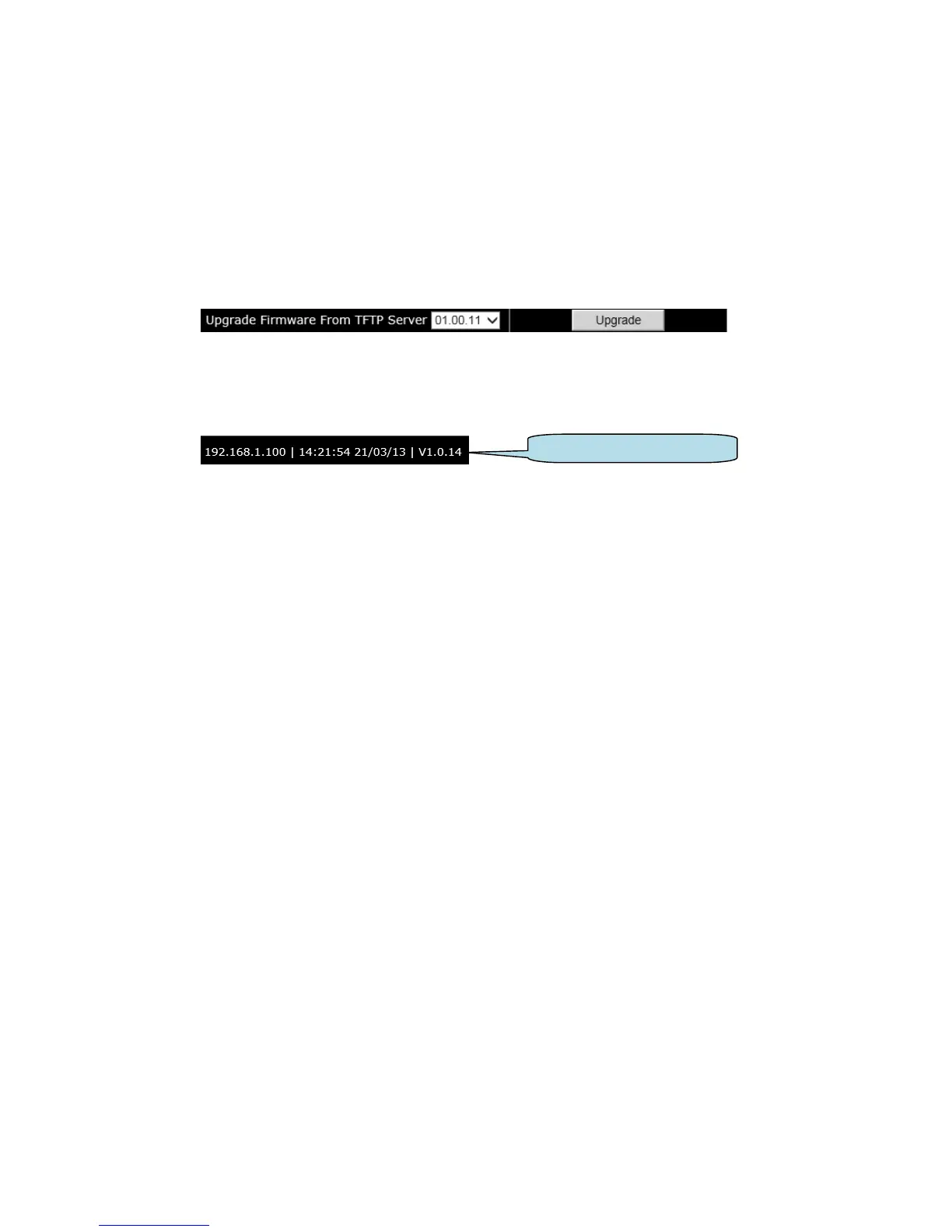
• Select the required version number from the ‘drop down’ list box and press the Upgrade
button.
• The DSE892 connects to the TFTP server and begins the update. The status LEDs on the
DSE892 will alternate to show the download is in progress. This may take several minutes.
• When complete, all LEDs illuminate yellow for one second after which the DSE892 will restart
and resume normal operation.
• The version number of the DSE892 firmware is located at the top right of the management
pages.



 To Next Page