Page 30
Pulmonary Function Test • Publication 014181-001 Rev 02 • www.datasci.com ©2023 Data Sciences International
When you see the correct value displayed on the Inspiration Flow digital display, flip the Inspiration valve switch
back to Auto. Then you have successfully set the Inspiratory flow rate.
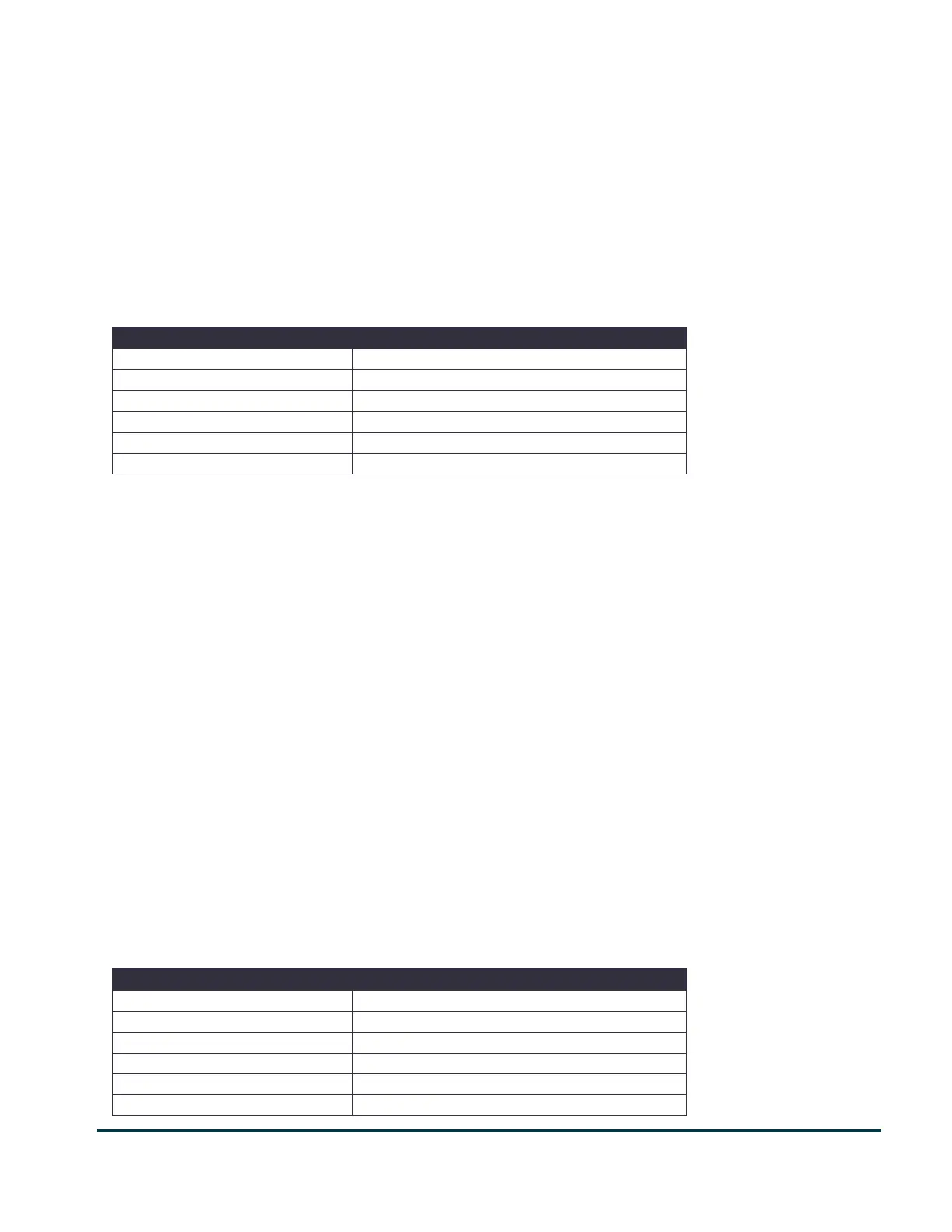
Use the table below to estimate inspiration flow rates. Divide the subject’s TLC by the number of seconds required
for the expiration.
For example, if the subject is a rat and the TLC is 14 ml the flow rate would be 5.6 ml/sec (14 ml divided by 2.5 secs
= 5.6 ml/sec). Inspiration flow rates are positive. Please keep in mind that these flow rates are estimates and may
need to be adjusted if the subject cannot achieve 30 cm H20 of pressure fast enough during inspiration. You can
measure the inspiration time on the flow signal in FinePointe. Measure the time it takes from the pressure to rise
from zero to 30 cmH20 during the forced inspiration phase of the breath. These values will vary based the subject’s
size, especially with larger animal types.
7 - Setting Slow Expiration Flow
Using the toggle switch on the front panel, select Large Animal if you are using a large animal pressure reservoir, or
Small Animal if you are using a small animal pressure reservoir. If you selected large animal, use the large green
flow rate adjustment knobs. If you selected small animal, use the small silver flow rate adjustment knobs.
On the Valve Control module, make sure the FRC valve is switched off or in the Auto position. Then flip the Slow
Expiration valve switch to ON.
Turn the knob labeled Expiration until the display reads the value of your desired flow rate. A general guideline
when setting the slow expiration flow rate is to use a rate that would expire the vital capacity (VC) of the subject as
long as possible for that species.
When you see the correct value displayed on the Slow Expiration Flow digital display, flip the Slow Expiration switch
back to Auto. Then you have successfully set the Slow Expiration flow rate.
Use the table below to estimate slow expiration rates. Divide the subject’s VC (Vital Capacity) by the number of
seconds required for the expiration.
For example, if the subject is a rat and the VC is 10 ml the flow rate would be -2.5 ml/sec (10 ml divided by 4 secs =
2.5 ml/sec). Expiration flow rates are negative. Please keep in mind that these rates are estimates and may need to
be adjusted based on the Te (expiratory time) that is measured during the PV (Pressure Volume) test. The Te
should fall within the expiration time range of the subject type. The values will vary based the subject’s size,
especially with larger animal types.
Typical Longest Expiration Time


 To Next Page