Page 37
Pulmonary Function Test • Publication 014181-001 Rev 02 • www.datasci.com ©2023 Data Sciences International
Hardware Configuration in FinePointe Control Panel
To setup the software, you need to create a hardware configuration in the FinePointe Control Panel. The hardware
configuration will appear as a station from within FinePointe. This only needs to be done once. The hardware
configuration tells the system how the hardware is setup and what species you intend to run. To create the
configuration the software will step you though a 3-page wizard.
If you intend to use the same Pressure Panel for both Rat and Mouse chambers, then you will setup a separate
hardware configuration for each.
Once this is complete you will be able to create PFT studies which store the data within FinePointe Review and use
the Station you defined in the Control panel to acquire data into them.
If you are installing the software for the first time, refer to the FinePointe Installation Guide for details. In this
description, we assume the software has been installed and configured on the network appropriately.
Begin by running the FinePointe Control Panel. FinePointe Control panel requires administrative access to the
computer, so if UAC (User Access Control) is enabled on your computer, you may be asked if you want to allow
FinePointe Control Panel to make changes to your computer. You must respond Yes. Keep in mind that it is
possible that UAC can prevent FinePointe Control Panel from running at all if your administrator has locked the
system down. So, if FinePointe Control Panel does not appear to respond, contact a network administrator for
assistance.
Note: The shortcut for FinePointe Control Panel must have the Run As Administrator option
checked on the Compatibility Tab of the shortcut Properties form.
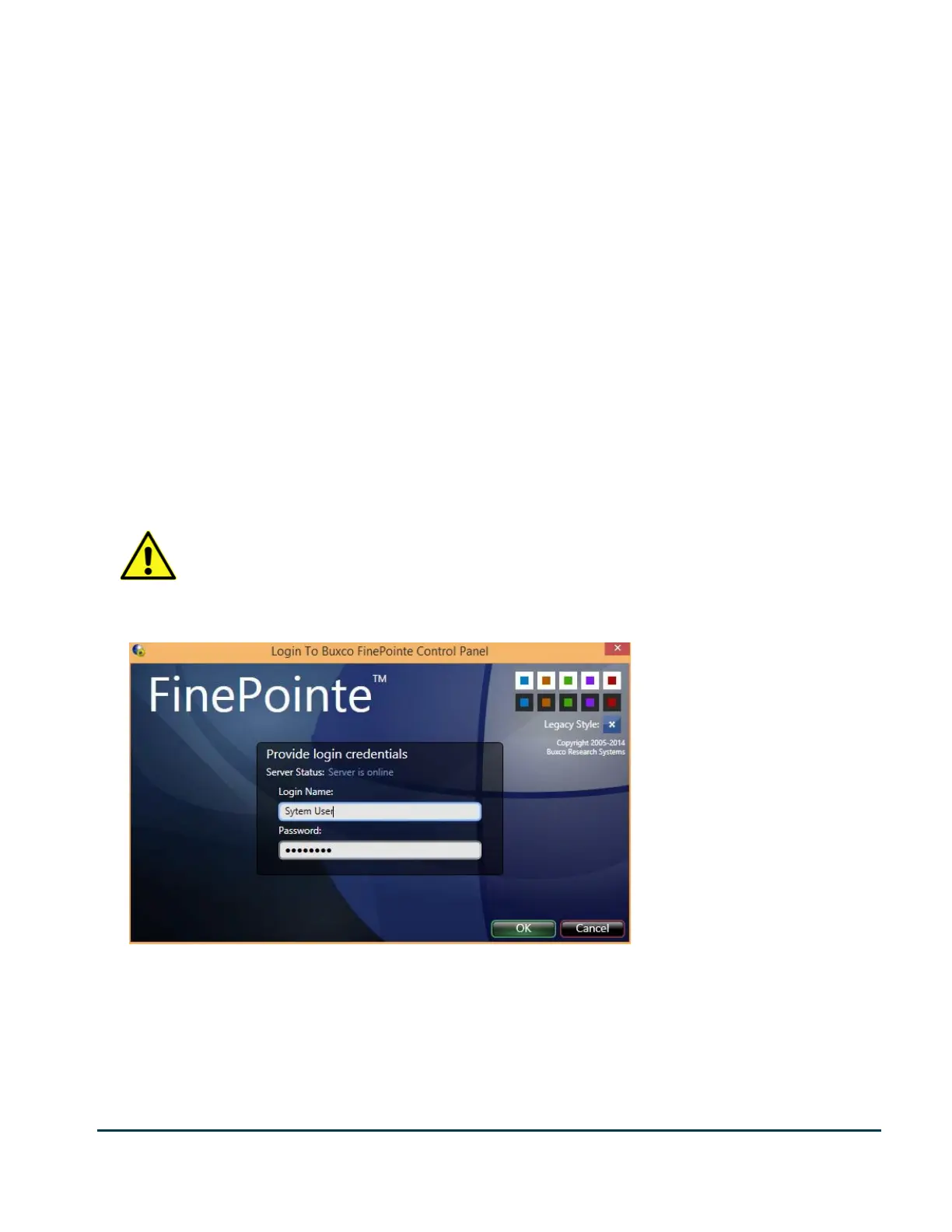
Assuming FinePointe Control Panel is allowed to run, you will first be presented with a login form as follows:


 To Next Page