Page 43
Pulmonary Function Test • Publication 014181-001 Rev 02 • www.datasci.com ©2023 Data Sciences International
Calibration Procedure
1 - Open the Calibration Window
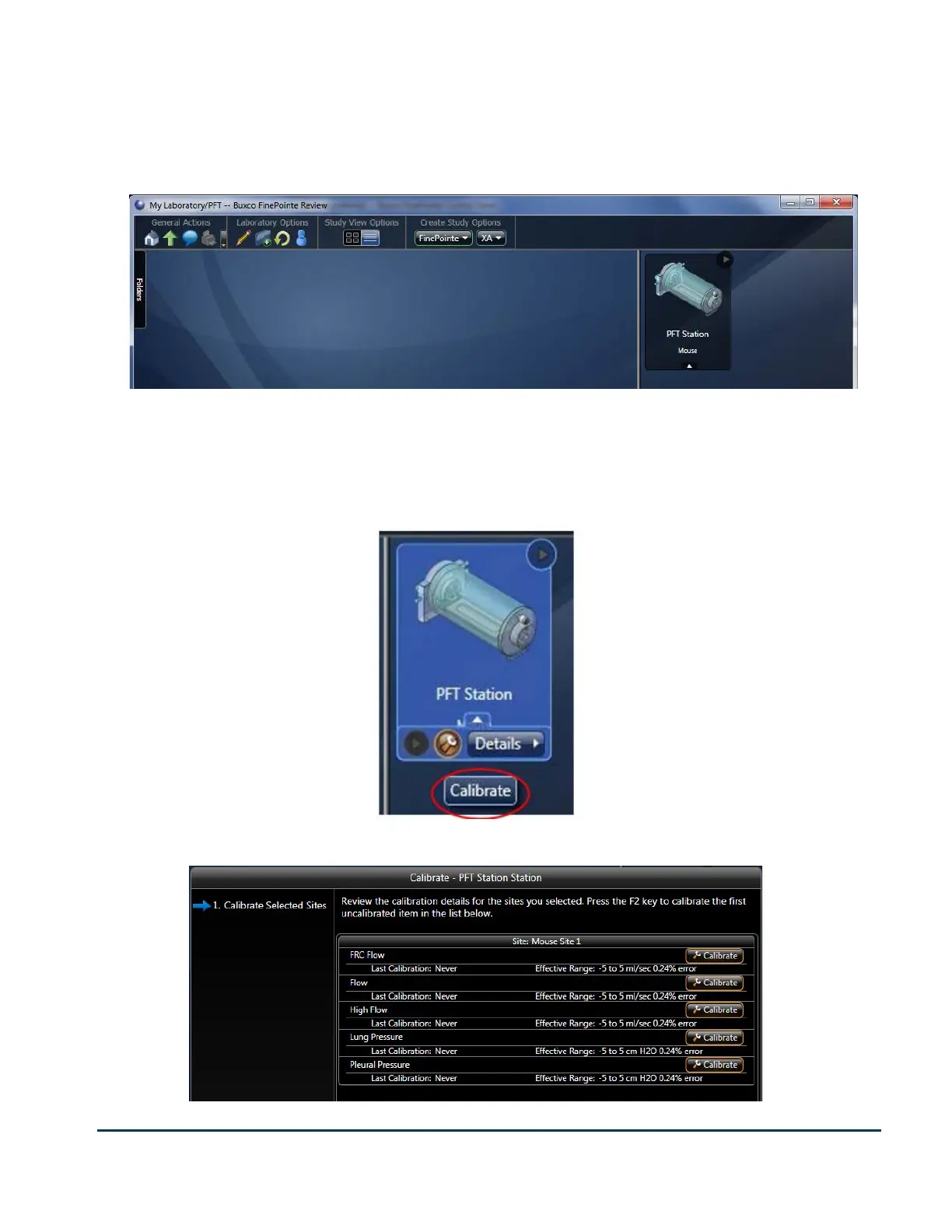
To calibrate, bring up the Laboratory page in FinePointe Review.
The area on the right is where you see icons for the stations. As shown here, there is one station icon named PFT
Station.
When you move the mouse over the station icon, a little toolbar becomes exposed. This toolbar presents buttons
for actions you can perform on the station. One of the actions is Calibrate the station. The following image
illustrates this toolbar.
Hover the mouse over the station icon you want to calibrate and click on the wrench icon.


 To Next Page