7.8 Menu item “Extras”
7.8.1 Service
–
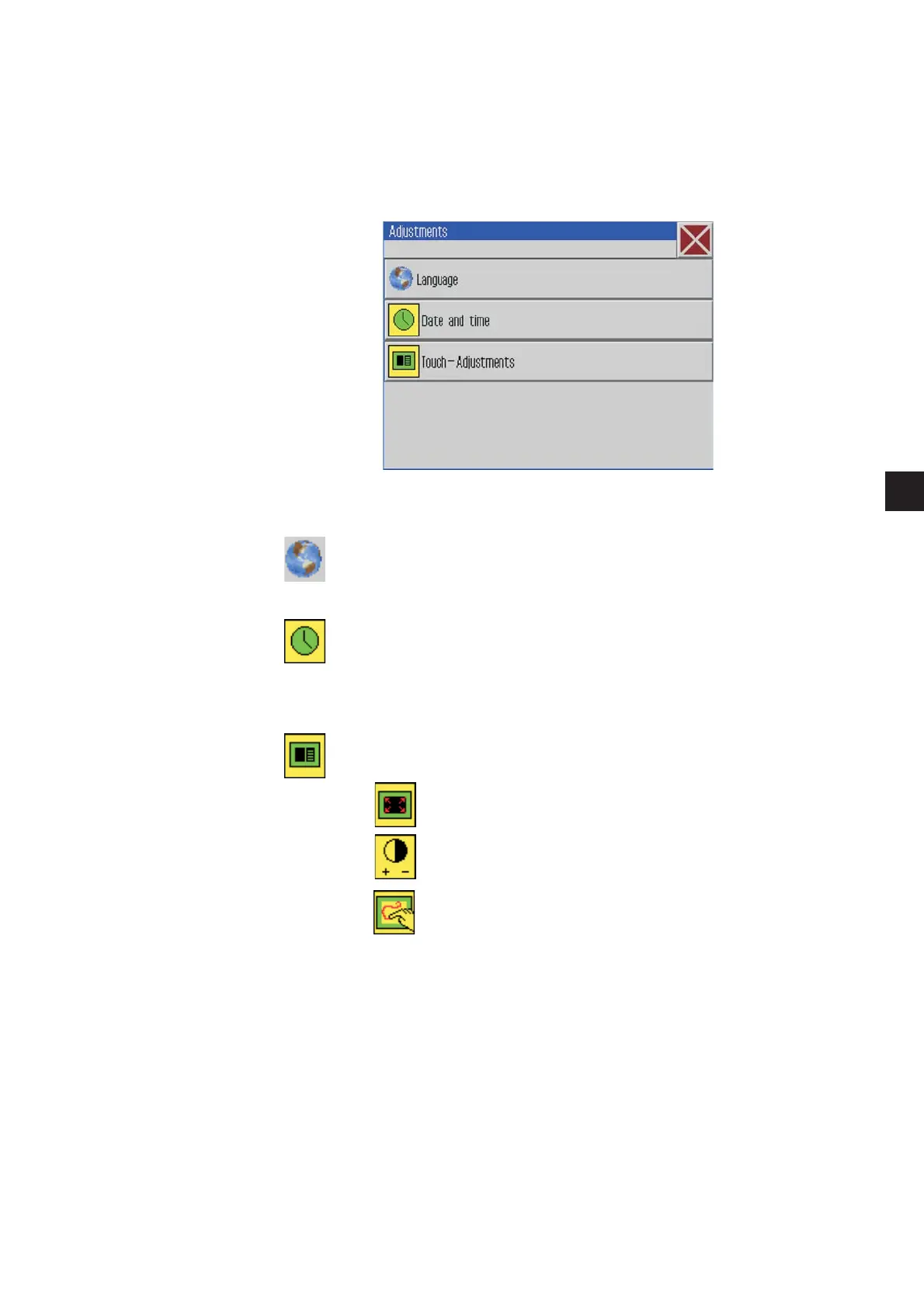
Click Extras -> Service -> Adjustments
–
Enter the password
The following screen will appear.
Language
–
Press the requested language.
–
Press the “OK” button.
The selected language will be adopted.
Date and time
–
Enter the date and the hour.
–
Press the “OK” button.
The settings will be adopted.
Setting the control panel
Touch Calibration
Contrast Brightness
Touch Test
41
1









 To Next Page