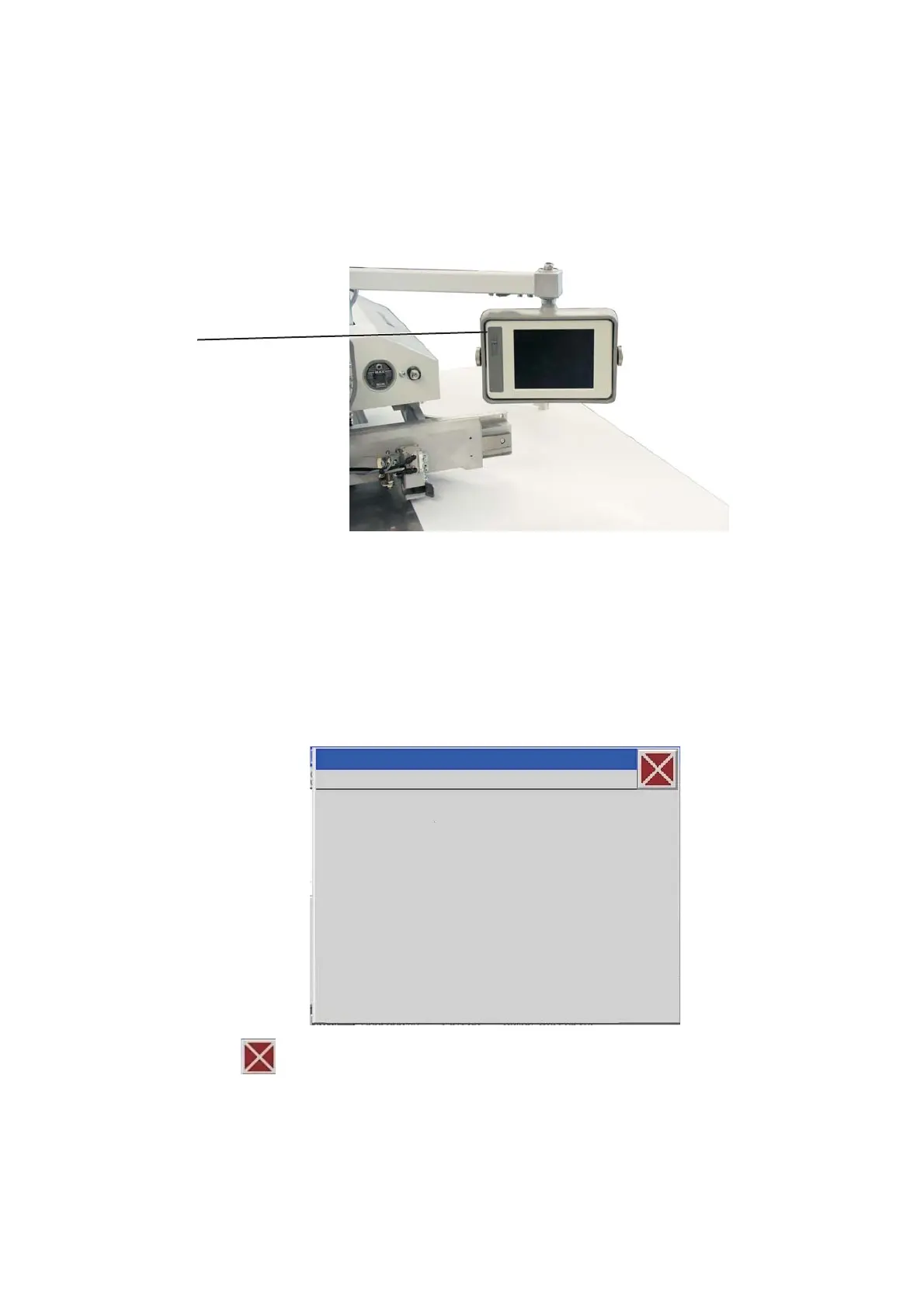
7. Operating the control of the 911
7.1 The control panel
The data entry is done through a touch screen monitor.
USB connection
USB-Stick order-no. 9805 791113
7.2 Operating the touch screen panel
Activate a function by touching (with a fingertip) the symbol
representing the function in question on the screen.
–
Tip with your fingertip on the requested function symbol.
7.2.1 Window “General”
–
Close the window
7.2.2 Input window
“Cancel” “ESC” - > the window will be closed, the value
will not be modified
“OK” “CR” -> the window will be closed and the new
value will be saved, if it is within the
specified limit values
18







 To Next Page