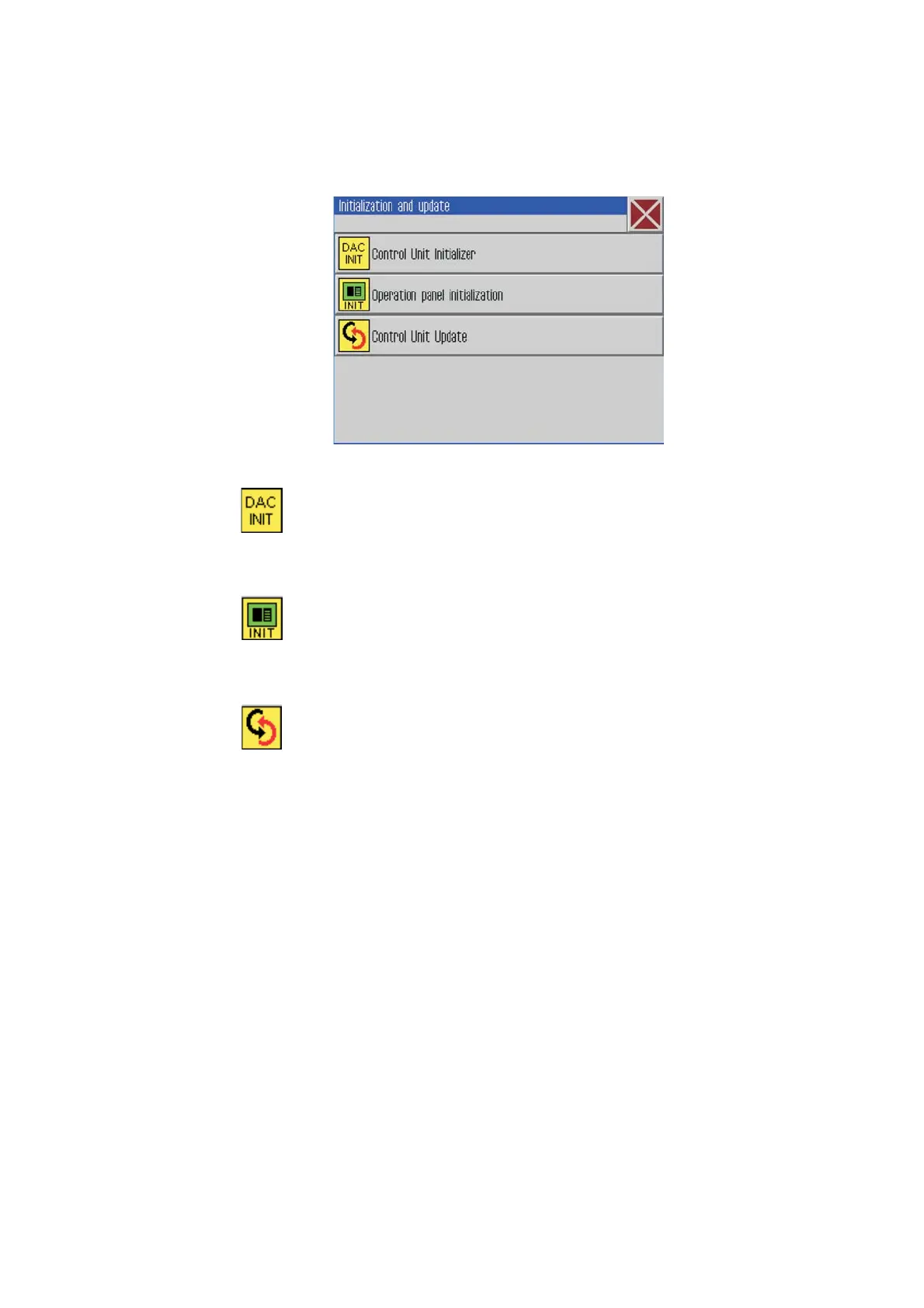
7.8.5 Initialization and Update
–
Click Extras -> Service -> Initialization and Update.
–
Enter the password
The following screen will appear.
Control unit initialization
ATTENTION!
All entries will be set back to factory setting.
Operation panel initialization
ATTENTION!
All entries will be set back to factory setting.
Update of the control unit
7.8.6 Manufacturer
This menu is only accessible for Dürkopp Adler personnel.
48







 To Next Page