22
VP Player
Stop
playback of a music. Press the STOP button.
When pressing the STOP button, the Repeat and the ALL options will be off.
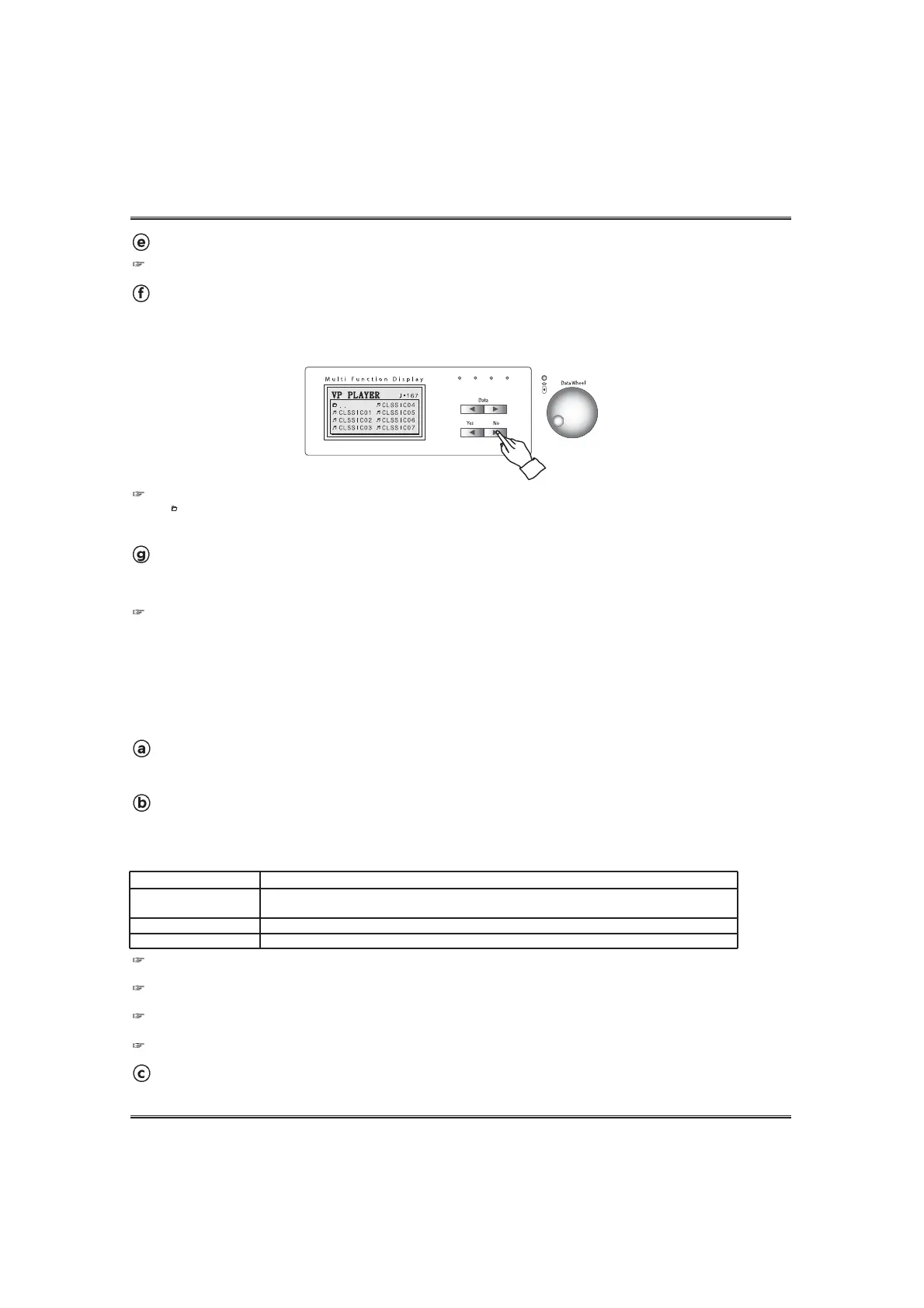
Instead of the NO button, it's possible to go to the the pop-up displays VP music group.
Go to ' ..' by using DATA buttons or DATA wheel and press the YES button on the VP music tune pop-up, the screen
displays VP music group pop-up.
Change the VP music group.
Press down the NO button on VP music tune pop-up.
Then the VP music group will be displayed on the screen.
Choose the VP music group by using the DATA UP and DOWN buttons and press the YES button.
EXIT the VP player.
Press the VP PLAYER button. The pop-up display shows the main menu.
The piano returns play mode.
When returning to play mode, piano will be set same as before starting the VP player mode.
PLAYBACK OF THE VP MUSIC WITH MOVING KEYS
As a step towards providing even more musical pleasure, the piano features newly developed
keyboard movement mechanism. The moving keys function can be operated with the VP Player, the
SMF player or the Record function.
Turn on the VP POWER switch in the headphone box. (see the VP POWER SWITCH
section page 13.)
Select the moving keys channel. (see the MOVING KEYS CHANNEL section page 23.)
To call up the moving keys pop-up display, press and hold the SETUP button and press the VP
PLAYER button. In the moving keys pop-up display, select the desired moving keys channel by using
DATA UP and DOWN buttons.
Start playback of the VP music.
Start playback of the VP music in the normal way. (see the VP PLAYER section on page 20.)
Channel Option
Auto (Default)
Manual Ch 1~ Ch16
Off
Description
When a MIDI channel includes voice Grand Piano 1 (Program #0) or MIDI control 29,
automatically the MIDI channel is set as the moving key Channel.
Piano moves keys as the notes of the selected MIDI Channel.
Piano Playbacks a VP music without moving keys.
When turning on the piano, the moving keys channel of the VP player is set AUTO. (Default value is 'AUTO') So, even if you
don't select any option, the VP player will work with moving keys.
The selected MIDI channel doesn't have any note events in the manual option, the player playbacks the music without
moving keys.
If pressing the YES In the moving key pop-up display, the cursor go to next player menu. If pressig the NO button, the
display returns to the main peformance screen.
NOTE When using the VP player with moving keys, the piano does not make sound by playing keyboard.



 To Next Page