EMS Operation
10-6 FlightDEK-D180 Pilot’s User Guide
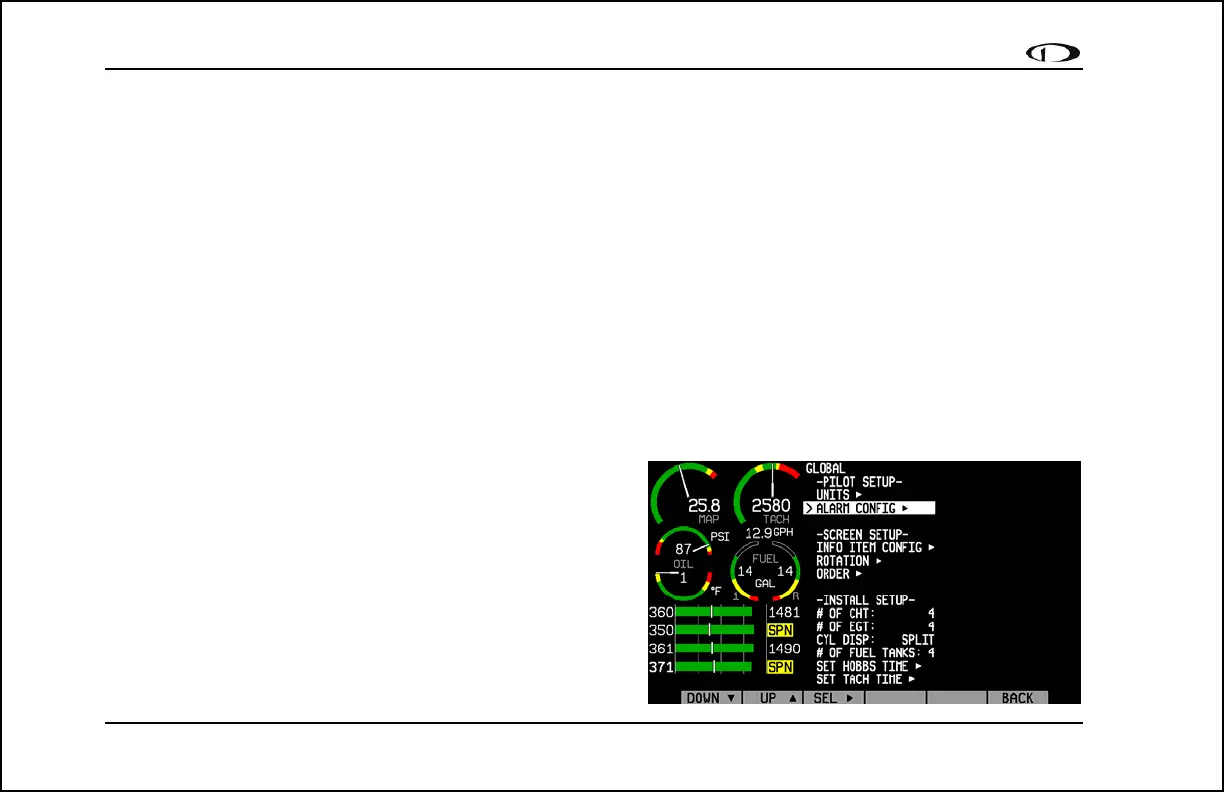
Change power on alarms status: EMS > SETUP > GLOBAL > ALARM CONFIG > PWR ON ALARMS
Set this parameter to “ON” to enable alarms before engine startup. When set to “OFF”, all alarms are suppressed
whenever ALL of the following conditions exist:
• RPM less than 400
• Oil pressure less than 20 PSI
• First five minutes after master instrument power applied
All alarms are enabled when any of the above conditions are exceeded.
Note: The alarm light (if installed and configured) will flash whenever an alarm condition exists; it is not inhibited by
setting PWR ON ALARMS to OFF.
Test light/audio alarm(s): EMS > SETUP > GLOBAL > ALARM CONFIG > TEST ALARM LIGHT/AUDIO
Note: You must select an alarm to test using the UP▲/ DOWN▼ buttons. Hold SEL► to test the selected alarm.
Info Item Configuration: EMS > SETUP > GLOBAL > INFO
ITEM CONFIG►
The INFO ITEM CONFIG submenu allows you to configure a
variety of different sensors as simple analog bars, on/off
contacts, or text items.
The first two info items are displayed on the EMS Main Page.
Info item 1 is at the top right of the page, and info item 2 is at
the lower right of the page. The other six info items are located
on the Aux Page and are numbered 3 through 5 on the top row



 To Next Page