HSI Operation
FlightDEK-D180 Pilot’s User Guide 6-9
When the HS34 is hooked to a GPS unit via ARINC-429, the system can read the scaling from the ARINC-42
connection. When connected this way, the scaling auto-updates and follows the GPS. The indication on the
screen for mode and range should match the mode and range of the GPS at all times. When in this mode, the
range is not limited to just 5/1/0.3nm, as the GPS may slide between scales, so it would not be unexpected to
see a number such as 0.8 on the screen
9
. Because of this behavior, on the final phases of an approach, a GPS
as
, and
ng this directly above your course pointer (when the CDI is centered)
ven if your magnetic heading is different. As long as a valid GPS source is detected by
urce.
hooked to the HS34 via ARINC-429 acts much like a VOR receiver would with the CDI acting
deflection, not linear distance. There are still only three master modes of Enroute, Terminal
which are annunciated on the screen.
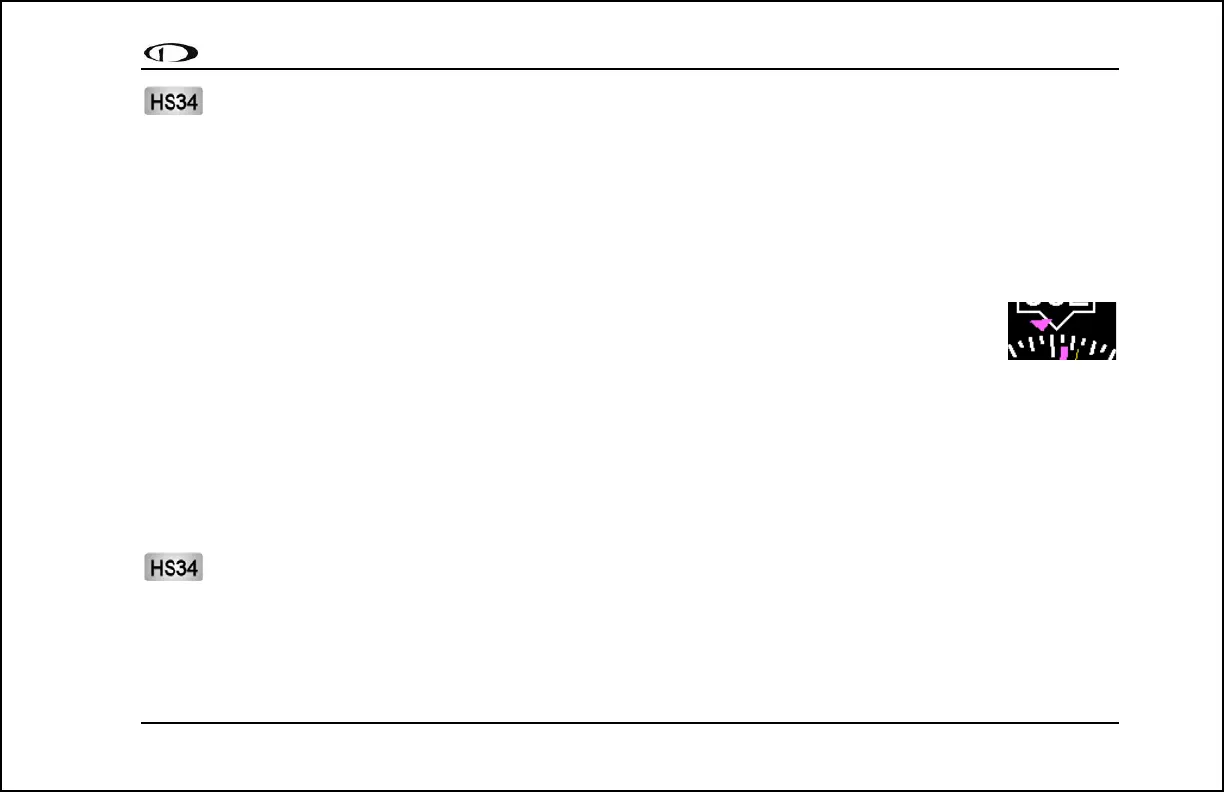
8. Track indicator. This indicates your direction over the ground as reported by the GPS. This is
different than your magnetic heading when there are crosswinds present. Since this is your
angular
Approach,
actual ground track, keepi
keeps you on course, e
the system, the ground track indicator can be displayed. This is not dependent on the currently set NAV so
HSI Menu Structure
NAVSRC - This is used to choose what navigation source is displayed on the HSI page and the EFIS main page.
Pressing this button steps through the three options: DG, NAV, and GPS. This button cycles through only the overlays
that are available in the system; NAV or GPS pages are not available if these data sources are not hooked up.
The NAV SRC button on the HS34 performs the same function as this NAVSRC menu button, but may cycle
master. If it is pressed when no HSI is displayed, it has no
effect.
through NAV1, NAV2, etc, if you have multiple units connected. The NAV SRC button on the HS34 only
works when the HSI page is displayed on the DSAB



 To Next Page