6. HSI OPERATION
This chapter explains how to use the FlightDEK-D180‘s HSI functionality.
Required Connections
To display an HSI on the screen, an external receiver is needed. The currently supported data sources are a Garmin SL-
30 Nav/Comm radio via a serial connection (Nav data), a Garmin GNS-430/530 GPS/Nav/Comm (GPS data), or any
GPS that outputs in either NMEA-0183 or aviation format. Please refer to the FlightDEK-D180 Installation Guide for
instructions on how to connect these devices to your Dynon network. Also, ensure your GPS device is configured to
output magnetic heading since all calculations and displays are done in reference to the local magnetic heading.
The HS34 supports a variety of connections to navigation receivers via serial, ARINC-
429, and analog connection. A connection to the HS34 generally carries more
information than a serial-only connection to an EFIS- or EMS; when an HS34 is
installed, connections to navigation receivers and GPSs must be made to it. Please see
the FlightDEK-D180 Installation Guide for detailed installation and connection
information.
Accessing the HSI/DG Page
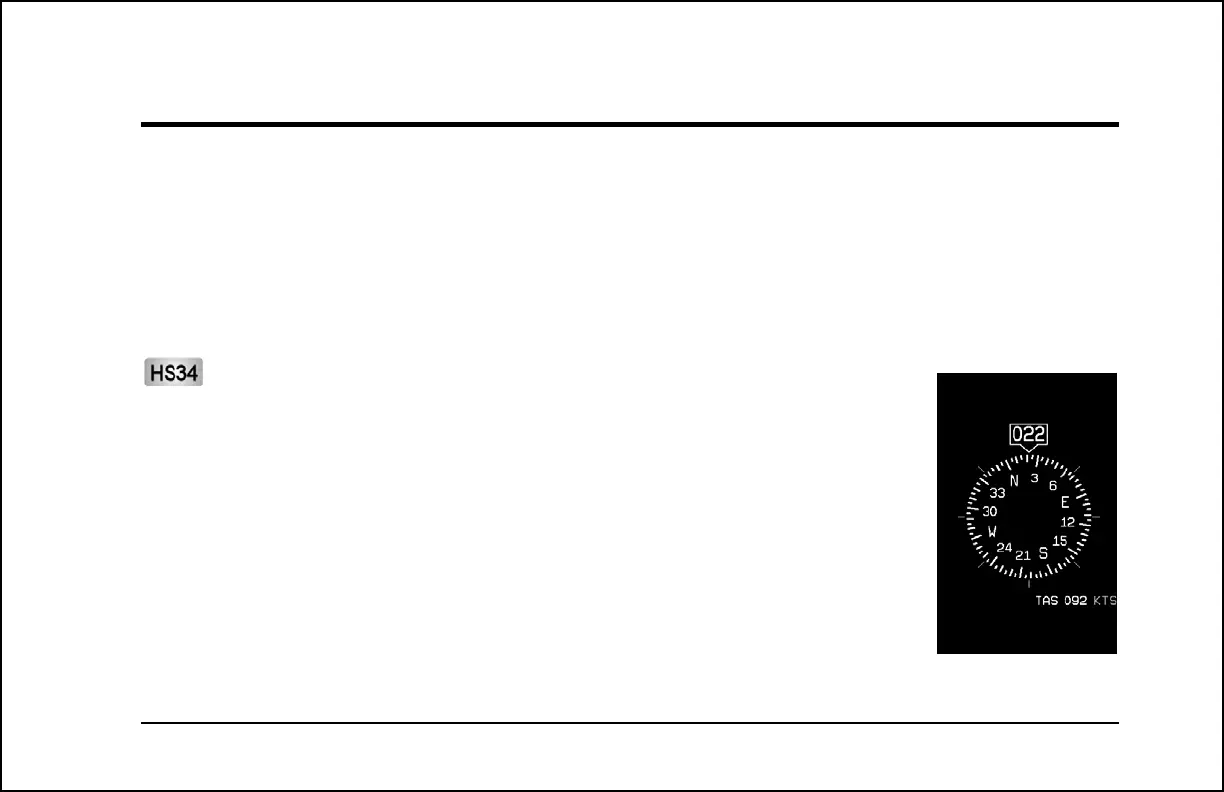
The HSI is displayed as a 1/3 page, next to either a 2/3 EFIS or 2/3 EMS page. If the HSI is
defined as part of a screen setup in your rotation, display the HSI page using either of the screen
rotation hotkeys (buttons 1 and 6) until the appropriate page is displayed. If no screen
configuration including the HSI is in your rotation, you can access the HSI by holding down the
FlightDEK-D180 Pilot’s User Guide 6-1



 To Next Page