Available Pages
FlightDEK-D180 Pilot’s User Guide 4-9
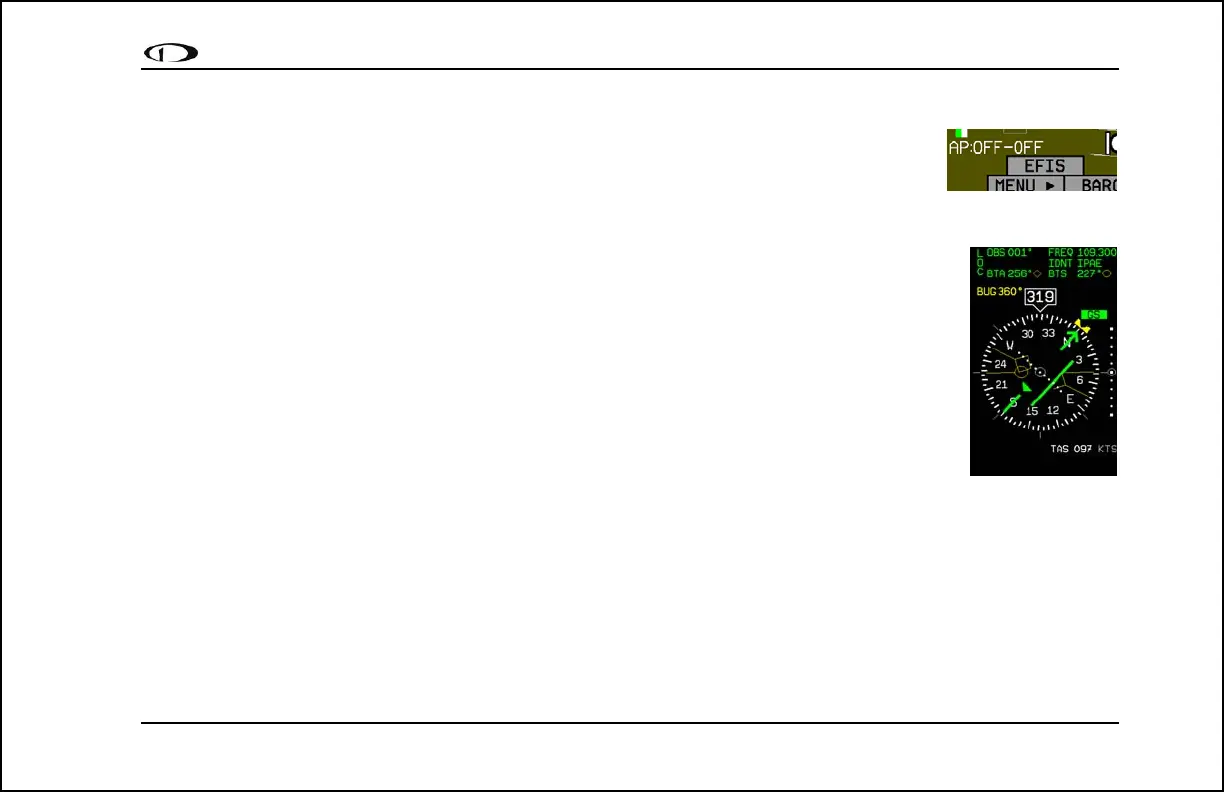
Autopilot Status Indicator
When a Dynon Autopilot is installed and configured, an AP Status Indicator is displayed at the
bottom left of the EFIS page. It provides information about whether the Autopilot is engaged and
what mode(s) it is engaged in. See Autopilot Operation on page 7-1.
HSI Page
Available in 1/3 format
Your FlightDEK-D180 can function as a Horizontal Situation Indicator (HSI) when it is receiving
data from Dynon’s HS34 (connected to a NAV radio), an external GPS, or Garmin SL30 Nav radio.
The HSI information is overlaid on a directional gyro (DG) representation of the EFIS’s stabilized
magnetic heading information. If no GPS or NAV radio source is present in the system, the HSI
page will still display the DG, but without any additional navigation information.
For detailed information on using the HSI page, please see the HSI Operation section on page 6-1.



 To Next Page