Available Pages
FlightDEK-D180 Pilot’s User Guide 4-11
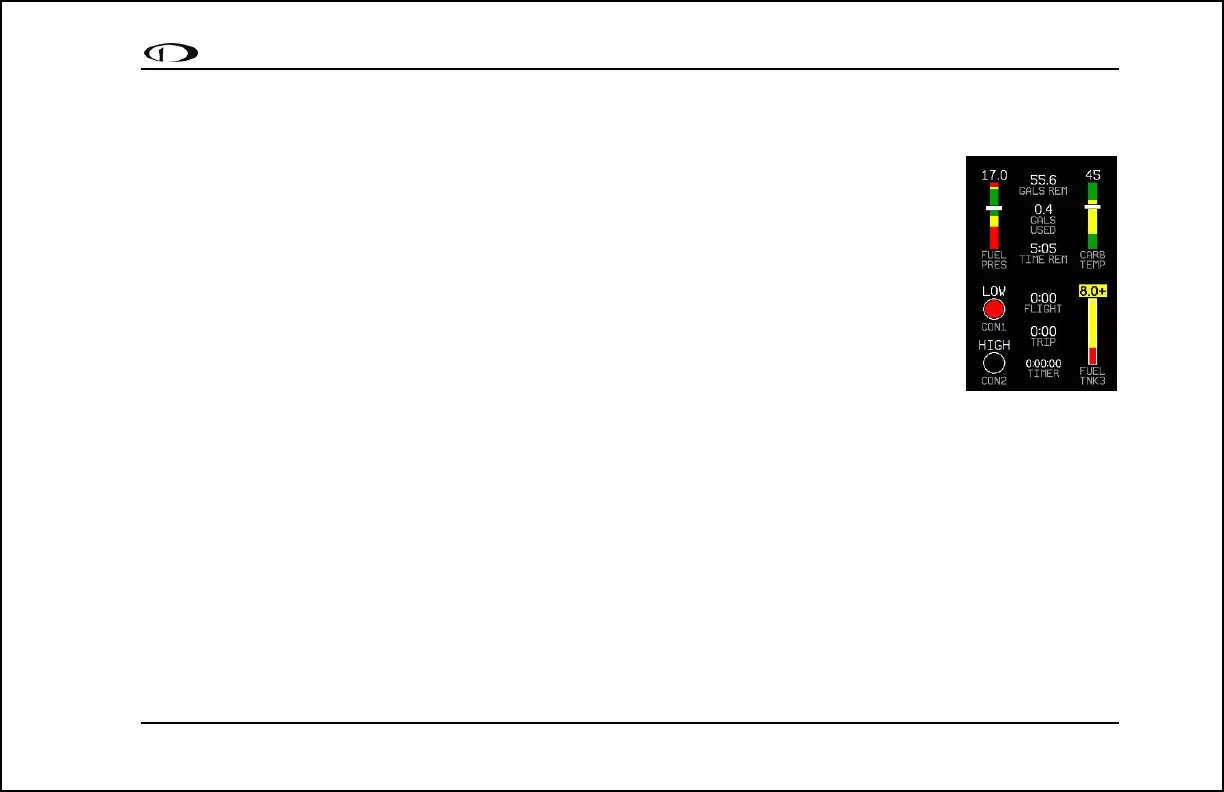
EMS Auxiliary Page
Available in 1/3 format
This is a customizable page where you may display up to six different info items. You may choose
from any of the available info items. For more information on configuring this display (as well as
info items on the EMS Main Page), see the Global Configuration Settings section on page 10-5.
Some info items, when displayed on the Aux Page, have quick commands in the AUX menu. This
menu is populated with commands in the order that the items appear on screen (from top left to
bottom right). The commands are listed below.
Info item quick commands
• TIMERS info item – TRPRST (resets the trip timer), TIMER (shortcut to the general purpose
timer menu)
• FUEL – FUEL (shortcut to the add fuel menu)



 To Next Page